
Anti-Malware & Virus Removal in Brisbane
Pop ups, slow performance, or suspicious activity? Malware infections can spread quietly and damage your system fast.
We remove malware properly, then set up Emsisoft Anti Malware for ongoing protection. This helps prevent repeat infections and keeps your system stable.

Signs Your Computer May Be Infected
Malware does not always announce itself clearly. These are the common warning signs users notice before things get worse.
Constant popups and ads
Unexpected ads or popups appearing on your screen often point to adware or malicious software. These programs run in the background and interrupt normal browsing.
Computer running slow
A sudden drop in speed can mean hidden processes are using system resources. Malware often causes slow performance even on otherwise healthy systems.
Programs opening on their own
Applications or browser tabs launching without input can indicate unwanted software activity. This behaviour is common with spyware or browser hijackers.
Security warnings or fake alerts
Fake virus alerts are designed to scare you into clicking harmful links or downloads. These messages often install more malware instead of fixing anything.
Emails acting suspicious
Messages sent without your knowledge may mean your system or accounts are compromised. Malware can access saved credentials and misuse them quietly.
System crashes or freezing
Frequent freezing or crashing can be caused by malicious processes interfering with system stability. This usually gets worse over time if not addressed.
How Malware Gets Into Your System
Infections rarely happen by accident. Most come from common everyday actions.

Malware often enters through unsafe downloads, fake updates, or email attachments. For example, a simple file can install hidden software that affects performance or security. In many cases, these infections later show up as slow performance.
In addition, outdated systems increase risk. If Windows is not maintained properly, vulnerabilities are easier to exploit. If your system is already unstable, you may need a full system repair.
Another common issue is weak or outdated protection. Basic antivirus tools often miss newer threats, which is why proper removal combined with stronger protection like Emsisoft is necessary.
Safe Steps You Can Take First
These steps can reduce damage. However, they rarely solve the full problem.
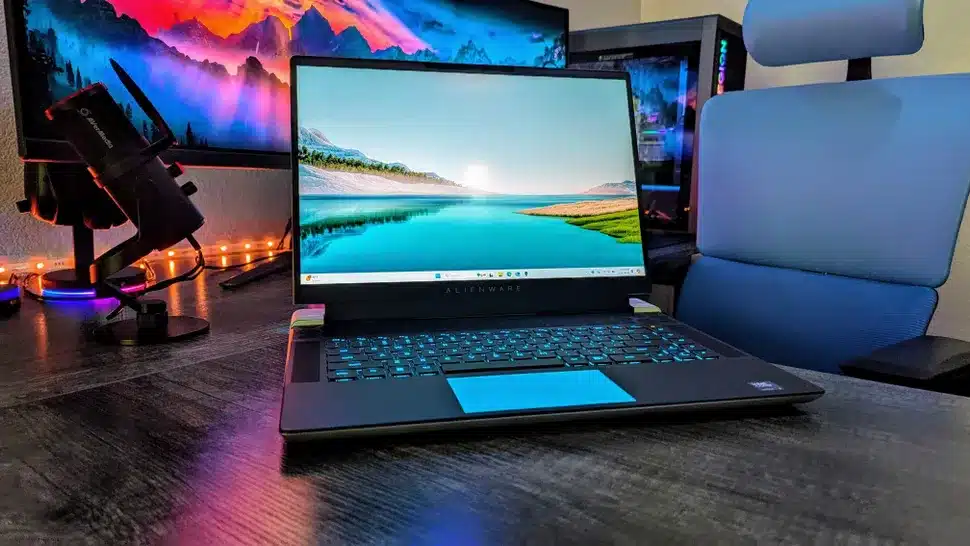
First, disconnect from the internet if you suspect active malware. This limits further access and stops data transfer.
Next, avoid installing random cleanup tools online. Many fake tools actually install more malware instead of removing it. If the system is already unstable or behaving strangely, proper diagnosis is safer.
You can also run a basic antivirus scan if it still works. However, if your system is overheating or constantly struggling, there may be deeper issues involved.
If these steps do not improve performance or stability, professional cleanup is the next step.
When Malware Removal Becomes Necessary
If these situations sound familiar, it is time to stop guessing and fix the problem properly.
System still slow after scans
Your computer remains slow even after running antivirus tools. This usually means hidden malware is still active.
Security software not working
Antivirus fails to update, crashes, or turns off by itself. This often indicates the system is already compromised.
Accounts or emails affected
Strange emails are sent or passwords stop working. This can mean malware is capturing login details or access data.
Pop ups and redirects continue
Ads and browser redirects keep appearing after cleanup attempts. This suggests deeper infection beyond basic tools.
Professional Malware Removal Process
We focus on complete cleanup and long term stability, not quick fixes.
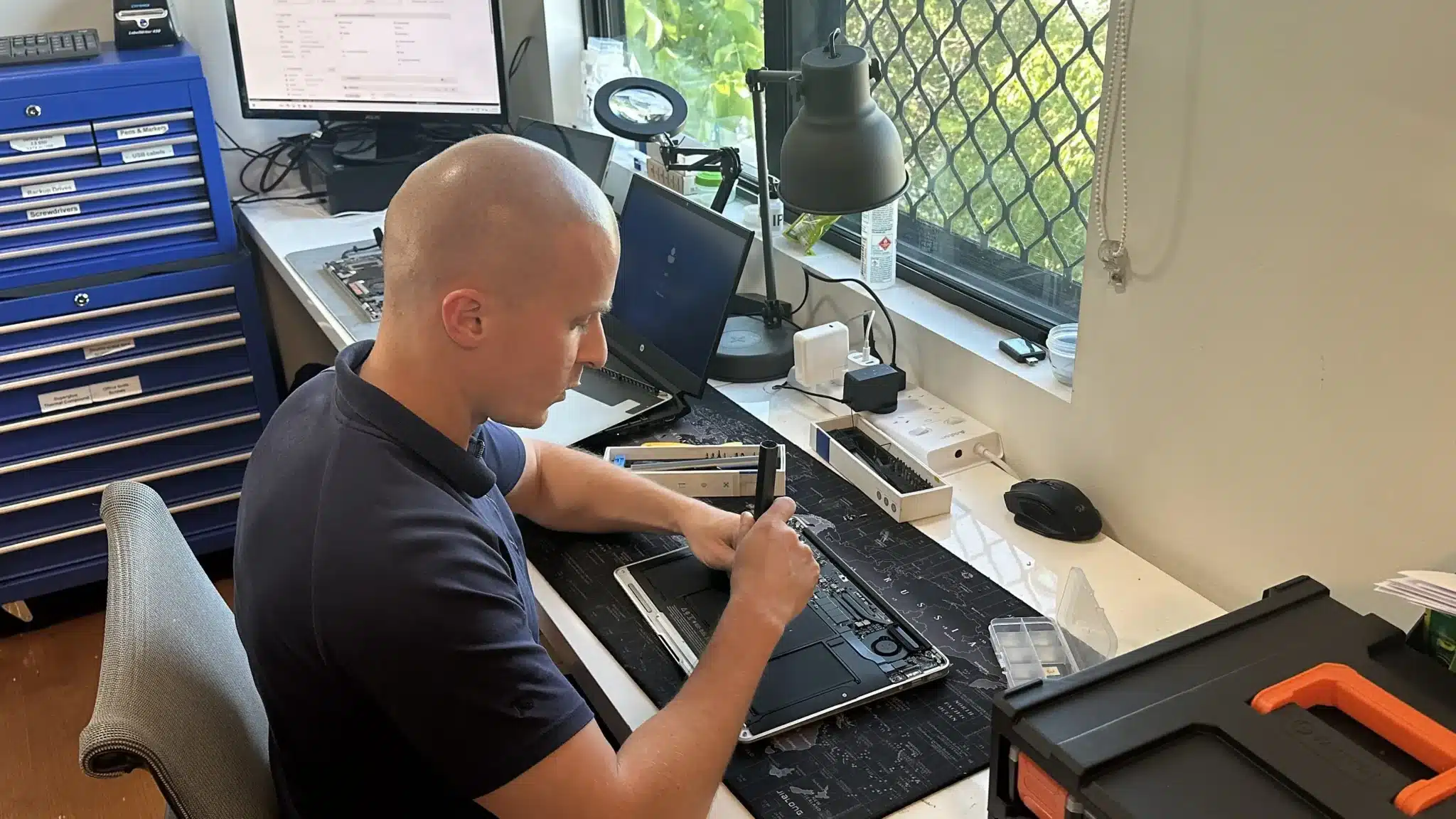
We start with a full system diagnosis to identify all threats. This ensures malware, system issues, and related faults are all detected correctly. If deeper faults are found, we address them through proper repair work:
Next, we remove malware using professional tools and manual checks. We also repair system damage caused by infections, including Windows issues if needed.
Finally, we install and configure Emsisoft Anti Malware for ongoing protection. If needed, we also recommend backup solutions to protect your data moving forward.
Why Choose Fix My Laptop
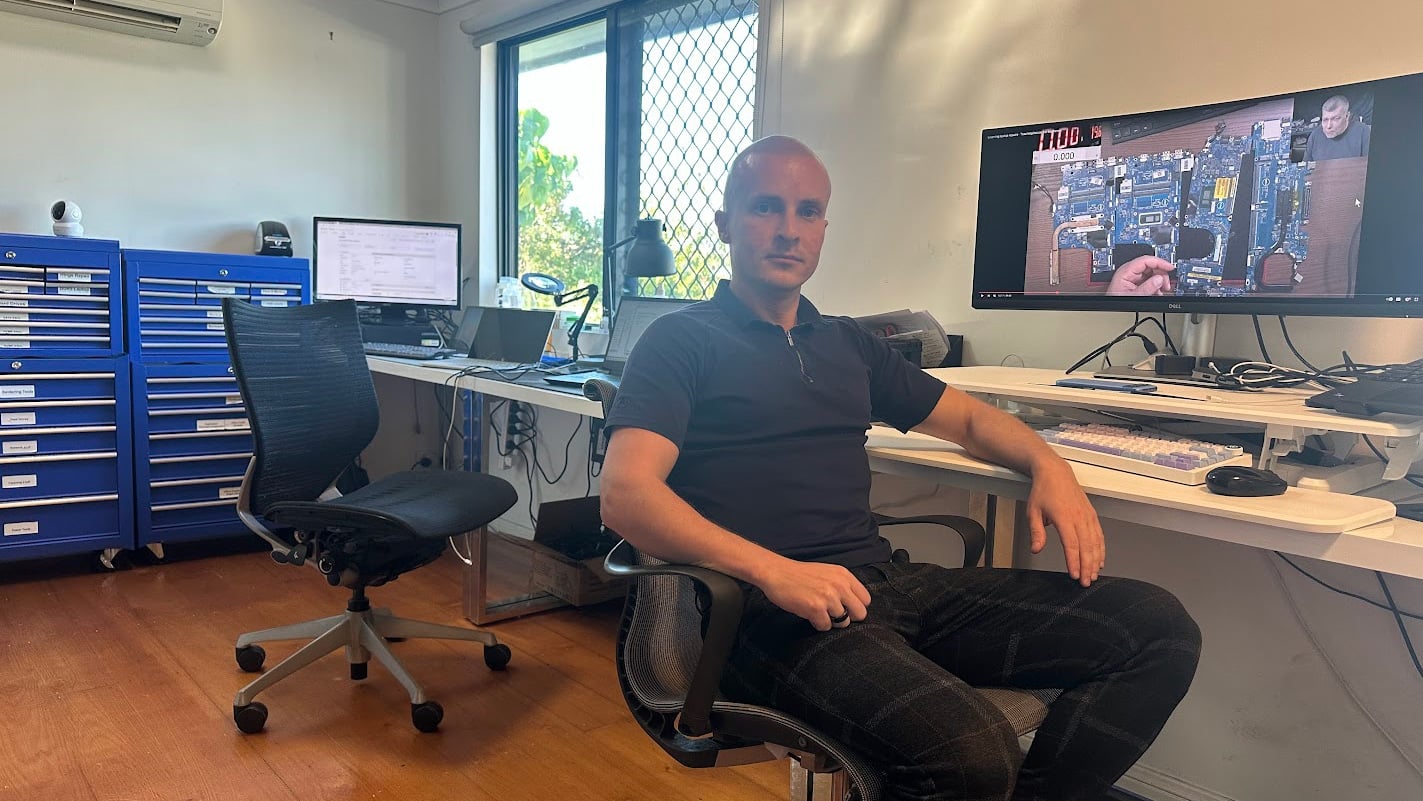
Computer issues are often misdiagnosed or overcomplicated. We identify the exact problem first, then apply the correct fix so you avoid repeat issues.

Ways To Get Your Computer Fixed
Choose the option that fits your situation. All options follow the same proper diagnosis process.
Workshop Visit
Bring your device to our Clayfield workshop for full malware testing and cleanup. This allows deeper inspection and ensures all threats are properly removed.
On-site Service
We visit your home or office to remove malware and secure your system. This is ideal for business setups or when multiple devices need attention.
Remote Support
If your system is still accessible, we can run checks and configure protection remotely. This works well for early stage infections or software related issues.
Emergency
For urgent cases like compromised accounts or business downtime, we provide priority handling. This helps reduce risk quickly and restores system access without delays.
Related Computer Services
Overheating often connects to other faults that may also need attention.

Computer Virus Removal
Viruses and malware often overlap in behaviour and impact. Proper removal ensures your system is fully clean.
Windows & Software Issues
System corruption can occur after infections or failed updates. Repairing Windows restores stability and performance.

IT Support & Solutions
Ongoing support helps prevent future issues and keeps systems secure. This is useful for both home and business users.

Data Backup Solutions
Backup protects your files from malware and system failures. It ensures you can recover quickly if issues happen again.
Computer Virus Removal Brisbane Northside
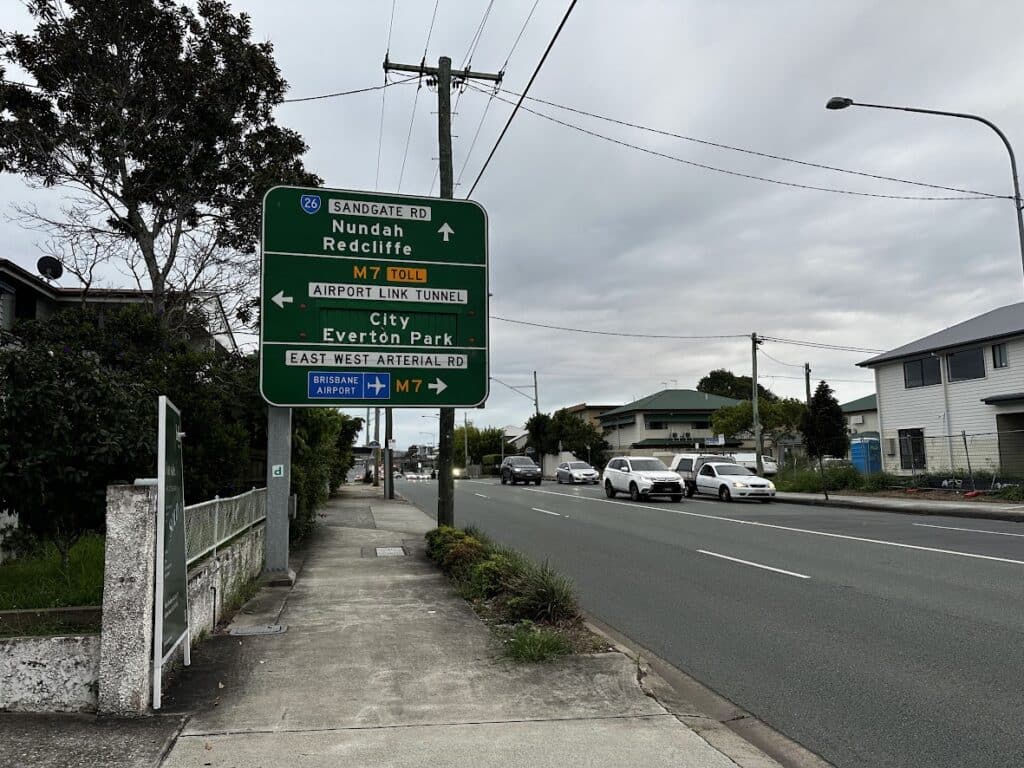
We provide malware removal and Emsisoft Anti Malware setup across Brisbane Northside, including Clayfield, Ascot, Hendra, Albion, Nundah, Kedron, Chermside, Wooloowin, and Hamilton. You can visit our workshop or arrange on site service depending on your needs.
Visit Us Today: 2/890 Sandgate Road, Clayfield, QLD 4011
Open Monday to Saturday. See our updated hours on Google Maps before visiting.
Frequently Asked Questions

Is Emsisoft better than free antivirus?
It provides stronger detection and fewer false positives compared to many free tools.
Will I lose my files?
We aim to keep data safe during removal. Backup is recommended before major work.
How long does malware removal take?
Most jobs are completed within one to two days depending on severity.
Can malware come back?
Yes, if protection is not set up properly. That is why we configure ongoing security.