
Cloud Data Backup Setup in Brisbane
Secure your files automatically with cloud backups that run in the background.
Cloud backup protects your data from device failure, loss, or damage. However, it must be set up correctly to work reliably. At Fix My Laptop, we configure cloud backup systems for laptops, desktops, and MacBooks. As a result, your files stay safe, updated, and accessible when needed.

When Cloud Backup Makes Sense
Situations where cloud backup provides reliable protection.
No Protection Against Device Failure
Your files exist only on one device without backup. We set up cloud protection so your data remains safe even if the device fails.
Need Access Across Multiple Devices
You use multiple devices and need file access anywhere. We configure cloud backups that sync data securely across your systems.
Risk of Theft or Physical Damage
Devices can be lost, stolen, or damaged unexpectedly. Cloud backups ensure your files remain safe and recoverable off site.
Manual Backup Is Not Reliable
You rely on manual backups that are often forgotten. We set up automated cloud systems that run consistently without user intervention.
Is Cloud Backup Right for You
Not every setup benefits from the same cloud solution.
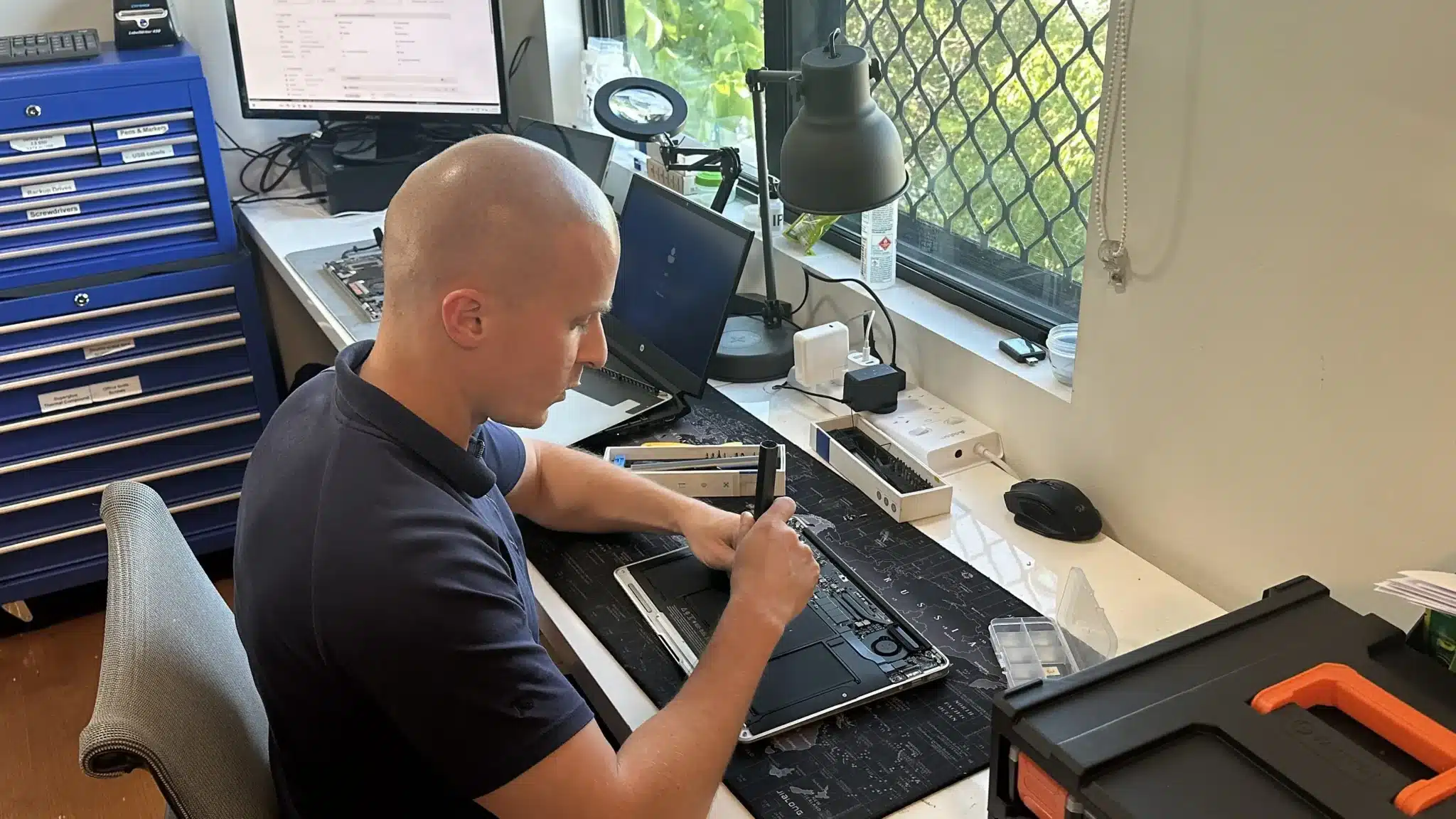
Cloud backup depends on internet speed, storage needs, and how your data is used. First, we assess how often your files change and how much data needs protection. Then, we evaluate whether cloud, local, or hybrid backup is more suitable.
Some users benefit from simple cloud syncing. Others require structured backup systems with version control and recovery options. Because of this, using the wrong setup can leave gaps or slow performance.
Professional Cloud Backup Setup
Reliable cloud systems configured for performance and security.

We set up cloud backup solutions using trusted platforms that match your device and workflow. This includes automatic backups, file syncing, and secure storage configuration.
In addition, we optimise settings to prevent unnecessary data usage and avoid syncing issues. Your files update regularly without affecting system performance.
Why Choose Fix My Laptop
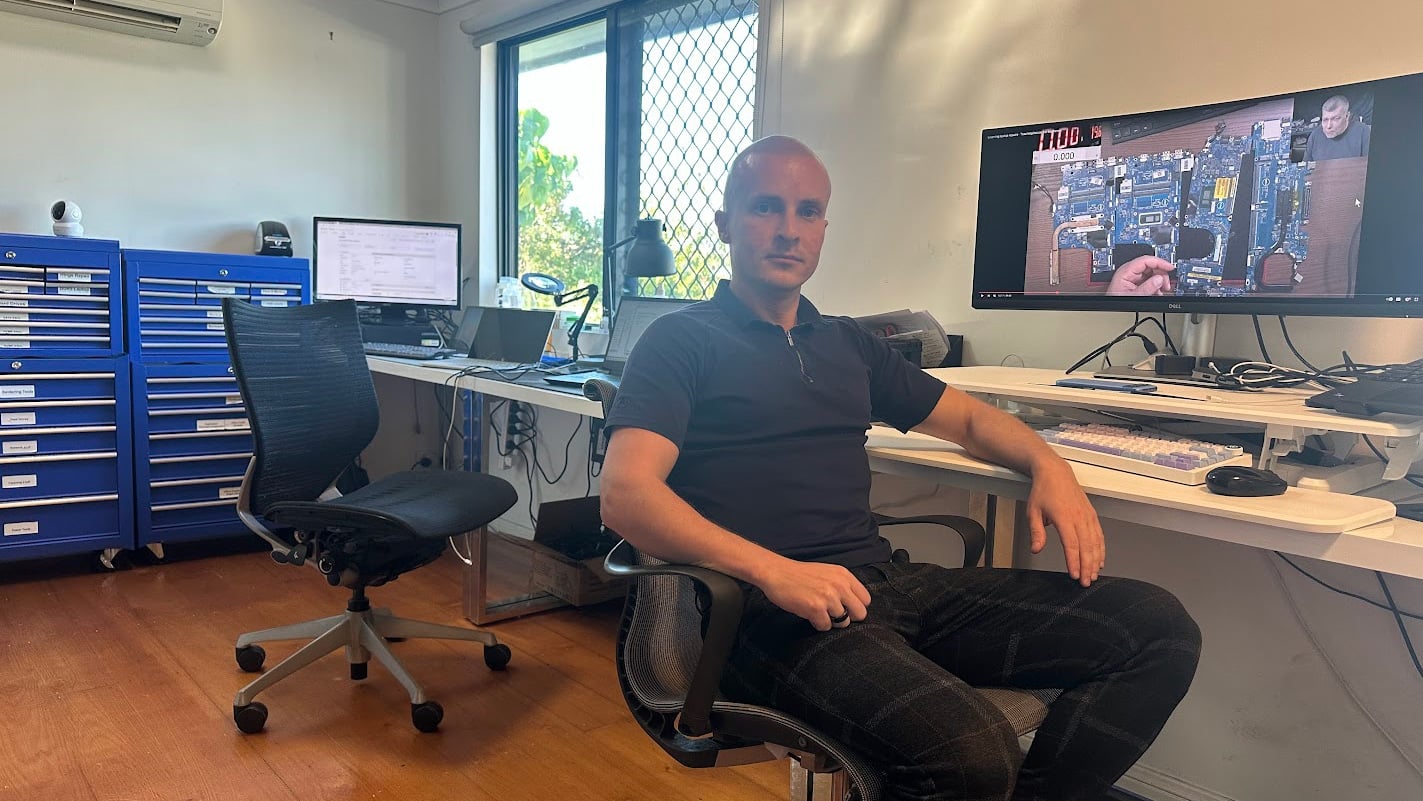
Cloud backups often fail due to poor setup or incorrect expectations. Many users assume syncing means full backup, which is not always true. We configure systems properly so your data is protected, recoverable, and easy to manage.
Flexible Setup Options
Choose how your cloud backup system is configured.
Workshop Setup
Bring your device in for full cloud backup setup. We configure accounts, optimise settings, and test recovery. Best for complete setup and long term reliability.
On-site Setup
We configure backups at your home or office environment. Ideal for multiple devices or shared networks. Ensures everything works together without sync or access issues.
Remote Setup
We set up cloud backups remotely where possible. Suitable for account setup, syncing, and configuration adjustments. Quick and efficient without needing a visit.
Priority Setup
Urgent setups are handled faster when required. We prioritise configuration and testing to secure your data quickly. Ideal when your system has no backup or at risk.
Cloud Backup Setup Costs
Pricing depends on storage size, setup complexity, and configuration requirements.
Cloud backup setup costs vary based on how much data you need to protect and how the system is structured. Simple setups are quicker, while advanced configurations take more time.
Because every setup is different, we assess your needs before confirming pricing. This ensures you only pay for what is necessary and useful.
Bring your device in or contact us for an exact quote after assessment.
Typical Price Range
$150+
Simple 3 Step Setup Process
Clear steps to protect your data using cloud systems.
STEP 1
Visit Us
Bring your device in or arrange a session. We review your data and determine the best cloud backup approach.
STEP 2
Configuration
We set up accounts, configure backups, and optimise settings. This ensures automatic and reliable data protection.
STEP 3
Verification
We test backups and confirm recovery works correctly. Your files remain accessible and protected at all times.
Related Services and Support
Additional services that improve data protection and system reliability.

Data Backup Solutions
Set up structured backup systems beyond cloud syncing. Ideal for users who need layered protection and reliable recovery options.

Data Recovery Services
Recover files from failed or damaged storage devices. Useful if data loss has already occurred before backup was configured.
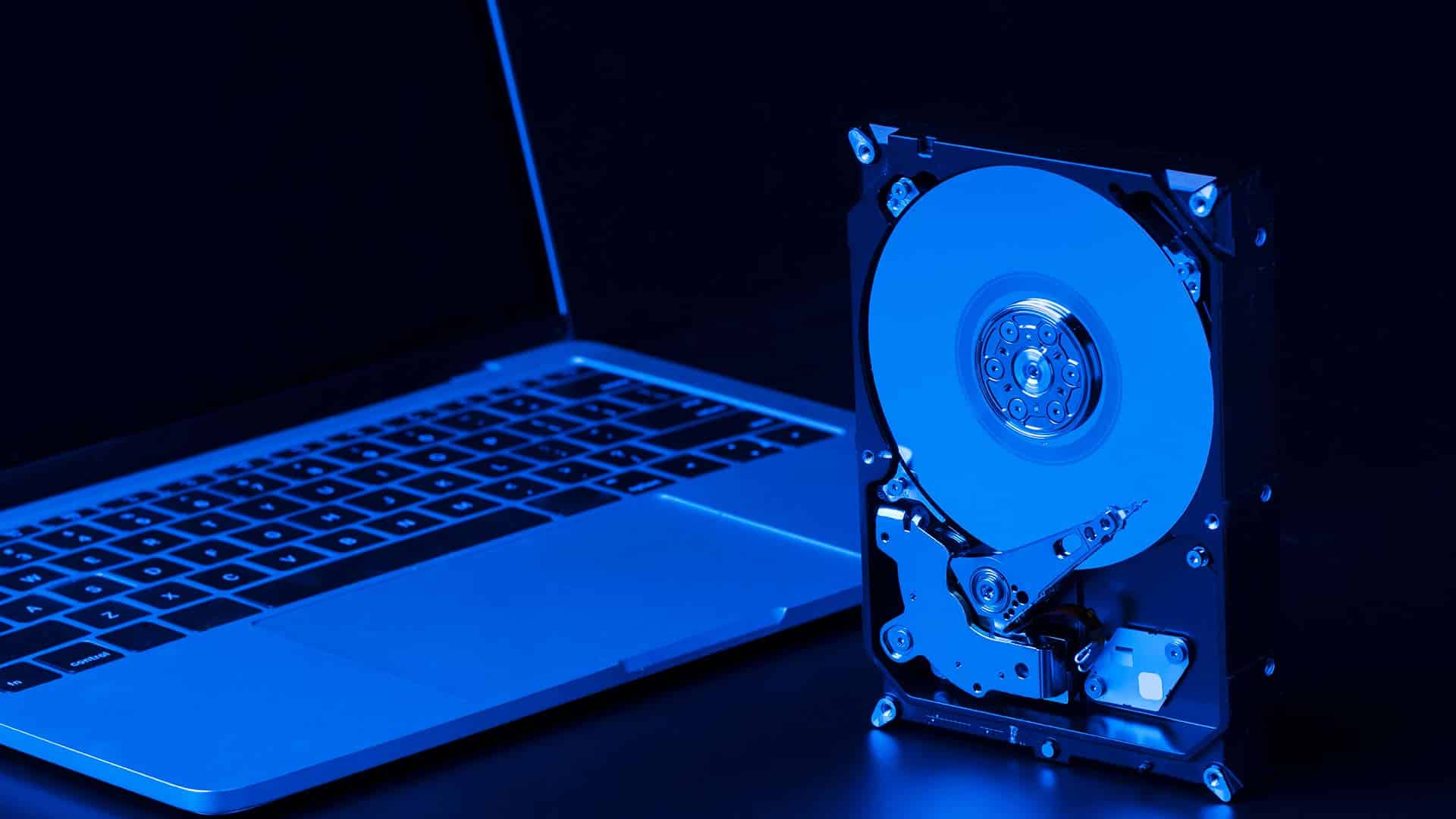
SSD Upgrade or Replacement
Improve storage performance and reduce failure risks. Faster drives also support more efficient backup and syncing processes.

Laptop Repair Services
Fix system issues that may interrupt backups or cause data loss. Ensures your device remains stable after setup.
Cloud Backup Setup in Brisbane Northside
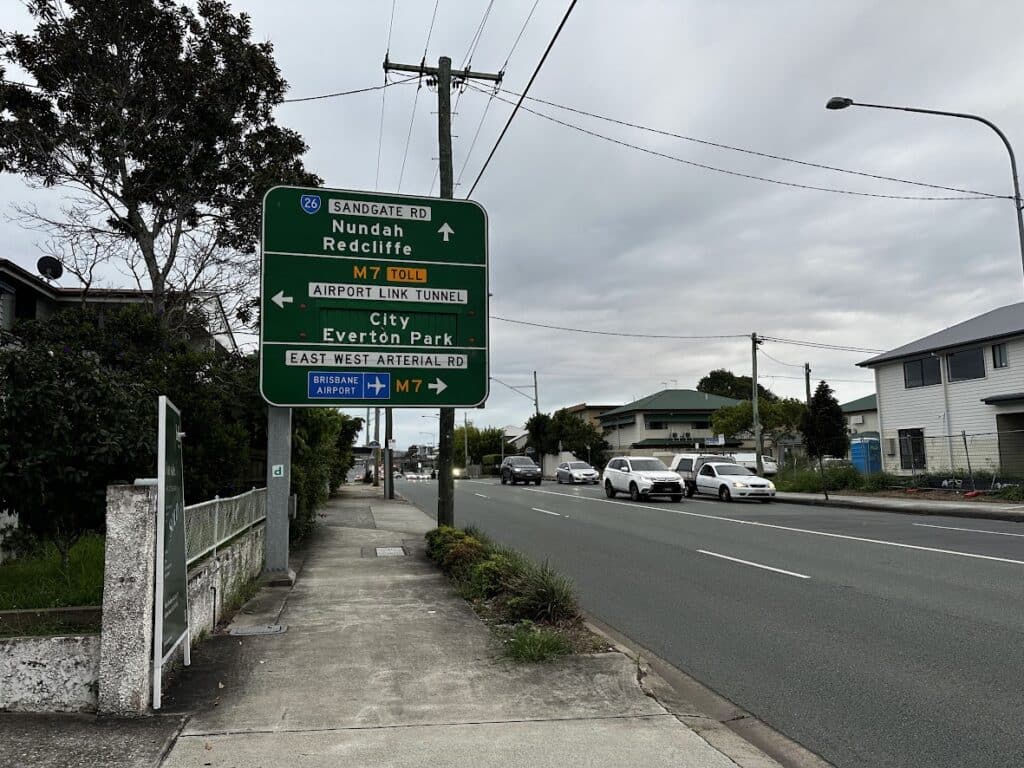
We provide cloud backup setup services across Brisbane Northside, including Clayfield, Ascot, Hendra, Albion, Nundah, Kedron, Chermside, Wooloowin, Hamilton and nearby areas. Because we are local, support is fast and accessible when needed.
Visit Us Today: 2/890 Sandgate Road, Clayfield, QLD 4011
Open Monday to Saturday. See our updated hours on Google Maps before visiting.
Frequently Asked Questions
