
Microsoft 365 Setup and Support in Brisbane
Email issues, sync problems, or messy user accounts? We set up and fix Microsoft 365 properly without guesswork.
Microsoft 365 should work seamlessly across your devices. However, poor setup often leads to sync errors, login issues, and security risks. At Fix My Laptop, we configure and support Microsoft 365 for laptops, desktops, and MacBooks. As a result, your email, files, and users stay organised, secure, and reliable.
When Microsoft 365 Setup or Support Makes Sense
Common situations where proper setup and support saves time and avoids costly mistakes.
Email Not Syncing Across Devices
Emails may not appear correctly across Outlook, phones, or web apps. We fix sync issues and ensure consistent access on all devices.
New Business Setup or Migration
Setting up Microsoft 365 from scratch or moving from another provider can be confusing. We configure accounts, domains, and services properly.
User and Permission Issues
Incorrect permissions can block access or expose data. We organise users, roles, and access so everything works as expected.
Security and Spam Concerns
Weak configurations increase spam and security risks. We apply proper policies to protect accounts and reduce unwanted emails.
Proper Diagnosis Before Any Changes
We identify the exact cause before making changes to your Microsoft 365 environment.
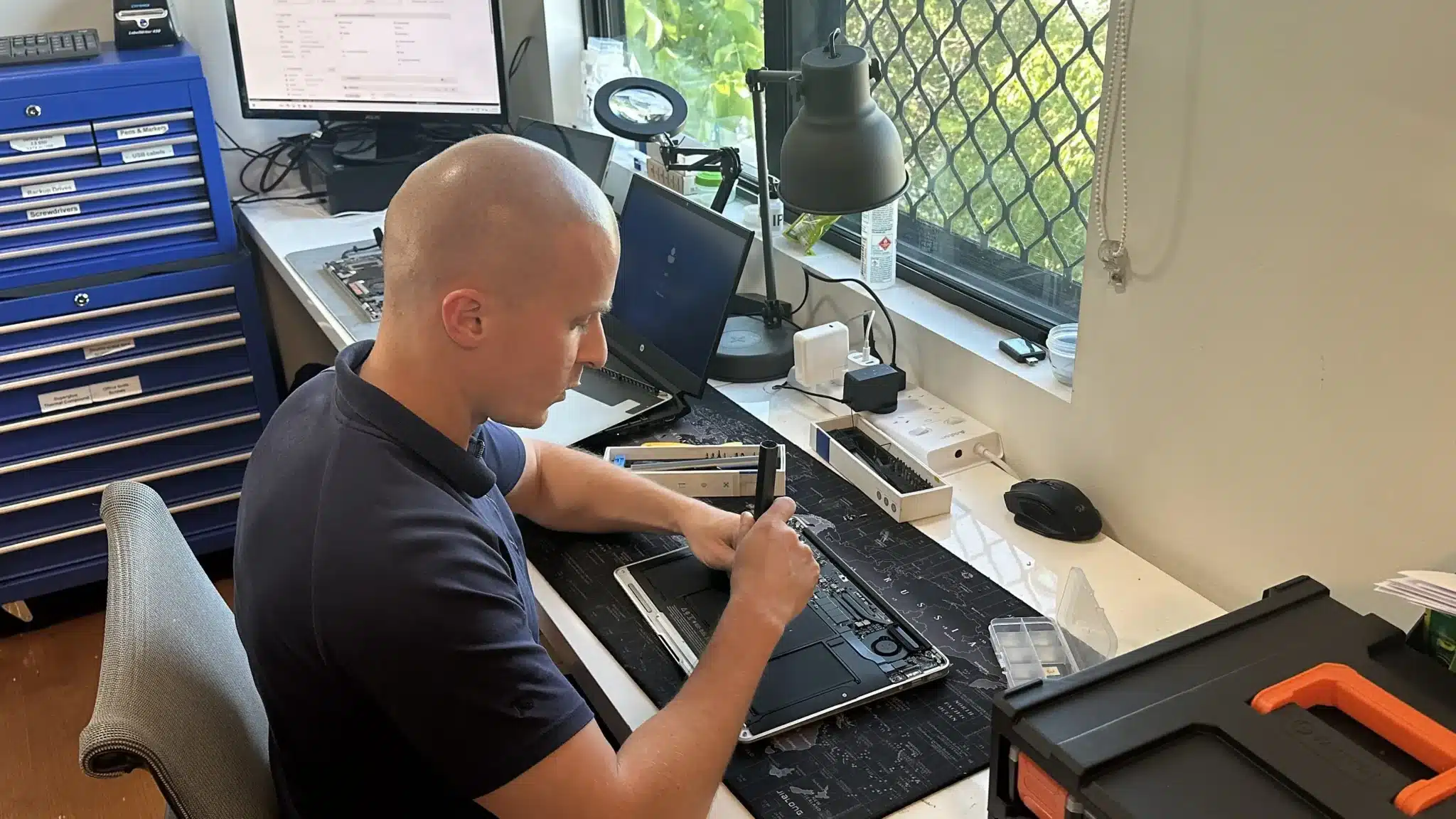
Microsoft 365 issues are often caused by incorrect setup rather than system faults. Therefore, we review your current configuration before making any changes.
We check account structure, licensing, domain setup, and sync behaviour. In addition, we assess security settings and device connections.
Once we identify the cause, we explain the issue clearly. This way, you understand what needs to be fixed and why it matters.
Microsoft 365 Setup and Support
Complete setup and support tailored for reliable day to day use.
Microsoft 365 often causes issues when it is set up incorrectly. We configure accounts, domains, and services across laptops, desktops, and MacBooks so everything works as expected. This ensures reliable email, proper sync, and clear user access from the start.
We also fix existing problems such as login errors, sync issues, and permission conflicts. Each setup is tested across devices to confirm stability, so your system remains consistent and easy to manage.
Microsoft 365 Pros and Considerations
Understand what Microsoft 365 does well and where it may not suit every setup.
Pros
- Access Anywhere – Work across laptop, desktop, and mobile with synced email, files, and calendars.
- Centralised Data and Collaboration – Files, emails, and users stay organised in one system, making teamwork easier.
- Scalable for Growth – Add or remove users as needed without rebuilding your system.
- Built In Security Features – Includes spam filtering, MFA, and account protection when configured properly.
Cons
- Requires Stable Internet – Cloud services depend on reliable connectivity for full functionality.
- Ongoing Subscription Costs – Microsoft 365 runs on monthly or yearly billing rather than one time purchase.
- Setup Matters More Than Software – Most issues come from poor configuration, not the platform itself.
- Can Be Overkill for Simple Use – Some users only need basic email but get overwhelmed by unused features.
Why Choose Fix My Laptop
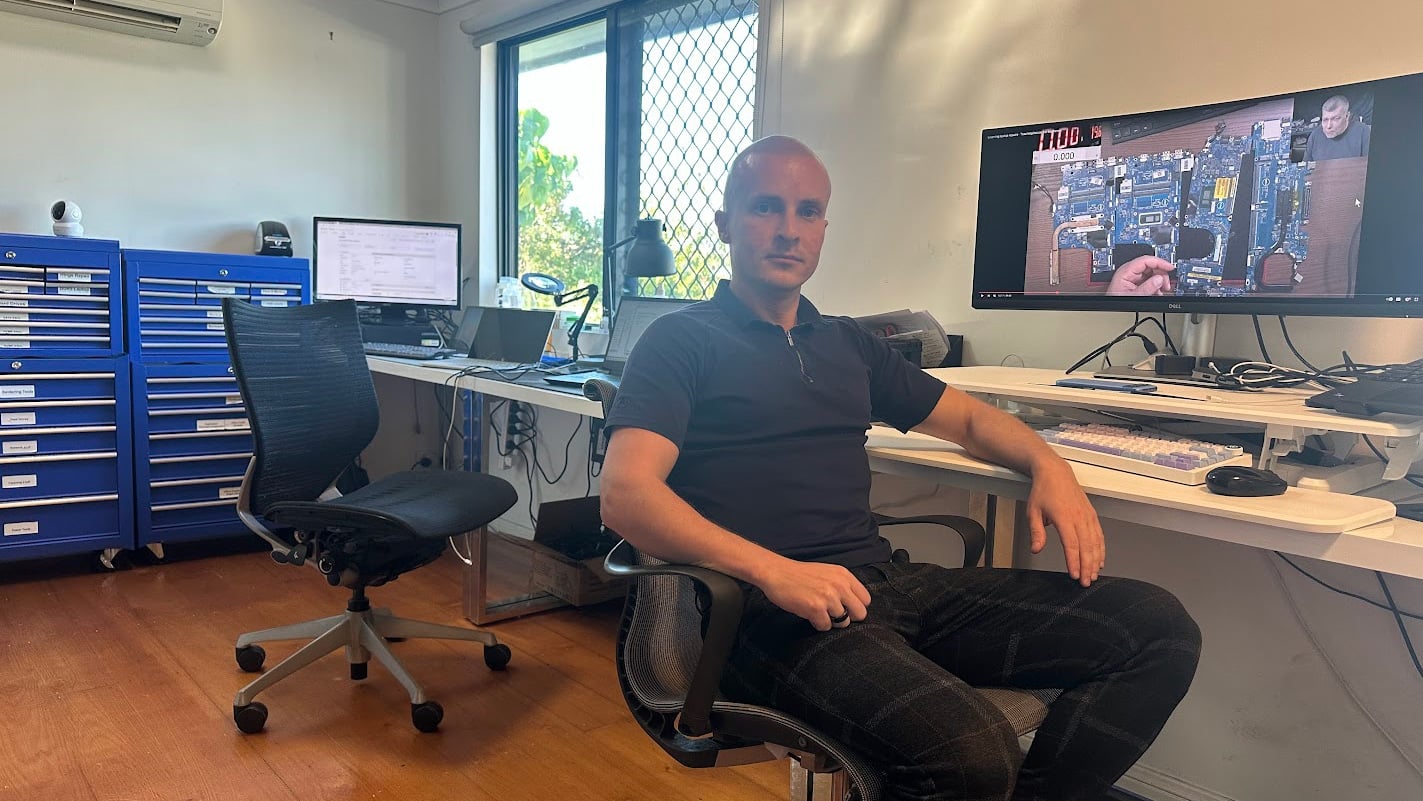
Microsoft 365 can become complex quickly. However, most problems come down to poor setup or unclear structure. We focus on getting it right from the start and keeping it simple.

Flexible Microsoft 365 Support Options
Choose how you want your Microsoft 365 setup handled based on your situation.
Workshop Setup
Bring your device to our workshop for complete Microsoft 365 setup and troubleshooting. We configure accounts, fix sync issues, and test everything so your email and files work reliably across all devices.
On-Site Setup
We visit your home or office to set up Microsoft 365 across multiple devices. This is ideal when users, networks, and shared access need to be configured correctly from the beginning.
Remote Setup
Many Microsoft 365 issues can be resolved remotely without a visit. We securely access your system to fix email, sync, and account problems while keeping your setup stable and consistent.
Priority Setup
For urgent issues such as email downtime or login problems, we prioritise fast resolution. This helps restore access quickly and reduces disruption to your work or business operations.
Microsoft 365 Setup and Support Cost
Pricing depends on setup complexity, number of users, and configuration requirements.
Pricing depends on setup complexity, number of users, and existing configuration. Simple setups are quicker, while business environments require more planning.
Because every setup is different, we assess your current system before confirming costs. This ensures accurate pricing and avoids unnecessary work.
Bring your device in or contact us for an exact quote after diagnosis.
Typical Price Range
$150+
Setup cost typically starts from $150 and covers configuration only. Microsoft 365 subscription plans are separate and billed directly by Microsoft.
Simple Microsoft 365 Setup Process
A simple process from drop off to working device.
STEP 1
Visit or Contact Us
Bring your device in or contact us to discuss your setup or issue. We review your current situation and requirements.
STEP 2
Diagnostic & Configure
We identify issues or gaps, then set up accounts, email, and services correctly. Everything is tested across your devices.
STEP 3
Ready to Use
Your Microsoft 365 environment is ready with proper access, sync, and security. You can work without ongoing issues or confusion.
Related Services and Support
Additional services that improve stability, security, and performance alongside Microsoft 365.

Computer Troubleshooting
Fix underlying system issues that affect Microsoft 365 performance. Ensures stable operation across your devices.

Data Backup Solutions
Protect important files alongside Microsoft 365 using structured backup systems. Reduces risk of data loss and recovery issues.

Cloud Backup Setup
Extend Microsoft 365 with secure cloud backups. Adds redundancy and improves access across multiple devices.

Business IT Support
Ongoing support for systems, users, and cloud services. Ideal for businesses that need consistent and reliable IT management.
Microsoft 365 Support in Brisbane Northside

We provide Microsoft 365 setup and support from our Clayfield workshop. We also service surrounding areas including Ascot, Hendra, Albion, Nundah, Kedron, Chermside, Wooloowin, and Hamilton. Whether you need a simple email setup or full business configuration, we provide practical and reliable solutions.
Visit Us Today: 2/890 Sandgate Road, Clayfield, QLD 4011
Open Monday to Saturday. See our updated hours on Google Maps before visiting.
Frequently Asked Questions
