
Data Backup Solutions in Brisbane
Protect your files before something goes wrong. We set up reliable backups for computers and devices.
Data loss can happen from hardware failure, system errors, or simple mistakes. However, proper backups prevent permanent loss. At Fix My Laptop, we set up backup solutions that match your device and usage. As a result, your files stay safe and easy to recover when needed.

When You Need a Backup Solution
Common situations where data protection becomes necessary.
No Existing Backup Setup
Your files are stored only on one device without any backup. We set up a reliable system to protect your data from unexpected loss.
Frequent Work or File Changes
You regularly update files and need ongoing protection. We configure automatic backups so your latest data is always saved safely.
Upgrading or Replacing Devices
You are moving to a new device and want to keep your files. We back up and transfer your data without losing important information.
Business or Critical Data Use
Your data is important for work or operations. We set up structured backups that reduce risk and improve recovery reliability.
Understanding Your Backup Needs
The right setup depends on how your data is used and stored.
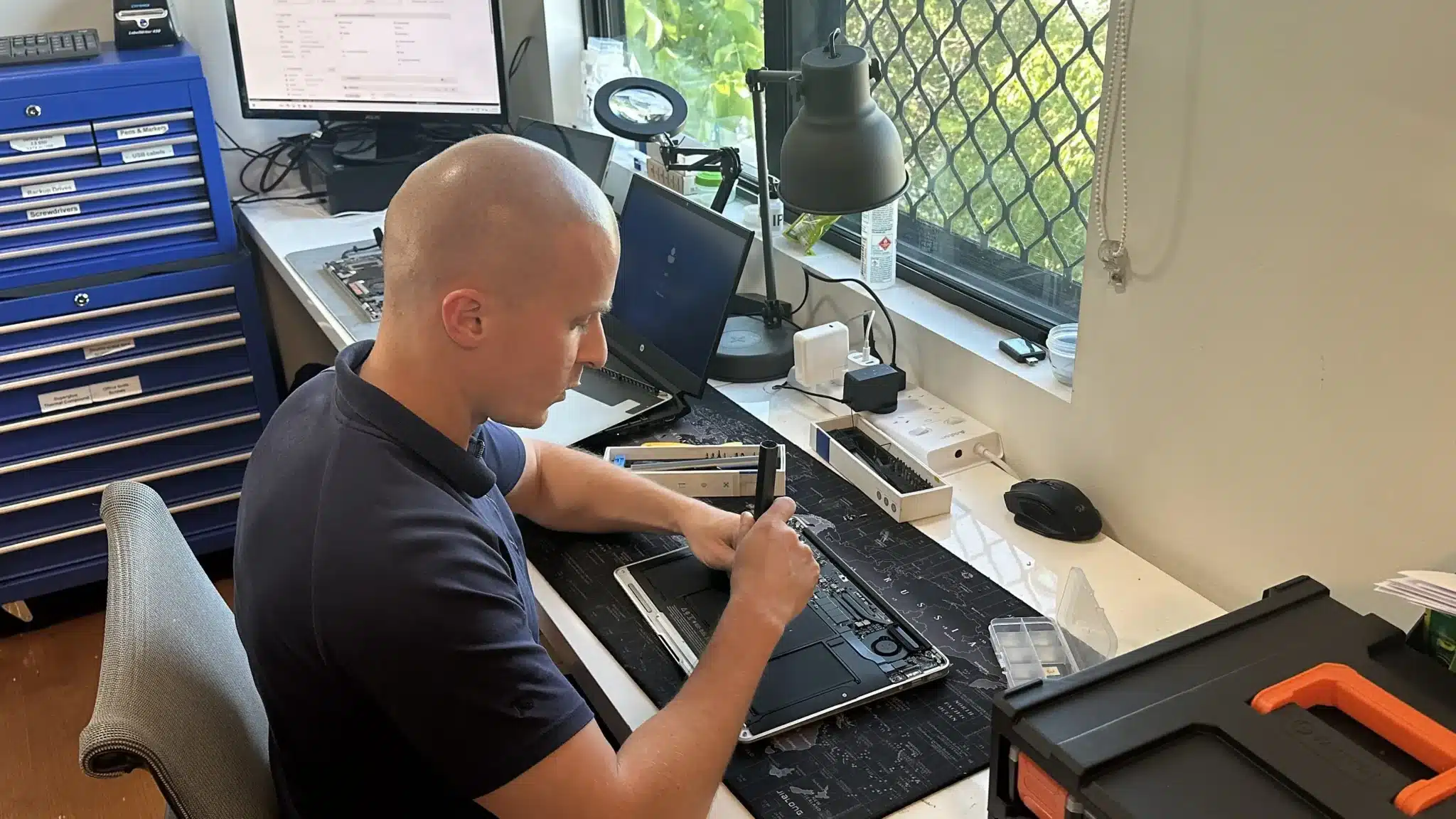
Not all backup solutions are the same. First, we check how your data is stored and how often it changes. Then, we identify the risks based on device type and usage.
Some users need simple backups for personal files. Others require structured systems with multiple backup layers. Because of this, using the wrong setup can leave gaps in protection.
Professional Data Backup Setup
Reliable backup systems designed for long term data protection.

We set up backup solutions for laptops, desktops, and external storage devices. This includes local backups, external drives, and cloud based options where suitable.
In addition, we configure automatic backups to reduce manual effort and avoid missed updates. Your data is backed up regularly without interrupting normal use.
Why Choose Fix My Laptop
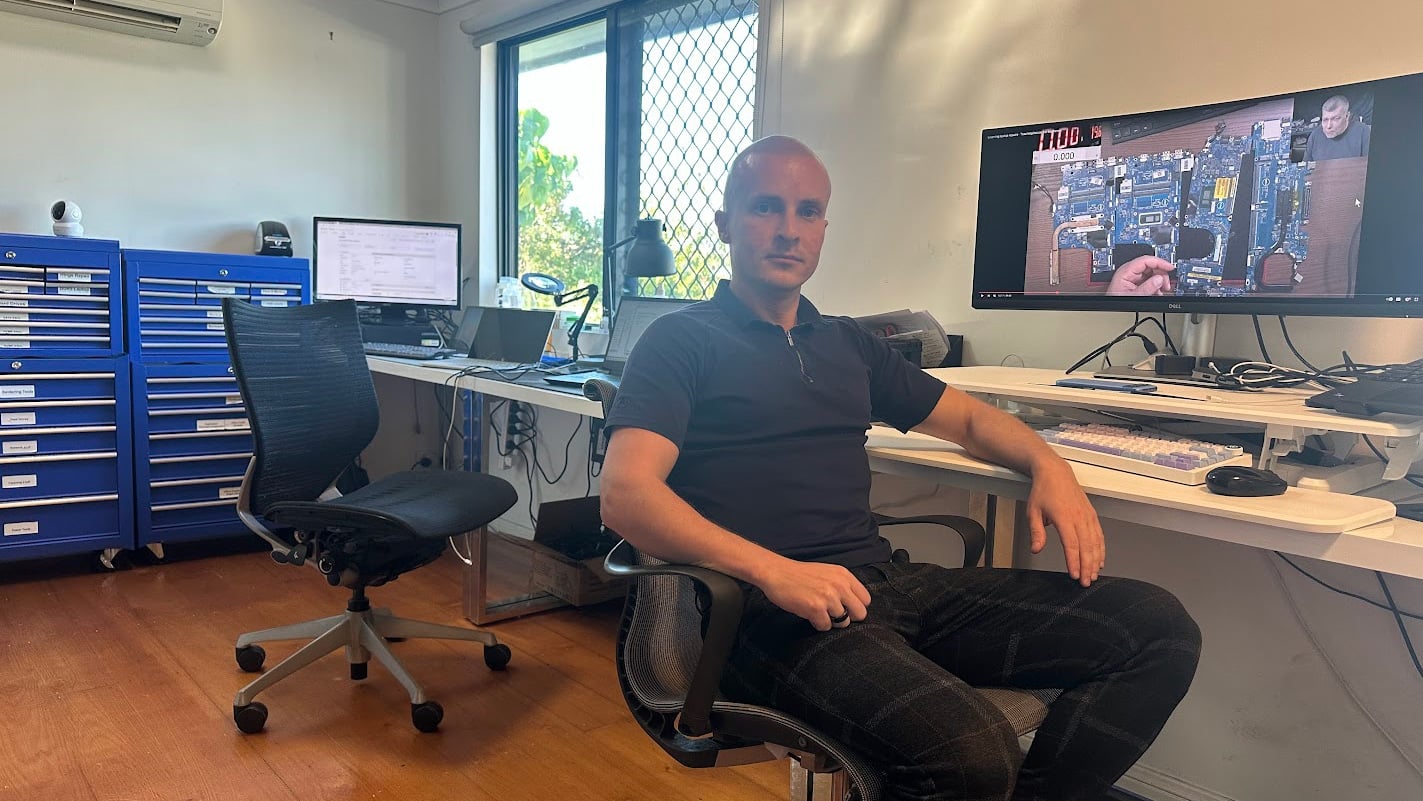
Backup systems should be simple, reliable, and easy to maintain. Many setups fail because they are too complex or not used properly. We focus on solutions that work consistently and match how you actually use your device.

Flexible Backup Setup Options
Choose how your backup system is installed and configured.
Workshop Setup
Bring your device to our workshop for full backup setup. Best for complete configurations and data organisation across devices.
On-site Setup
We set up backups at your home or office environment. Ideal for network storage, multiple devices, or business setups.
Remote Setup
We configure backup systems remotely where possible. Suitable for cloud backups and basic system configurations.
Priority Setup
Urgent setups are prioritised for faster completion when needed. Useful when your data is at immediate risk or time sensitive.
Data Backup Setup Costs
Pricing depends on setup type, storage method, and system complexity.
Backup setup costs vary based on the number of devices and the type of solution used. Simple setups are more affordable, while advanced systems require more configuration.
Because every setup is different, we assess your needs before confirming pricing. This ensures the solution fits your situation without unnecessary extras.
Bring your device in or contact us for an exact quote after assessment.
Typical Price Range
$150+
Simple 3 Step Setup Process
Clear steps to secure your data properly.
STEP 1
Visit Us
Bring your device to our workshop or arrange a visit. We assess your data and plan the most suitable backup solution.
STEP 2
Configuration
We install and configure the backup system based on your needs. This includes storage setup and automation where required.
STEP 3
Testing
We test the backup process and confirm everything is working. You can access your data easily and recover it when needed.
Related Services and Support
Additional services that improve protection and system reliability.

Data Recovery Services
Recover lost or inaccessible files from damaged or corrupted storage. Useful when data loss has already occurred before backup.
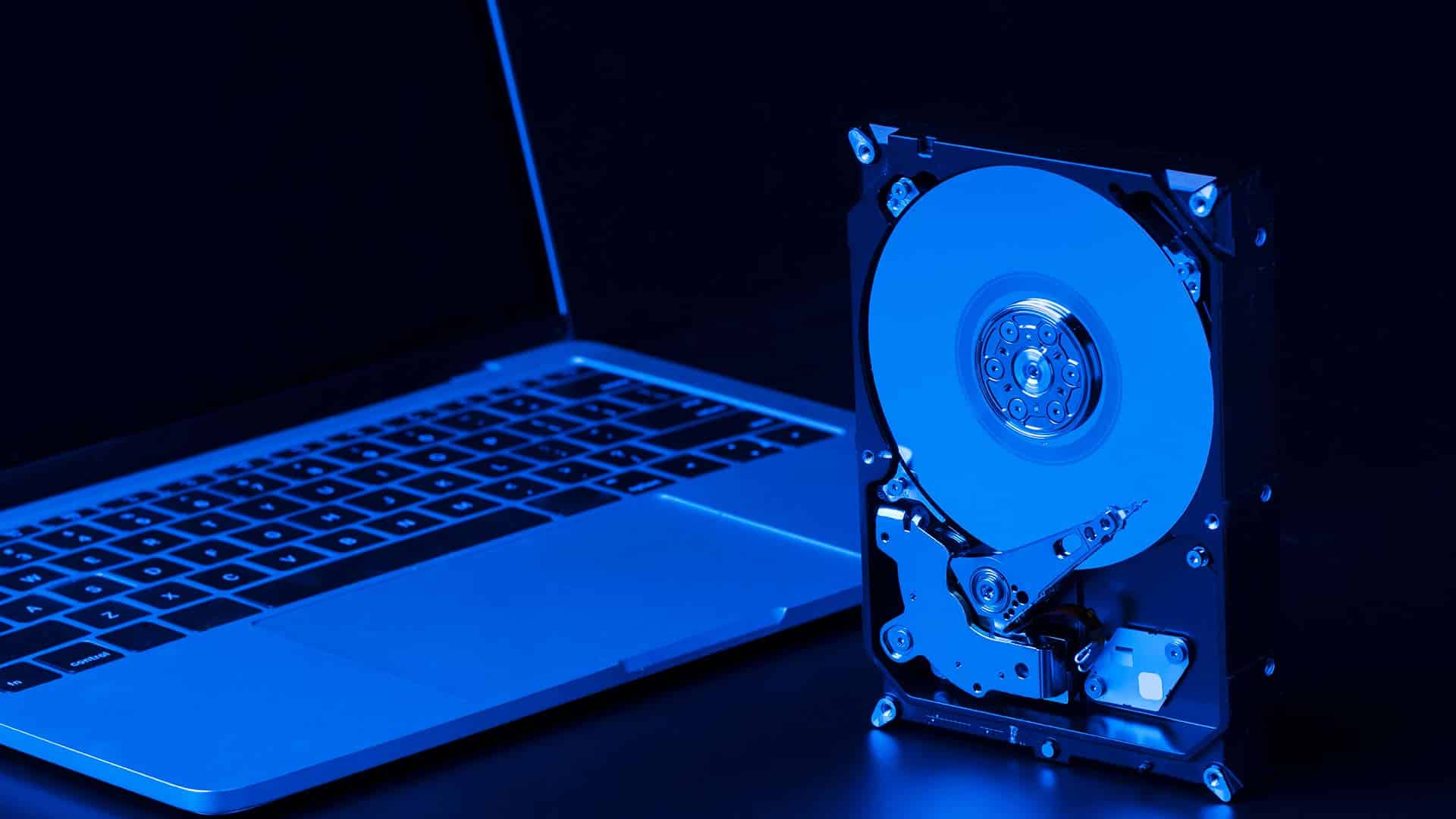
SSD Upgrade or Replacement
Improve storage reliability and reduce risk of failure. Faster drives also improve system performance and overall stability.

Laptop Repair Services
Fix hardware or system issues that may cause data loss. This helps stabilise your device after backup setup is complete.

WiFi and Network Setup
Improve network stability for cloud backups and syncing. Reliable connections ensure backups run consistently without interruption.
Data Backup Services in Brisbane Northside
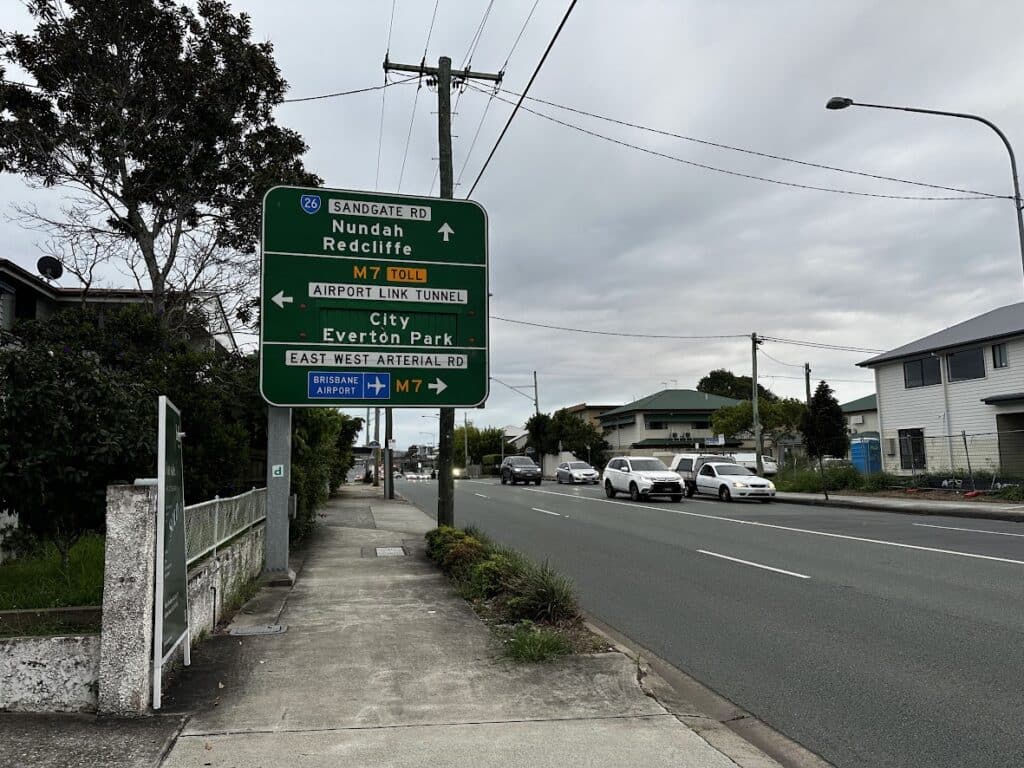
We provide data backup solutions across Brisbane Northside, including Clayfield, Ascot, Hendra, Albion, Nundah, Kedron, Chermside, Wooloowin, Hamilton, and nearby suburbs. Because we are local, you can access support quickly without delays.
Visit Us Today: 2/890 Sandgate Road, Clayfield, QLD 4011
Open Monday to Saturday. See our updated hours on Google Maps before visiting.
Frequently Asked Questions
