
Skip to content
Fix My Laptop Logo
Request a Quote Visit Workshop
Call Technician
  • Laptop RepairExpand
    • Screen Repair
    • Battery Replacement
    • Ports Repair
    • Keyboard Repair
    • Hinges Repair
    • Liquid Damage
  • MacBook RepairExpand
    • Screen Repair
    • Battery Replacement
  • Computer RepairExpand
    • Hardware Repair
    • Windows Issues
    • Virus Removal
  • Computers & AccessoriesExpand
    • Refurbished PCs
    • Chargers
    • Storage
  • UpgradesExpand
    • SSD Upgrade
    • RAM Upgrade
    • Wi-Fi Upgrade
  • Data & BackupExpand
    • Data Recovery
    • Backup Solutions
    • Cloud Backup
    • Data Transfer & Setup
  • IT SupportExpand
    • Microsoft 365
    • Business IT Support
    • On-Site IT Support
    • Remote IT Support
    • Emergency IT Support
  • Tech Tips
Fix My Laptop Logo
Visit Workshop
Call Technician

External Hard Drives and Storage Solutions in Brisbane

Need more space or a reliable backup? We supply external hard drives with clear advice and no unnecessary upsells.

Running out of storage slows everything down and increases the risk of data loss. However, choosing the right external drive depends on speed, capacity, and how you plan to use it. At Fix My Laptop, we help you select the right external hard drive for your needs, whether for backup, work, or everyday storage.

Visit Workshop
Call Technician
USB-and-Hard-Drive

When an External Drive Makes Sense

Different needs require different storage solutions.

Running Out of Storage

Your device fills up quickly with files, updates, and applications. An external drive provides extra space without replacing your computer.

Backup and Data Protection

Important files should not rely on a single device. External drives allow regular backups and reduce the risk of permanent data loss.

Work and File Transfers

Large files are difficult to share or move between devices. External storage makes transfers faster and more reliable.

Media and Personal Storage

Photos, videos, and archives take up significant space over time. External drives help organise and store data safely outside your main system.

Choosing the Right External Hard Drive

Capacity, speed, and compatibility all matter.

Computer accessories - hubs, docking stations, USB drives, WiFi and Bluetooth adapters

Not all external drives perform the same, even if they look similar. For example, traditional hard drives offer larger capacity at a lower cost, while SSD options provide faster speeds and better reliability.

In addition, connection type affects performance. USB-C and USB 3.0 drives offer faster transfer speeds compared to older connections, especially when moving large files.

External Storage Options We Offer

Reliable storage solutions matched to your needs.

Data backup - prevent data loss

We supply external hard drives and SSDs suitable for laptops, desktops, and Mac systems. Each device is selected based on compatibility, performance, and long term reliability.

We also help with setup, including formatting, partitioning, and backup configuration. As a result, your drive works properly from the start.

Visit Workshop
Call Technician

Why Choose Fix My Laptop for External Storage
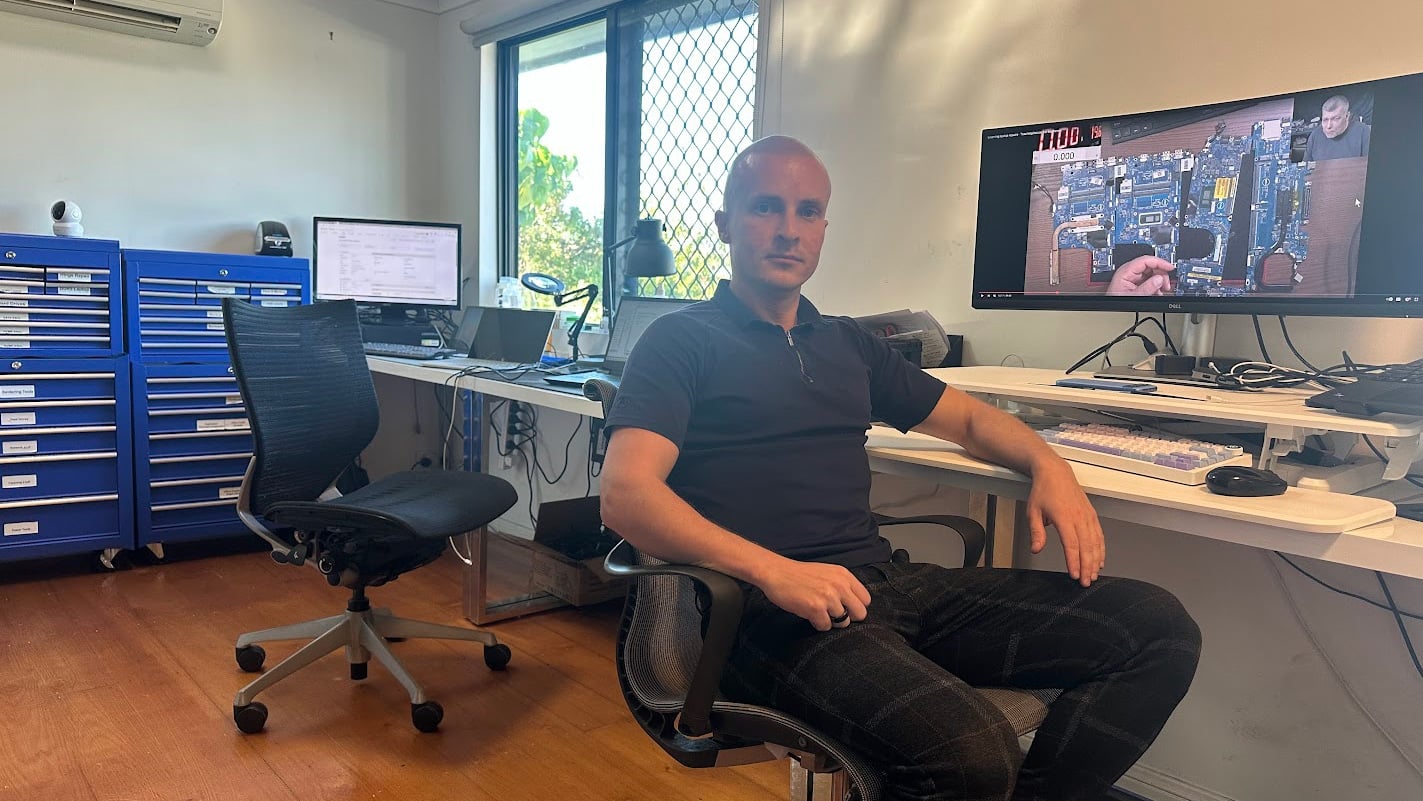
Sergey-Fix-My-Laptop-Workshop

Refurbished and new storage should be reliable, not confusing. We focus on compatibility, proper setup, and honest advice so you get a solution that works long term.

  • Correct drive matched to your device
  • SSD and HDD options explained clearly
  • Proper setup and formatting included
  • Backup advice based on your use case
  • Local Brisbane Northside workshop
Sergey Microsoft Certified Expert providing laptop repair and computer repair in Brisbane
Visit Us in Clayfield
Call Technician

How You Can Get Your External Drive

Choose the option that suits your setup and schedule.

Workshop Repair

Visit our workshop to compare external drive options in person. You get clear advice before choosing the right storage solution.

Get Directions

On-site Service

We can deliver and set up your external drive at your home or office. Backup systems and file organisation are configured properly.

Book Appointment

Remote Support

Need help after purchase? We assist remotely with setup, backups, and troubleshooting when required.

Book Appointment

Emergency

Need storage urgently for backups or transfers? We prioritise setup so you can secure your data without delays.

Book Appointment

Refurbished Computer Pricing

Pricing depends on specifications, condition, and upgrades.

External drive pricing varies based on storage size and performance. SSD drives cost more but offer faster speeds and better durability.

Standard hard drives are more affordable and suit basic storage or backup needs. However, higher capacity and premium models increase the overall price.

We explain your options clearly before purchase so you know exactly what you are getting.

Visit Us in Clayfield
Call Technician

Typical Price Range

$130+

Simple 3 Step Purchase Process

From selection to setup, we keep it straightforward.

STEP 1
Visit Us

Bring your device in or contact us with your requirements. This helps us recommend the correct external drive quickly.

STEP 2
Matching

We match the right drive based on your storage needs and device compatibility. Setup and formatting are completed before handover.

STEP 3
Ready to Use

Your external drive is tested and configured for immediate use. You can start backing up or transferring files without delays.

Related Services and Upgrade Options

Improve performance, protect data, or upgrade your system with related services.
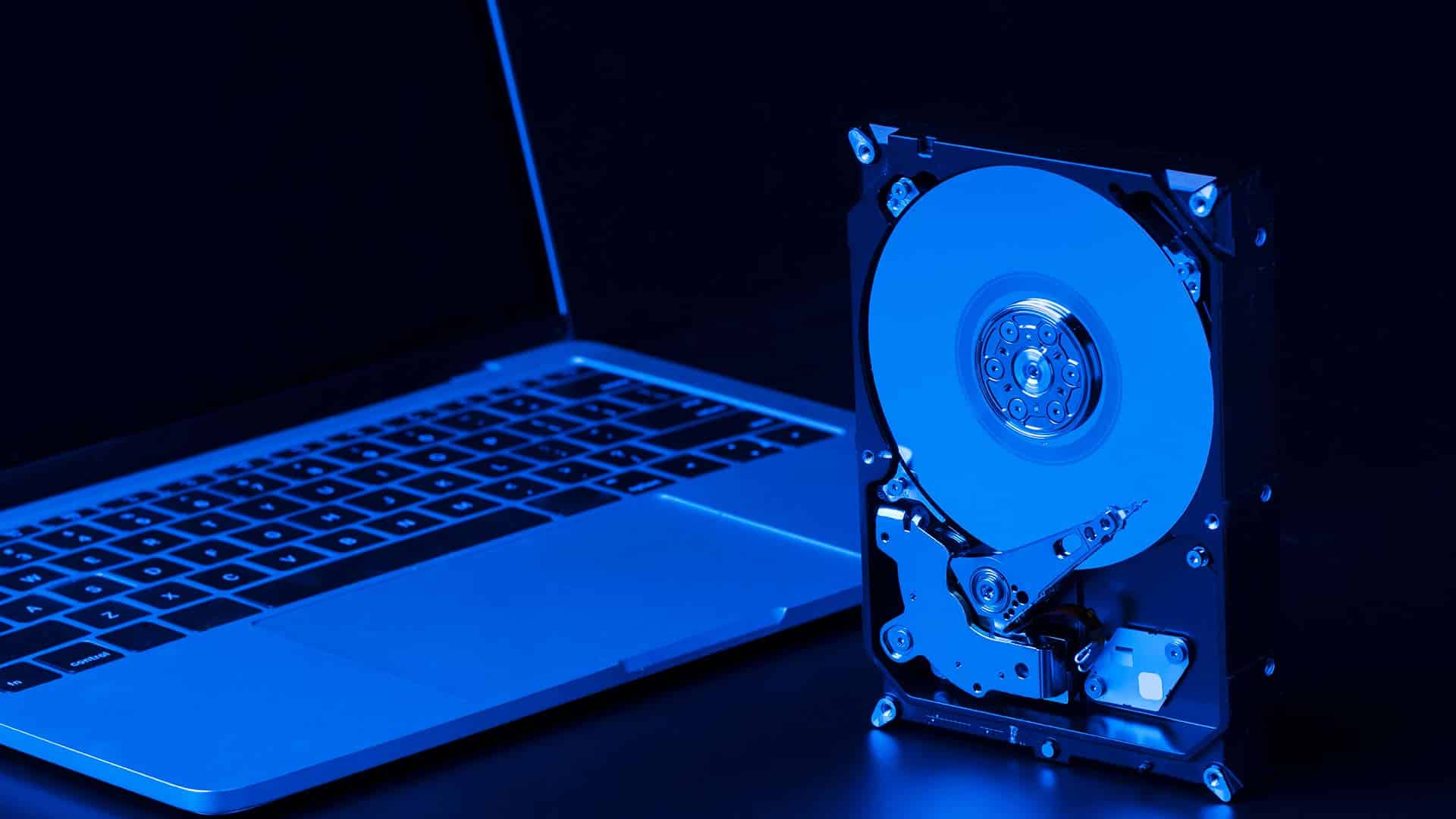
SSD-Upgrade

SSD Upgrade or Replacement

Replace your internal drive with a faster SSD for better speed and reliability. This upgrade reduces load times and improves overall system performance.

Upgrade Computer SSD
Data Backup and Recovery

Data Backup Solutions

Set up automatic backups to your external drive for ongoing data protection. This ensures your important files are copied regularly without manual effort.

Protect Data
Data recovery service

Data Recovery Service

Recover files from failed or damaged drives when data is no longer accessible. We assess the condition and attempt recovery using safe and proven methods.

Recover Lost Data
Broken laptop charging port

Charging Port Repair

Fix faulty USB ports that prevent proper connection to external drives. Stable connections ensure reliable transfers and prevent data interruptions.

Fix Charging & USB Port

External Hard Drives in Brisbane Northside
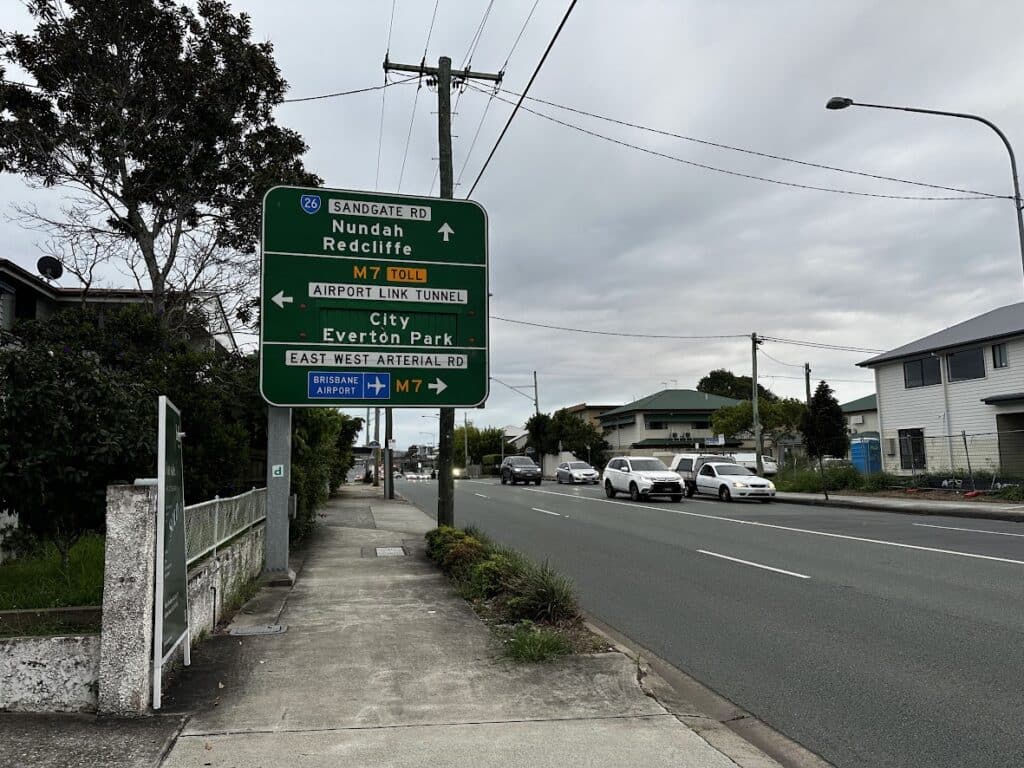
Fix My Laptop location Clayfield

We are based in Clayfield and support customers across Brisbane Northside including Ascot, Hendra, Albion, Nundah, Kedron, Chermside, Wooloowin, and Hamilton. Because we are local, you can inspect systems before buying and return easily if you need support later.

Visit Us Today: 2/890 Sandgate Road, Clayfield, QLD 4011

Open Monday to Saturday. See our updated hours on Google Maps before visiting.

Visit Us in Clayfield

Frequently Asked Questions

Loader image

Why does Sergey recommend refurbished business laptops over cheap new ones?

Because quality is important, Sergey recommends avoiding new retail models under $1000. Most budget new laptops use lower-grade components, whereas refurbished business-grade units offer superior durability.

Can you build a computer for gaming if it's not in stock?

Yes, absolutely. Although we do not keep gaming desktops in stock, Sergey can build a custom gaming PC to suit your specific needs and budget.

Will Sergey help me move my data to my new refurbished laptop?

Since your data is vital, we provide expert Data Transfer and Setup to move your files safely from your old machine to your new one.

How often does your stock of refurbished computers change?

Our inventory changes weekly; consequently, we typically carry about a dozen laptops and desktops in our Clayfield workshop at any given time.

Do you offer same-day computer repairs?

Yes! We offer priority same-day service based on our current workload and parts availability. If you need your device back urgently, please mention it when you arrive so we can check if a same-day turnaround is realistic for your specific repair.

Get the Right External Drive Without Guesswork

Choose the right storage solution with clear advice and proper setup. Visit our workshop or contact us today to get started.

Visit Workshop
Call Technician

Prefer an Online Quote?

For simple laptop repairs, we can provide a clear quote based on the details you submit.

For more complex problems or personalised laptop support, it’s best to bring your device in.

2/890 Sandgate Road, Clayfield

07 3857 6875

0403 100 701

service@fixmylaptop.com.au

Frequently Asked Questions

Loader image

Why does Sergey recommend external SSDs over traditional hard drives?

Because SSDs have no moving parts, they are far more resistant to drops and physical damage. Additionally, they offer superior speed, making your file transfers and backups significantly faster.

Can you help me move my files to the new external drive?

Yes, absolutely. Since your data is vital, we provide expert Data Transfer services to ensure all your existing documents are moved safely.

Is an external SSD better for a Mac or a PC?

Actually, high-quality external SSDs work perfectly on both platforms. However, Sergey will ensure the drive is formatted correctly for your specific system so you can start using it immediately.

How do I know if my current hard drive is failing?

If your computer is running extremely slowly or you hear clicking noises, your drive may be dying. You should bring it to the workshop immediately because a Data Recovery is much more expensive than a simple backup.

Do you offer same-day repairs?

Yes! We offer priority same-day service based on our current workload and parts availability. If you need your device back urgently, please mention it when you arrive so we can check if a same-day turnaround is realistic for your specific repair.

Prefer an Online Quote?

For simple laptop repairs, we can provide a clear quote based on the details you submit.

For more complex problems or personalised laptop support, it’s best to bring your device in.

2/890 Sandgate Road, Clayfield

07 3857 6875

0403 100 701

service@fixmylaptop.com.au

Fix-My-Laptop-Logo-Ftr

service@fixmylaptop.com.au

(07) 3857 6875

0403 100 701

2/890 Sandgate Road, Clayfield QLD 4011

Book Repair Online

BUSINESS HOURS

Monday10:00 AM — 6:00 PM
Tuesday8:00 AM — 4:00 PM
Wednesday10:00 AM — 6:00 PM
Thursday8:00 AM — 4:00 PM
Friday10:00 AM — 2:00 PM
Saturday10:00 AM — 2:00 PM
SundayClosed

Updated hours are always available on Google Maps
We reserve the right to open later and close earlier

JOIN OUR NEWSLETTER

Be the first one to know of our Tech Savvy tips and exclusive offers!

© 2026 Fix My Laptop Brisbane

Terms and Conditions

Privacy Policy

Facebook X Linkedin
Scroll to top
  • Laptop Repair
    • Screen Replacement
    • Battery Replacement
    • Charging Port Repair
    • Keyboard Replacement
    • Laptop Hinges Repair
    • Liquid Damage Repair
  • MacBook Repair
    • Screen Repair
    • Battery Replacement
  • Computer Repair
    • Hardware Repair
    • Windows Repair
    • Virus & Malware Removal
  • Refurbished & Accessories
    • Refurbished Computers
    • Laptop Chargers
    • Storage Devices
  • Upgrades
    • SSD Upgrade
    • RAM Upgrade
    • Mesh Wi-Fi Systems
  • Data & Backup
    • Data Recovery
    • Backup Solutions
    • Cloud Backup
    • Data Transfer & Setup
  • IT Solutions
    • Microsoft 365 Solutions
    • Business IT Support
    • On-site Support
    • Remote Support
    • Emergency Support
  • Tech Tips
  • Request a Quote