
Laptop Overheating Repair Brisbane
Laptop overheating, loud fan, or shutting down under load? We fix overheating issues properly with clear diagnosis.
Overheating reduces performance and can damage internal components over time. At Fix My Laptop, we identify the cause first, then repair cooling systems, fans, or internal faults. If your laptop is getting hot, slowing down, or turning off, it needs proper attention before the issue gets worse.

Signs Your Laptop Is Overheating
If your laptop shows these symptoms, heat is already affecting performance and stability.
Laptop gets very hot quickly
Your laptop heats up within minutes even during light use. This usually indicates blocked airflow or reduced cooling efficiency.
Fan running constantly or loudly
The fan stays loud even when you are not doing much. This means the system is struggling to control internal temperature.
Slow performance on normal use
Overheating can cause slow performance due to thermal throttling. The system reduces speed to protect internal components.
Random shutdowns or restarts
The laptop may turn off suddenly without warning. This often happens when temperatures reach unsafe levels.
Keyboard or palm rest feels hot
Heat spreading across the surface is a clear warning sign. Internal components are holding more heat than they should.
Programs freezing or crashing
Overheating affects system stability during use. Apps may freeze or close unexpectedly when temperatures rise.
What Causes Laptop Overheating
Overheating usually comes from airflow problems, worn components, or excessive system load.

Dust buildup inside the laptop blocks airflow and traps heat. This is one of the most common causes of overheating in older devices.
Thermal paste can dry out over time and reduce heat transfer. As a result, internal components run hotter even under normal use.
Cooling fans may wear out or stop working efficiently. This reduces airflow and allows heat to build up quickly.
Software issues or high system load can also increase temperatures. In some cases, fixing Windows issues improves stability and reduces heat.
What You Can Try First
These steps may help reduce overheating before booking a repair.
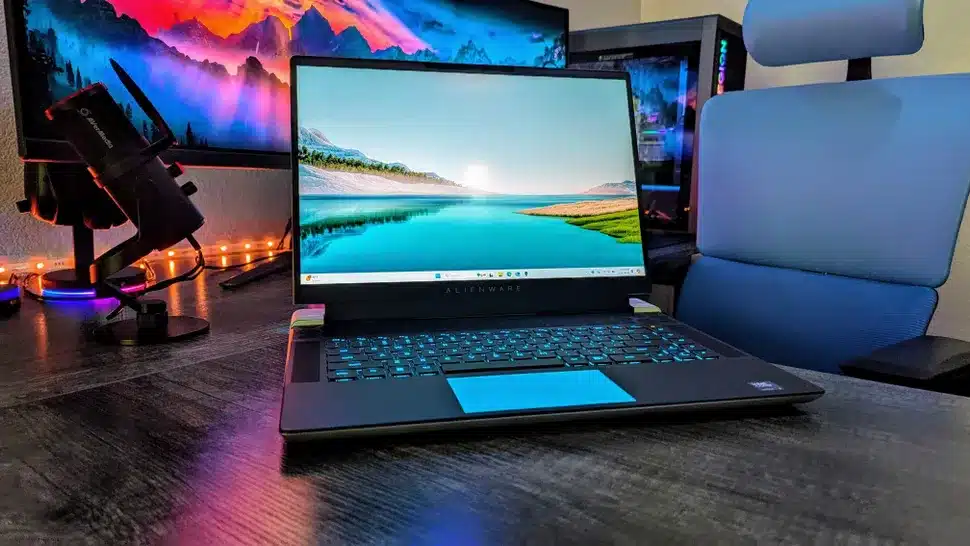
Use your laptop on a flat, hard surface to improve airflow. Soft surfaces like beds can block vents and trap heat.
Close unnecessary programs to reduce system load. This lowers heat output and may improve performance.
Check visible vents for dust and clean them if accessible. However, avoid opening the device without proper tools.
If overheating continues, the issue is likely internal. At this stage, proper cleaning or hardware repair is required.
When Overheating Needs Repair
If these signs appear, the problem is beyond simple fixes.
Still overheating after basic steps
If cleaning and basic checks do not help, the issue is internal. Continued use can damage key components over time.
Frequent shutdowns or restarts
Repeated shutdowns indicate unsafe temperature levels. This requires immediate attention to prevent permanent damage.
Performance keeps dropping
Ongoing slow performance means thermal throttling is active. The system cannot maintain stable operation under load.
Fan noise remains constant
If the fan never slows down, cooling is not working properly. This usually means internal cleaning or repair is required.
How We Fix Laptop Overheating
We focus on identifying the cause first, then applying the correct repair.
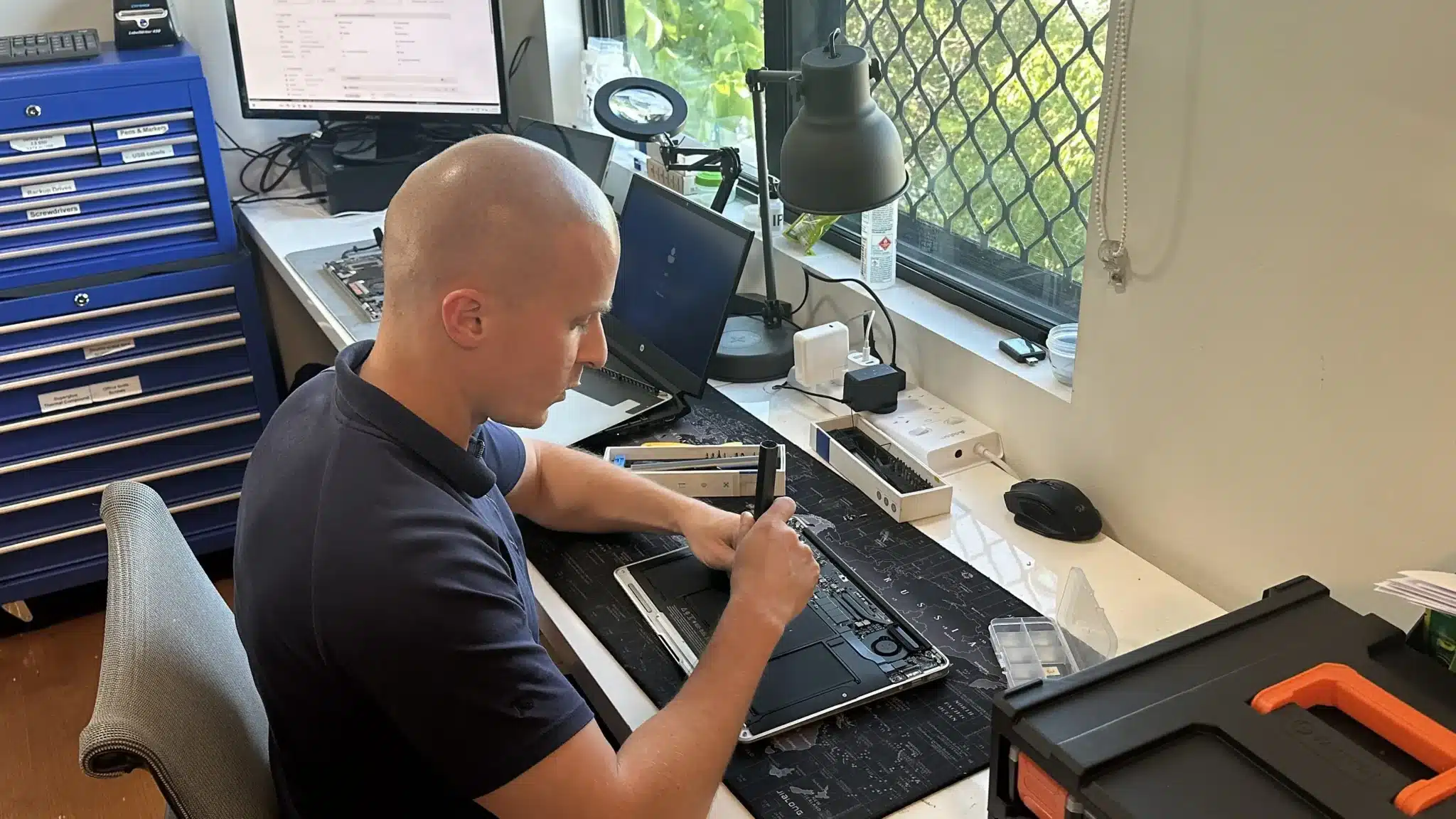
We open the laptop and remove internal dust from cooling systems. This restores airflow and reduces heat buildup.
We replace thermal paste to improve heat transfer from the processor. This helps stabilise temperatures during normal use.
If required, we repair or replace faulty fans and cooling components. All systems are tested to ensure stable performance.
Why Choose Fix My Laptop
Overheating is often treated with temporary fixes that do not last. We identify the real cause first, then apply the correct solution. As a result, your laptop runs cooler and performs reliably.

Flexible Repair Options
Choose the repair method that suits your situation and urgency.
Workshop Repair
Bring your laptop to our Clayfield workshop for full internal cleaning and repair. This allows proper diagnosis and complete testing.
On-site Service
We can visit your home or office for overheating issues. This is useful when devices cannot be moved easily.
Remote Support
We can assess system load and confirm overheating symptoms remotely. This helps determine if a physical repair is required.
Emergency
Urgent overheating issues can be prioritised for faster handling. This reduces downtime when the device is critical.
Related Laptop Repairs
Overheating often connects to other faults that may also need attention.
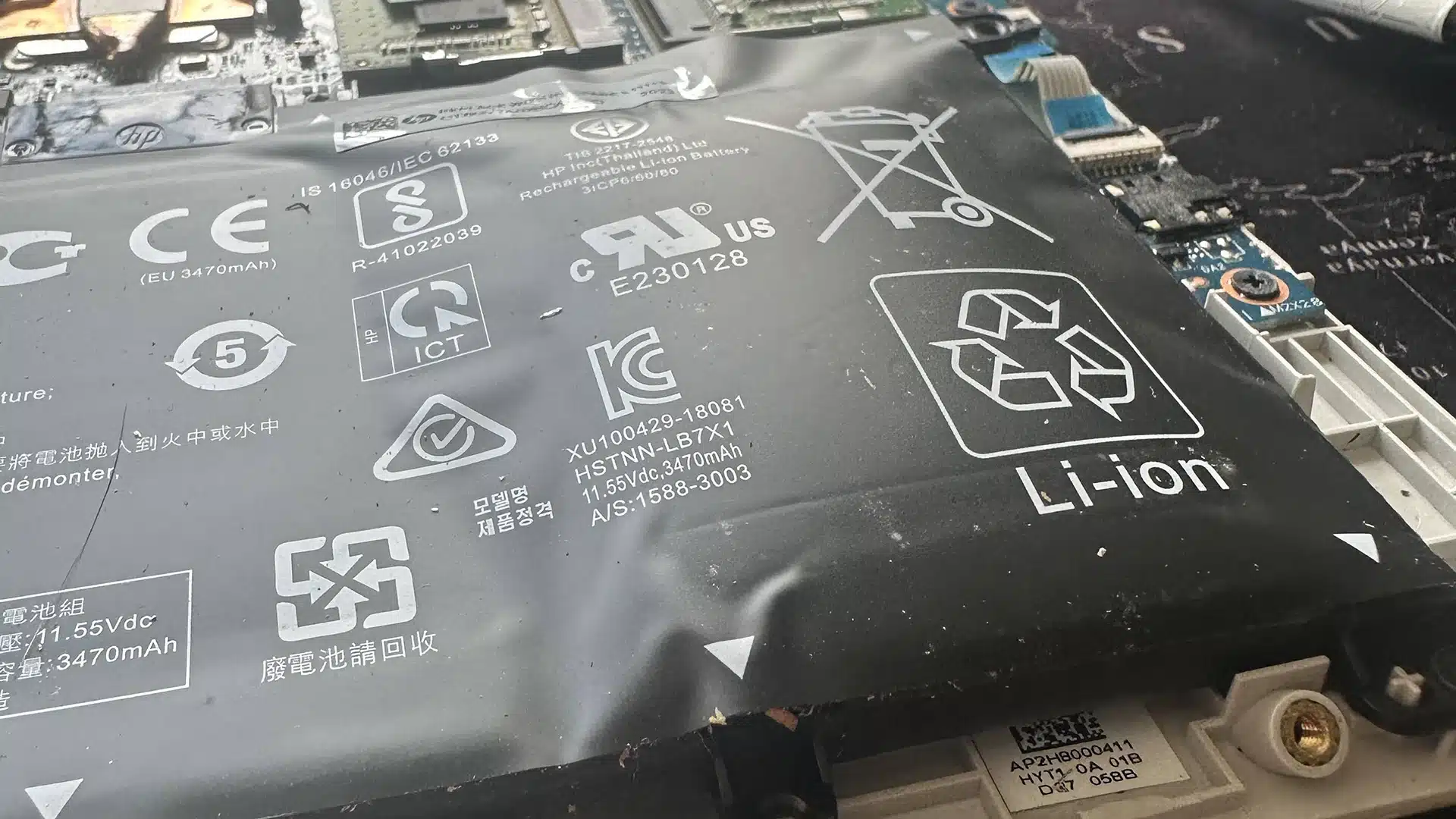
Battery Replacement
Heat can reduce battery health and cause fast drain or swelling. Replacing the battery restores safe and stable power.

Charging Port Repair
Charging faults can create unstable power and increase heat. Repairing the port restores proper power delivery.
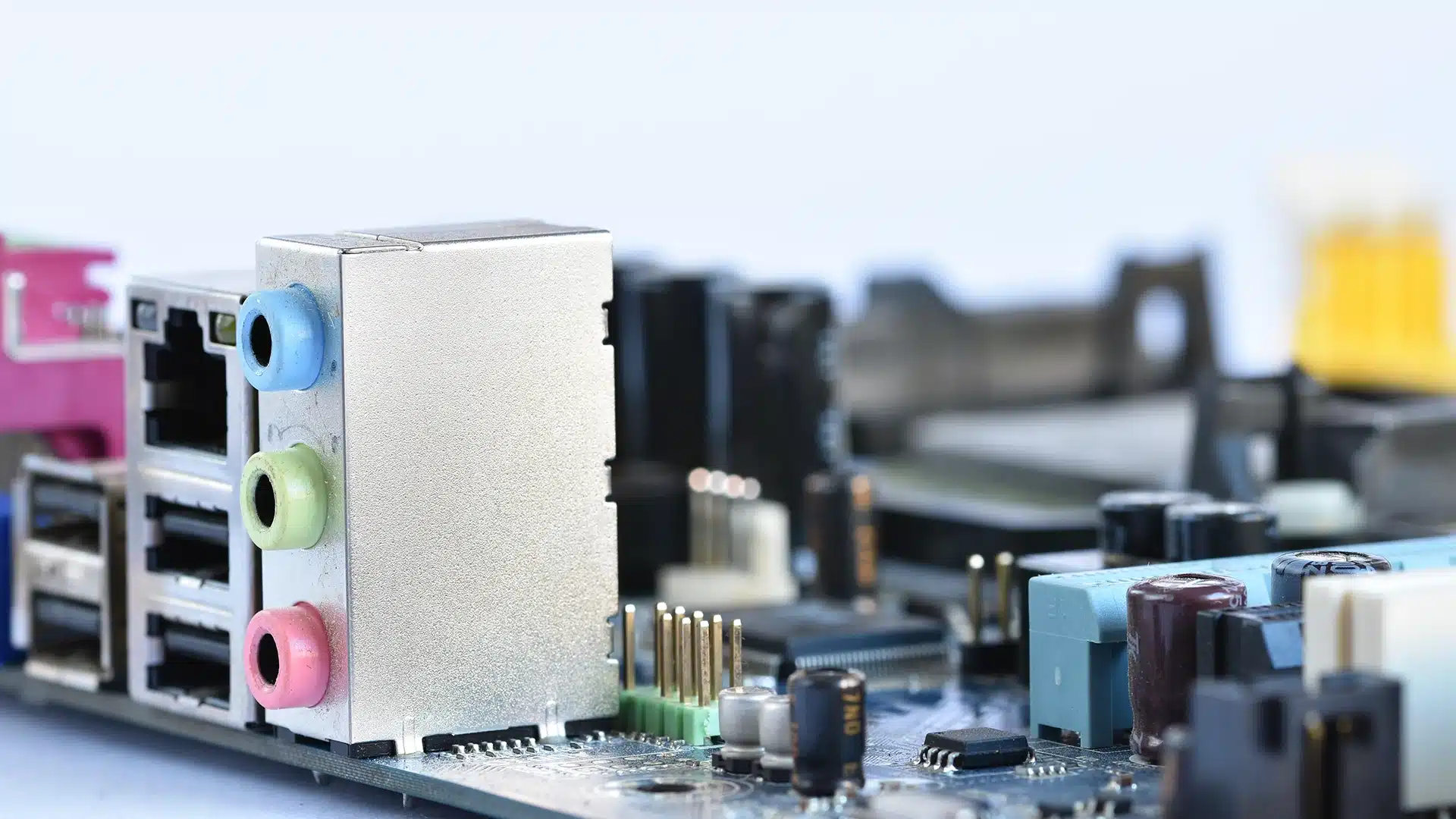
Laptop Not Turning On or Booting Up
Cooling failures and internal faults often cause overheating. We repair components to restore stable operation.
Slow Computer Performance
Software load can push systems beyond cooling limits. Fixing Windows issues helps reduce unnecessary heat.
Laptop Overheating Repair in Brisbane Northside
Frequently Asked Questions

Can I keep using my laptop if it overheats?
Short term use may be possible, but it increases the risk of permanent damage.
How long does overheating repair take?
Most cleaning and cooling repairs are completed within 1 to 3 days.
Will cleaning fix overheating permanently?
It depends on the cause, but proper cleaning and thermal paste replacement often resolve it.
Do I need to replace parts?
Only if components like fans are faulty or worn out.