
Computer Diagnostics in Brisbane
Not sure what’s wrong with your computer? We diagnose the issue properly before any repair begins.
Random crashes, slow performance, or startup problems often point to deeper issues. Instead of guessing, we test your system to find the exact cause. At Fix My Laptop, we diagnose first, then recommend the right fix so you avoid wasted time and cost.

Signs You Need Computer Diagnostics
If your system behaves like this, the root issue needs proper diagnosis.
Computer running slow
Slow performance can be caused by hardware limits or system issues. Diagnostics helps identify what is actually holding the system back.
Frequent crashes or freezing
Random shutdowns or freezing often point to deeper faults. Testing helps isolate whether it is hardware or software related.
Laptop not turning on
Startup failures can come from power, hardware, or system faults. Diagnostics helps identify the exact cause quickly.
Overheating or loud fan noise
Overheating can reduce performance and damage components over time. Proper checks confirm whether cleaning or repair is needed.
Programs not responding
Applications freezing or crashing may indicate system or storage issues. Diagnostics helps determine the root cause.
Unusual errors or warnings
Unexpected messages often signal system or hardware problems. Testing ensures the issue is not misdiagnosed.
What Causes These Issues
Multiple factors can cause system problems, and guessing often leads to the wrong fix.
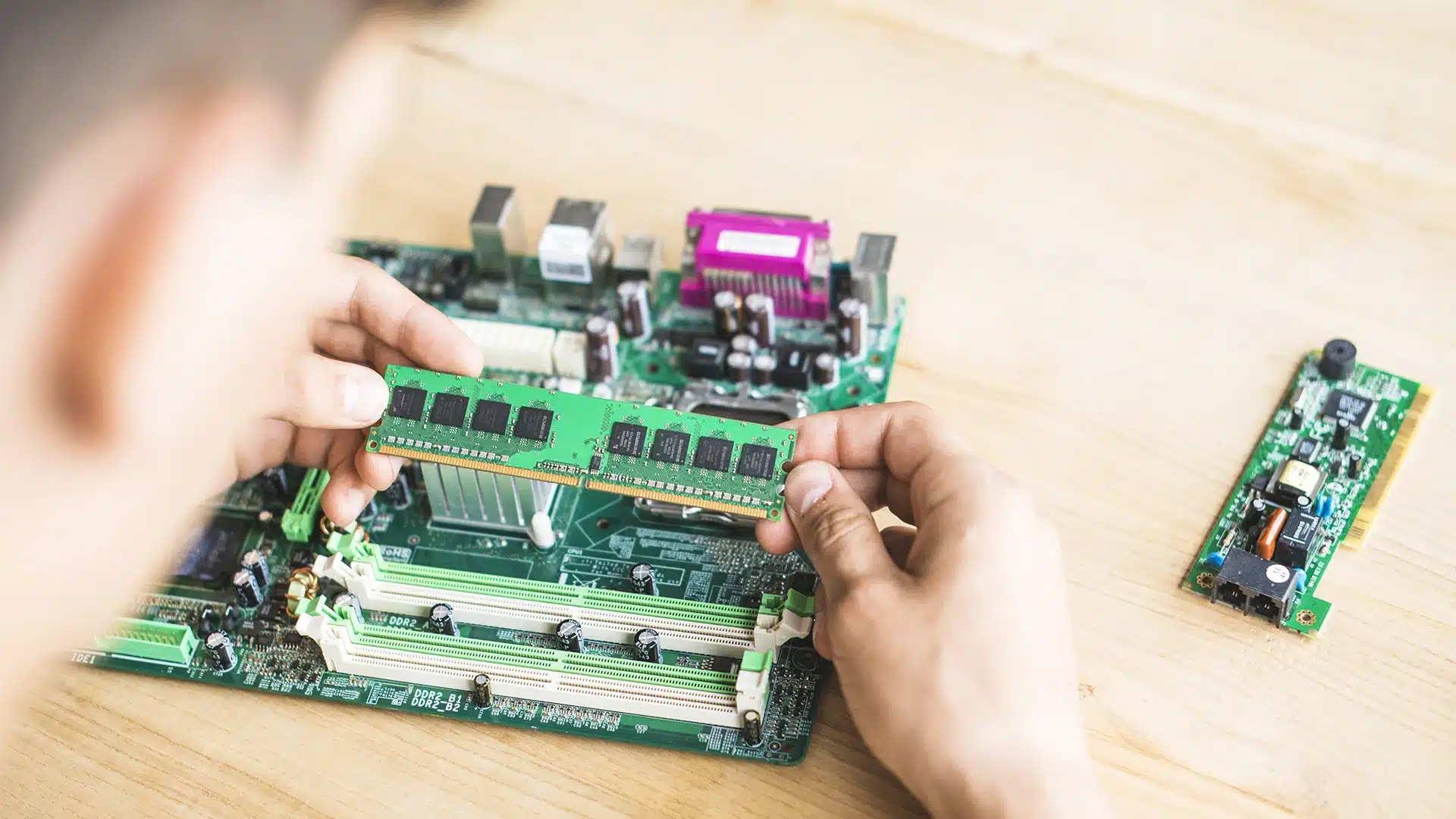
Hardware faults such as failing drives, RAM, or motherboard issues can affect performance and stability.
Windows issues including corrupted files or system errors can disrupt normal operation.
Storage problems like failing hard drives can cause slow performance and crashes. Upgrades or replacement may be required.
Overheating can also affect system performance and reliability. This may require cleaning or thermal repair.
What You Can Try First
These steps may help identify simple issues before booking diagnostics.
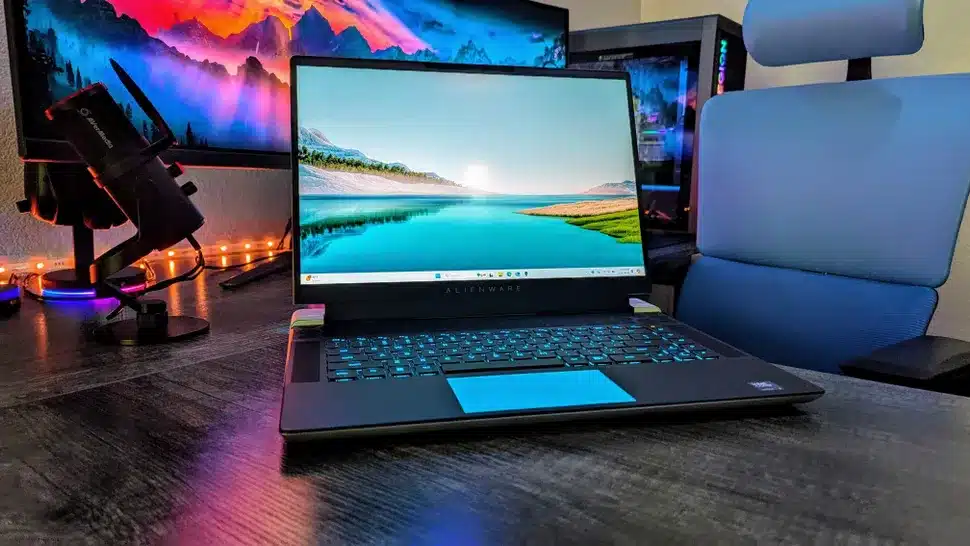
Restart the system and close unnecessary applications. This can sometimes resolve temporary slowdowns.
Check for updates and ensure the system is not overloaded. Basic maintenance can improve performance.
Disconnect external devices and test again. This helps rule out peripheral related issues.
If problems continue, the cause is likely deeper. At that point, proper diagnostics is required.
When Diagnostics Is Necessary
If these signs persist, guessing the issue usually leads to wasted time and cost.
Problems keep returning
If issues come back after basic fixes, the root cause is still present. Diagnostics is needed to resolve it properly.
No clear cause
If you cannot identify the problem, random fixes can make things worse. Proper diagnosis avoids unnecessary repairs.
Multiple issues at once
When several problems appear together, the cause is often deeper. Testing helps identify the main fault.
System performance keeps dropping
If performance continues to decline, underlying issues may be present. Early diagnosis prevents further damage.
How We Fix Laptop Overheating
We test the system step by step to identify the real cause.
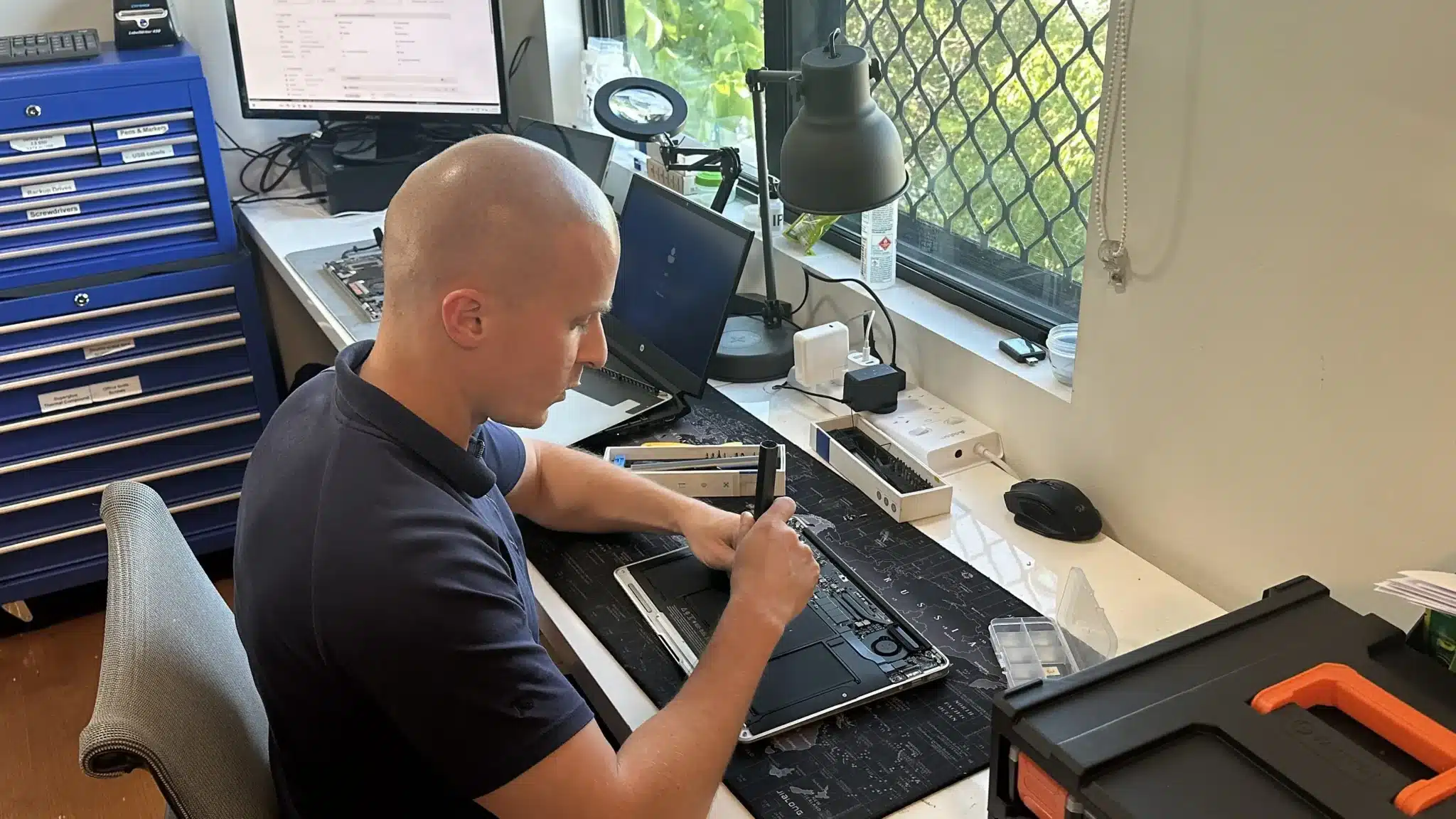
We check hardware components including storage, RAM, and power systems. This ensures faults are correctly identified.
We test system performance and operating system stability. This helps detect software related problems.
We confirm the issue before recommending any repair. This avoids unnecessary work and extra cost.
Why Choose Fix My Laptop
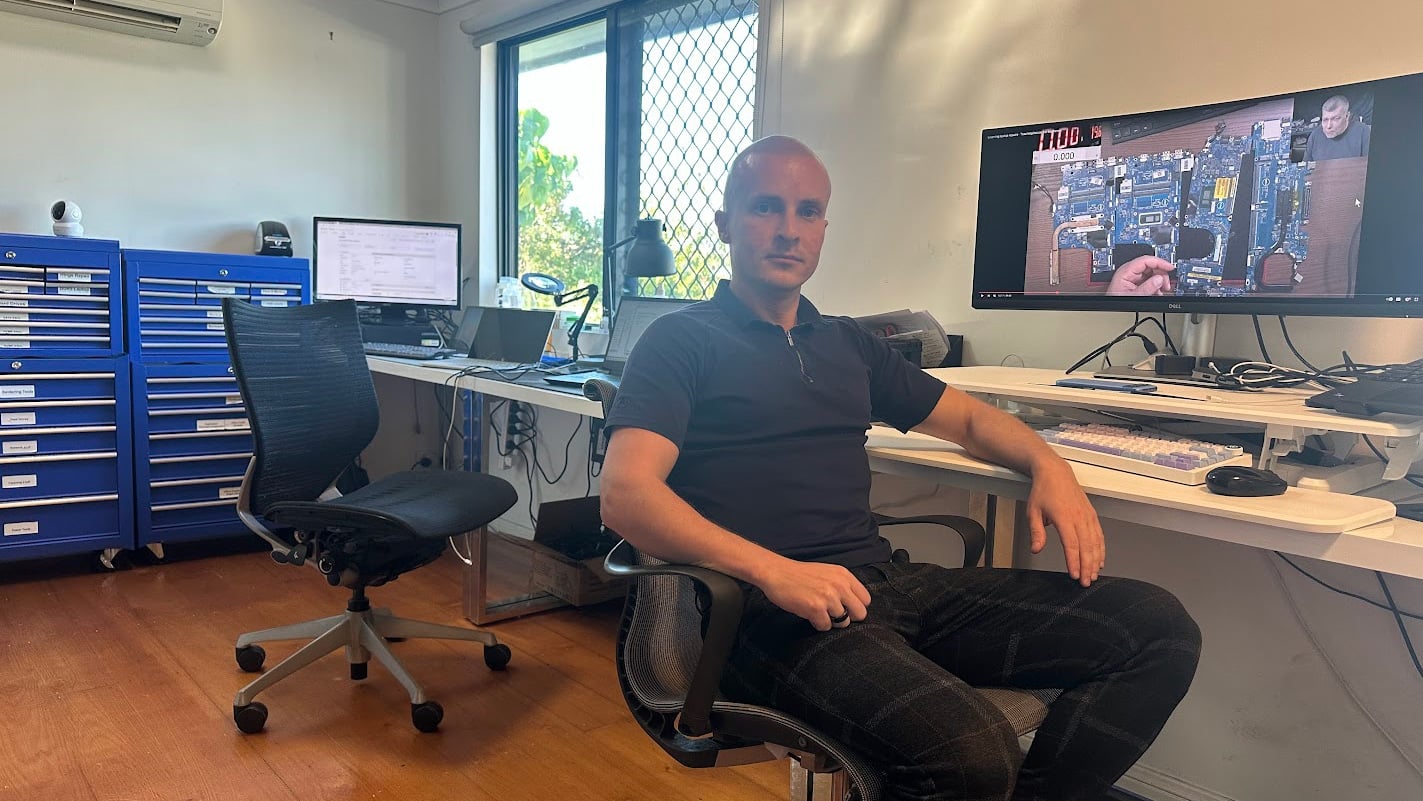
Many computer issues are misdiagnosed or rushed. We take the time to identify the real cause before recommending any repair. As a result, you get a solution that actually works.

Flexible Service Options
Choose how you want your system diagnosed and repaired.
Workshop Repair
Bring your computer to our Clayfield workshop for full diagnostics. This allows proper testing and accurate results.
On-site Service
We can diagnose issues at your home or office when needed. This is useful for business or urgent situations.
Remote Support
Remote sessions can help identify software related problems. This is useful for initial troubleshooting before physical repair.
Emergency
Urgent issues can be prioritised for faster diagnosis. This helps restore functionality when the system is critical.
Related Computer Services
Diagnostics often leads to these common repairs or upgrades.
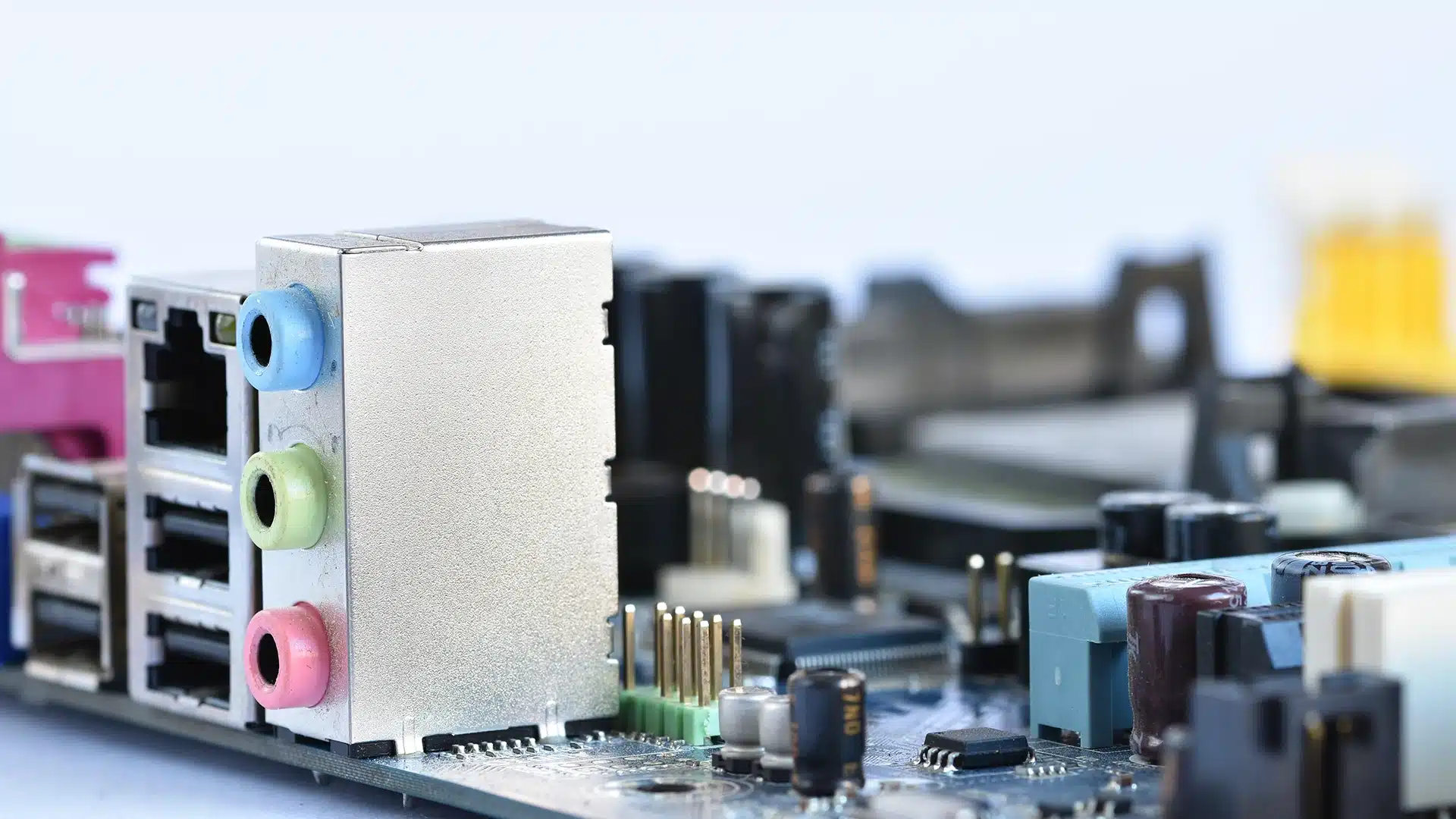
Computer Hardware Repair
Hardware faults can affect performance and system stability. We repair internal components to restore reliable operation.
Computer Software Repair
System errors can cause crashes, slowdowns, or startup issues. Fixing Windows restores stability and proper function.
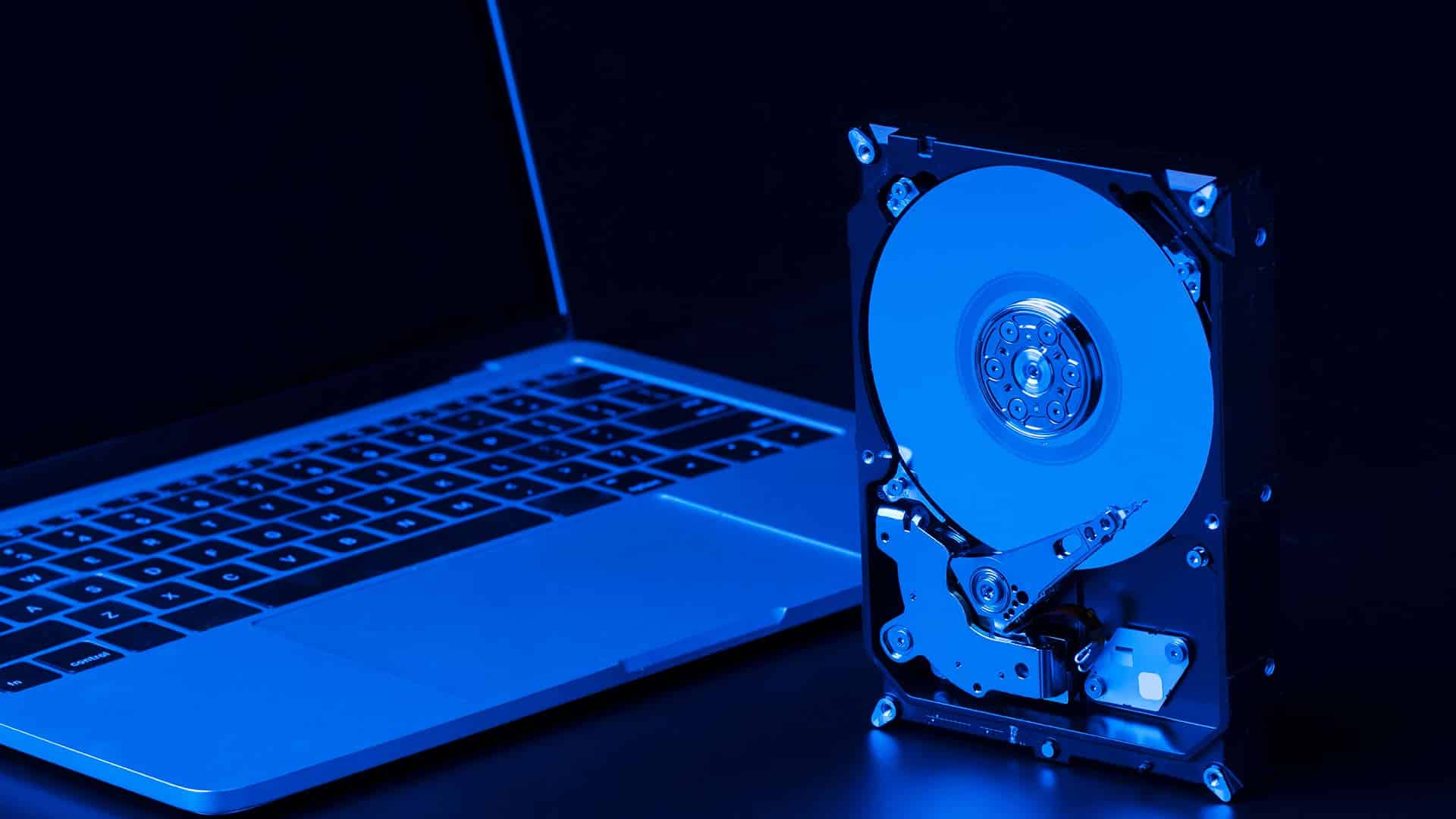
SSD Upgrade or Replacement
Old drives can slow down your entire system. Upgrading to SSD improves speed and overall responsiveness.
Data Recovery Services
System failures can sometimes risk important files. We recover data where possible before or after repair.
Laptop Overheating Repair in Brisbane Northside
Frequently Asked Questions

Do I have to proceed with repair?
No, diagnostics helps you decide what to do next.
Can you fix the issue after diagnosing?
Yes, we can proceed with repair once the issue is confirmed.
Will I lose my data?
We aim to keep data safe, data security and data recovery depends on the issue.
Is diagnostics necessary?
Yes, it prevents incorrect repairs and wasted cost.