
Slow Computer Repair in Brisbane
Computer running slow, freezing, or taking too long to respond? We fix performance issues properly.
Slow performance affects everything from startup time to everyday tasks. In many cases, the problem builds up over time due to software issues, system load, or hardware limitations. At Fix My Laptop, we diagnose the cause first, then apply the right fix so your computer runs smoothly again.

Signs Your Computer Is Running Slow
If your system shows these symptoms, performance issues are already affecting daily use.
Slow startup and shutdown
The computer takes a long time to turn on or off. This often indicates startup overload or system inefficiencies.
Programs take too long to open
Applications respond slowly or delay after clicking. This usually points to storage or background process issues.
Frequent freezing or lag
The system becomes unresponsive during normal use. This can be caused by resource overload or software conflicts.
Browser running slowly
Web browsing feels delayed or inconsistent. This often results from extensions, cache buildup, or high system load.
High disk or CPU usage
The system runs at high usage even when idle. This usually indicates background tasks or hidden software activity.
Overall slow performance
Everything feels slower than it should during normal use. This is a clear sign the system needs optimisation or repair.
What Causes Slow Computer Performance
Slow systems are usually caused by software buildup, system issues, or hardware limitations.
Too many startup programs can slow down system boot and performance. Reducing unnecessary processes helps improve speed.
Temporary files and system clutter build up over time. As a result, storage performance drops and applications respond slowly.
Windows issues can affect system stability and increase load. Fixing these problems often restores proper performance.
Older hardware such as hard drives or limited memory can restrict speed. Upgrading components can significantly improve performance.
What You Can Try First
These steps may help improve performance before booking a repair.
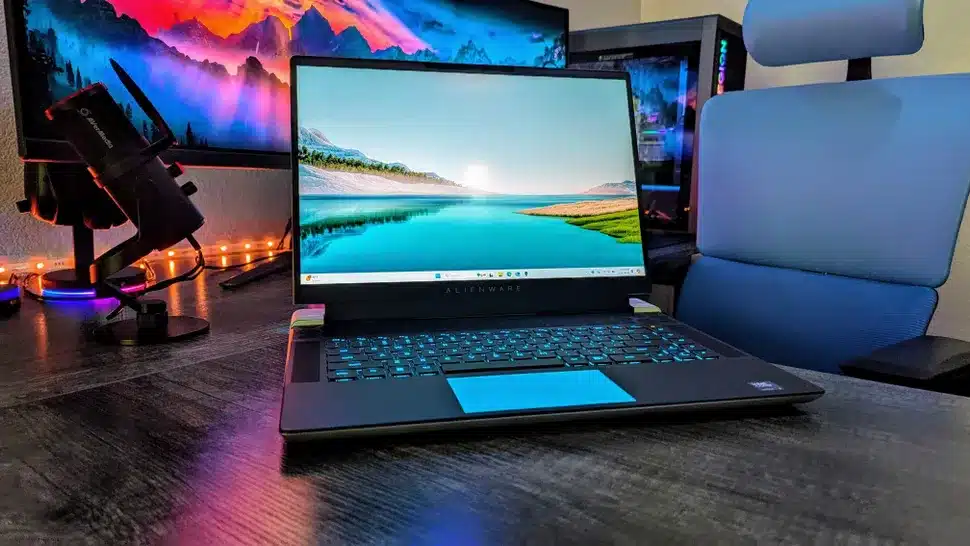
Restart your computer to clear temporary processes. This can improve performance for a short time.
Close unused programs and browser tabs. Reducing system load helps improve responsiveness.
Check for system updates and install them. Updates can improve stability and fix performance issues.
If the system remains slow, the issue is likely deeper. At this point, a proper tune up or repair is required.
When Slow Performance Needs Repair
If these issues continue, the system needs professional diagnosis.
No improvement after basic steps
If performance stays slow, deeper system issues are likely present. A proper diagnosis is required to fix the problem.
Frequent freezing or crashes
Repeated instability indicates underlying faults. This usually requires repair or system correction.
Very slow under light use
If the system struggles with simple tasks, optimisation alone may not be enough. Hardware upgrades or repairs may be needed.
System errors or unusual behaviour
If the fan never slows down, cooling is not working properly. This usually means internal cleaning or repair is required.
How We Fix Slow Computer Performance
We identify the cause first, then apply the correct fix.
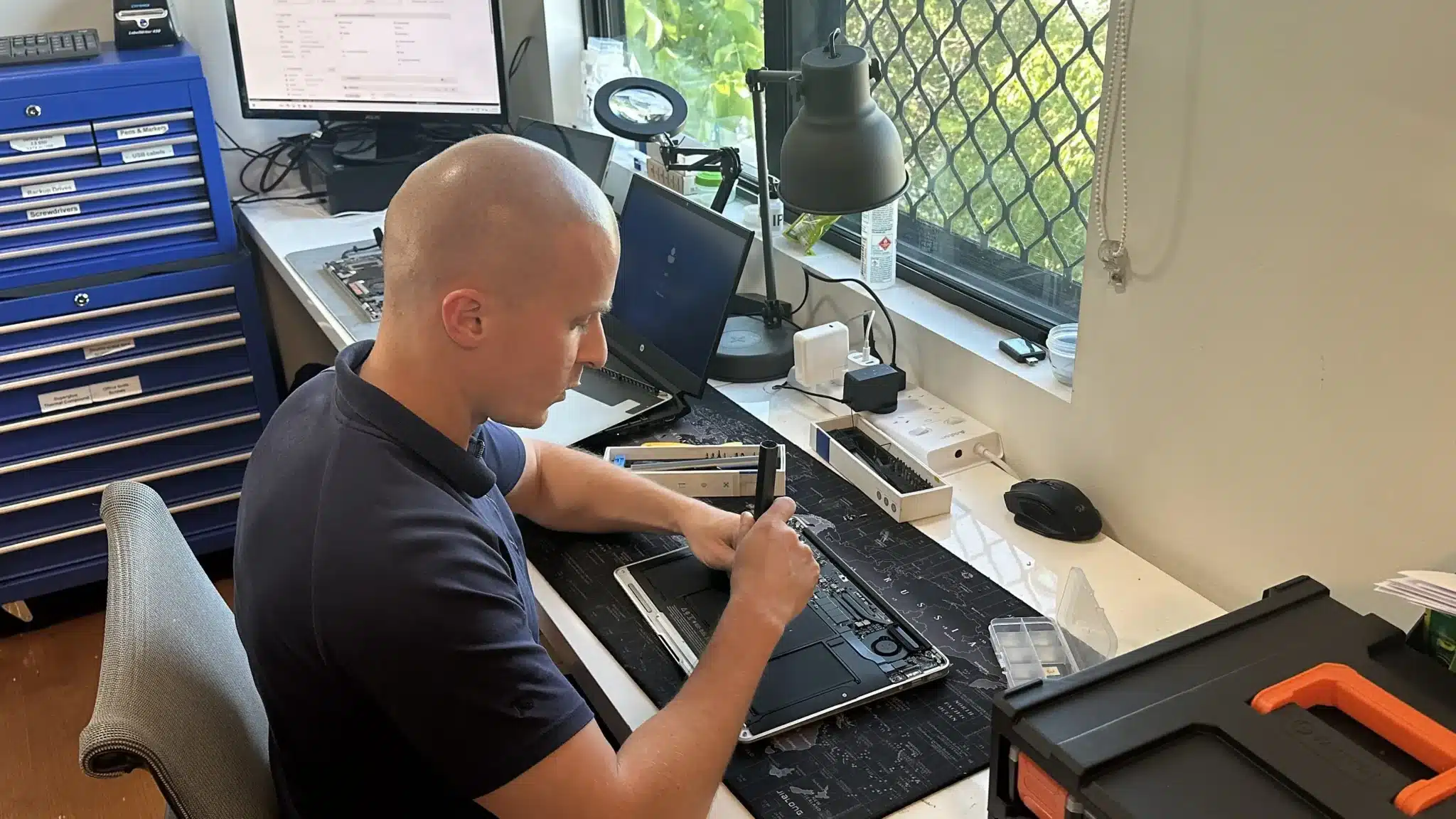
We remove unnecessary programs, clean system files, and optimise startup processes. This improves speed and reduces system load.
We fix Windows issues and stabilise system performance. This prevents repeated slowdowns and improves reliability.
If required, we recommend upgrades such as SSD or RAM. These provide long term improvements in speed and usability.
Why Choose Fix My Laptop
Many tune ups only remove files without fixing the real issue. We identify the cause first, then apply the right solution. As a result, your computer runs faster and stays stable longer.

Flexible Repair Options
Choose the repair method that suits your situation and urgency.
Workshop Repair
Bring your computer to our Clayfield workshop for full optimisation. This allows proper testing and stable results.
On-site Service
We can visit your home or office to fix performance issues. This is useful for business systems or multi-device setups.
Remote Support
Many performance issues can be resolved remotely. This is the fastest option for software-related problems.
Emergency
Urgent performance problems can be prioritised for faster response. This helps restore usability quickly when your system is critical.
Related Laptop Repairs
Slow performance often connects to other issues that may also need attention.
Computer Windows Repair
System errors and misconfiguration can reduce performance and stability. Fixing Windows issues helps restore consistent speed and reliable system behaviour.
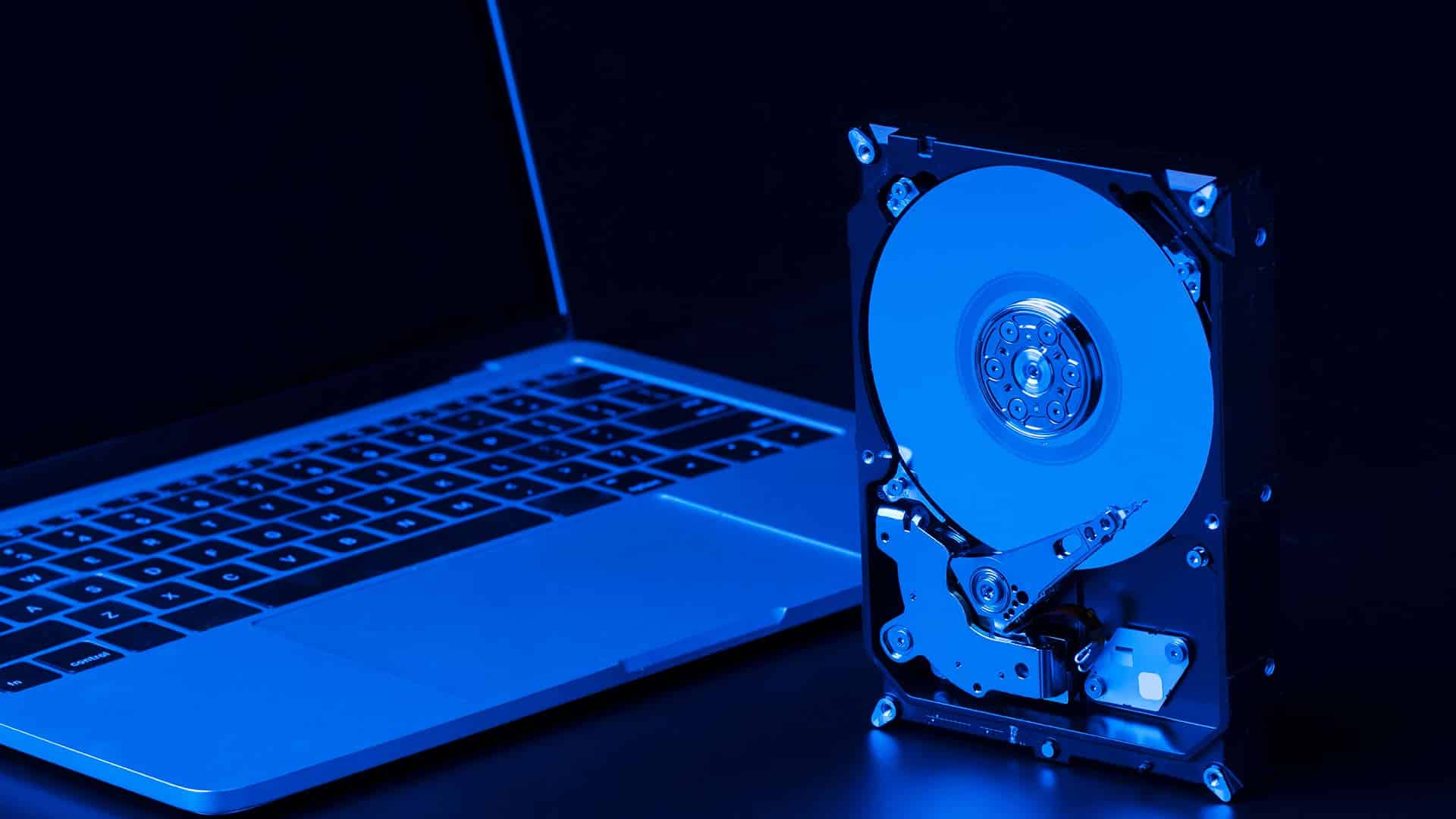
SSD Upgrade & Replacement
Old hard drives are a common cause of slow performance and delays. Upgrading to SSD improves speed, responsiveness, and overall system performance.

RAM Upgrade & Replacement
Limited memory can affect multitasking and overall system responsiveness. Increasing RAM improves performance and allows smoother operation.

Virus & Malware Removal
Malware can slow down your system and cause instability over time. Removing threats helps restore performance and improves overall system reliability.
Slow Computer Repair in Brisbane Northside
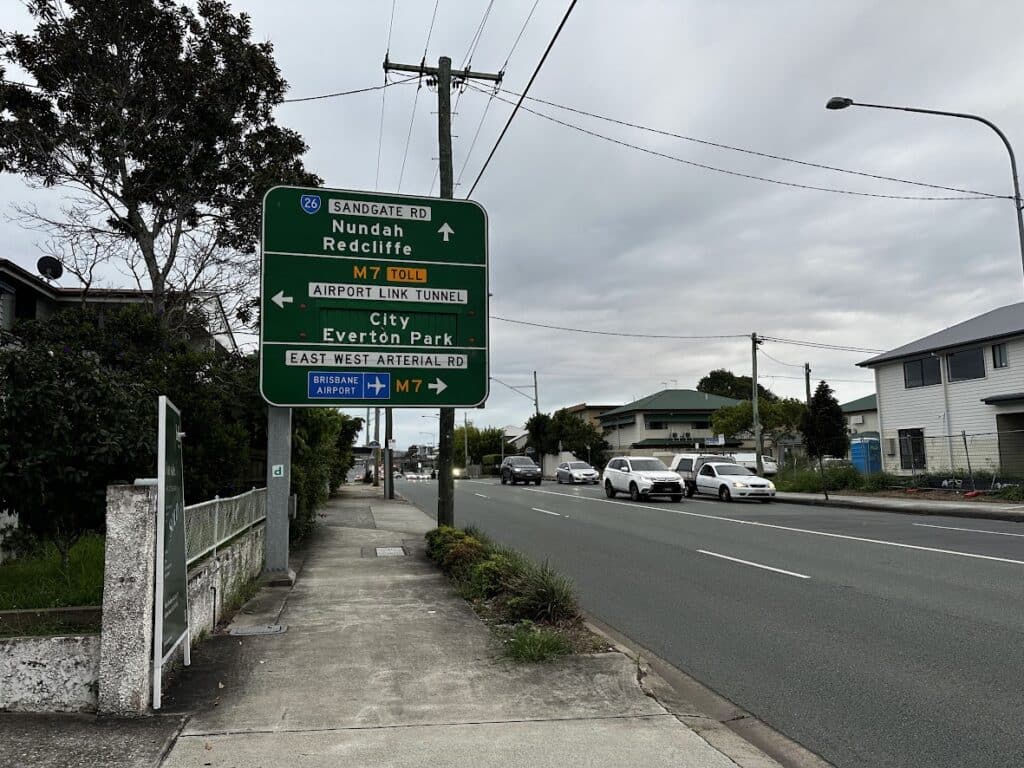
Our workshop is based in Clayfield and service nearby areas including Ascot, Hendra, Albion, Nundah, Kedron, Chermside, Wooloowin, and Hamilton. You can visit us directly or contact us for on-site or remote support depending on your needs.
Visit Us Today: 2/890 Sandgate Road, Clayfield, QLD 4011
Open Monday to Saturday. See our updated hours on Google Maps before visiting.
Frequently Asked Questions

How long does it take to fix a slow computer?
Most repairs are completed within 1 to 2 days.
Do I need to upgrade my computer?
Not always, but upgrades may be recommended for better performance.
Will I lose my data?
No, your files remain safe during the process.
Can viruses cause slow performance?
Yes, malware can reduce speed and affect system stability.