
Skip to content
Fix My Laptop Logo
Request a Quote Visit Workshop
Call Technician
  • Laptop RepairExpand
    • Screen Replacement
    • Battery Replacement
    • Charging Port Repair
    • Keyboard Replacement
    • Laptop Hinges Repair
    • Liquid Damage Repair
  • Computer RepairExpand
    • Hardware Repair
    • Windows Repair
    • Virus & Malware Removal
  • Computers & AccessoriesExpand
    • Refurbished Computers
    • Laptop Chargers
    • Storage Devices
  • Computer UpgradesExpand
    • SSD Upgrade
    • RAM Upgrade
    • Mesh Wi-Fi Systems
  • Data & BackupExpand
    • Data Recovery
    • Backup Solutions
    • Cloud Backup
    • Data Transfer & Setup
  • Business IT SolutionsExpand
    • Microsoft 365 Solutions
    • Manage IT Support
    • On-Site IT Support
    • Remote IT Support
    • Emergency IT Support
  • Tech Tips
Fix My Laptop Logo
Visit Workshop
Call Technician

Computer & Laptop Upgrades in Clayfield & Brisbane Northside

Professional hardware and software enhancements to make your existing computer faster and more reliable than the day you bought it.

Visit Workshop
Call Technician

Honest Advice from a Senior Technician

Many people believe they need a brand-new computer when their current system starts to slow down. However, a strategic hardware upgrade is often a far more cost-effective way to achieve modern performance levels. Because Sergey has over 10 years of experience, he can identify the exact bottleneck in your system and recommend the most impactful improvements. Specifically, we focus on upgrades that provide a noticeable difference in speed and reliability for your daily tasks. Ultimately, choosing to upgrade your current machine saves you money while delivering a “better than new” user experience.

Sergey, lead technician at Fix My Laptop Clayfield workshop, Brisbane.

Upgrade Services We Offer

Strategic hardware and software improvements for peak performance.
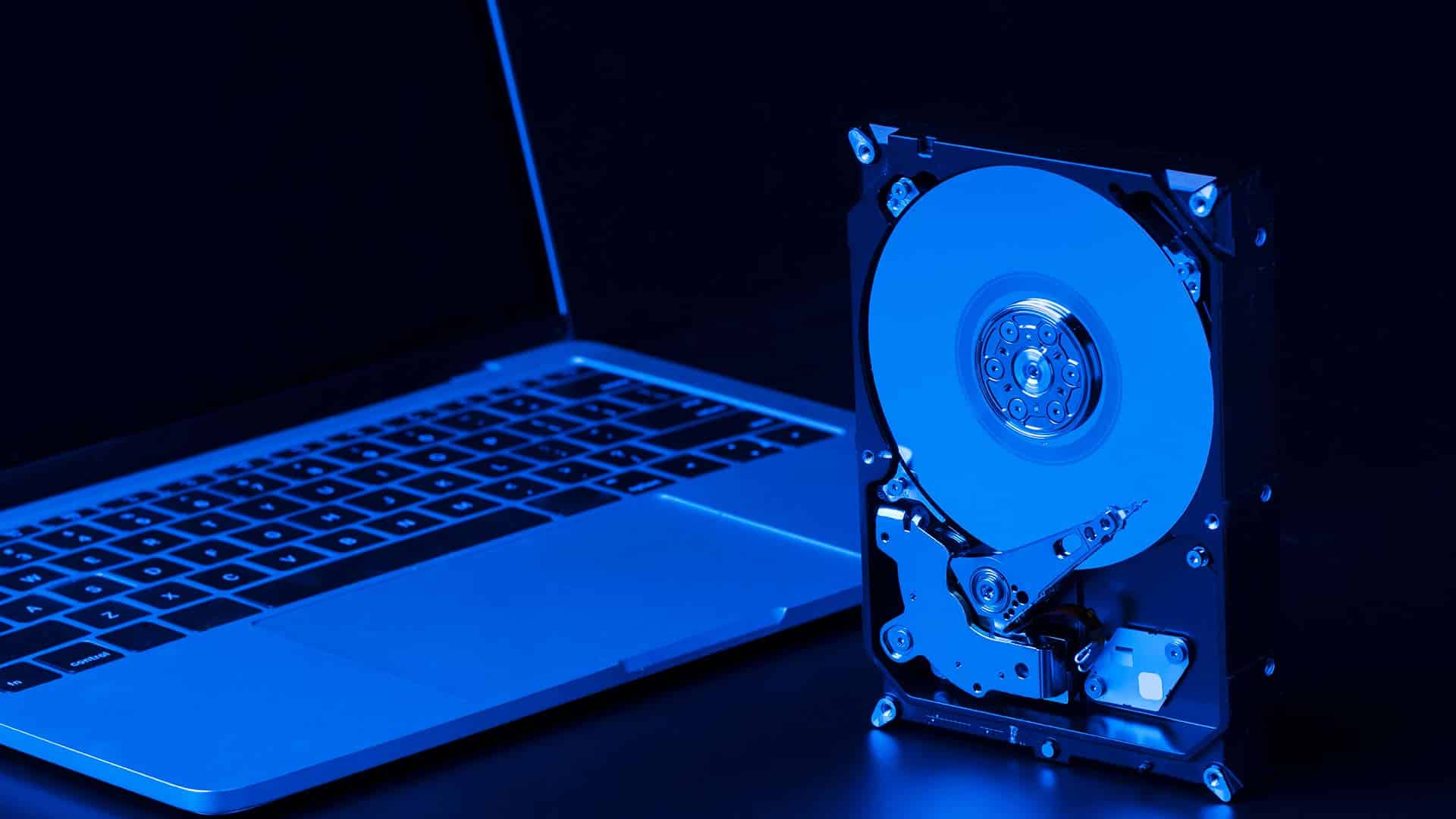
SSD-Upgrade

SSD Upgrade

Replacing a traditional hard drive with a lightning-fast SSD is the single best way to improve system speed. Specifically, Sergey clones your existing data so you can enjoy instant boot times without losing any of your important files.

Learn More
RAM Upgrade for desktops and laptops

RAM Upgrade

Increasing your memory allows your computer to handle more applications and browser tabs simultaneously. Furthermore, Sergey ensures that any new RAM is perfectly matched to your motherboard for maximum stability and efficiency.

Learn More
Faster and more reliable WiFi coverage in the whole house

Mesh Wi-Fi Systems

Installing a mesh system is the best way to eliminate dead zones and slow internet throughout your home. Specifically, Sergey configures high-performance hardware to ensure seamless wireless coverage and stable connections in every room.

Learn More

How Computer Upgrade Works

A straightforward process, explained upfront.

STEP 1
Fast Check-in & Drop-off

Bring your computer to our Clayfield workshop for a professional evaluation. Then, Sergey personally inspects your hardware to determine which specific upgrades will provide the best performance boost for your budget.

STEP 2
Installation

Once you approve the quote, Sergey performs the upgrade with precision. Because we prioritize your digital life, we use specialized tools to clone your data or install new components without affecting your existing files and settings.

STEP 3
Testing & Collection

We stress test the new hardware to ensure your system is perfectly stable and significantly faster. Consequently, you collect your upgraded computer and can immediately enjoy a smoother, more responsive experience.

Frequently Asked Questions

Loader image

How do I know if my computer needs more RAM or a new SSD?

Specifically, if your computer takes a long time to turn on or open folders, you likely need an SSD Upgrade. However, if your PC slows down only when you have many browser tabs or programs open at once, a RAM Upgrade is the better solution. Sergey can perform a quick diagnostic to identify which bottleneck is holding you back.

Will an upgrade really make my old laptop feel new again?

Actually, replacing an old mechanical hard drive with a modern SSD often makes a 5-year-old laptop faster than a brand-new "budget" model from a big-box retailer. Since we also perform a system optimization during the install, the performance gain is usually immediate and dramatic.

Do I have to reinstall my programs and move my files manually?

No, not at all. Sergey uses professional cloning technology to create an exact bit-for-bit copy of your current system onto the new hardware. Consequently, your photos, emails, and software stay exactly where they are, but they will simply load much faster than before.

Is it better to upgrade my current computer or just buy a new one?

Because high-quality hardware is expensive, an upgrade is often the smarter financial move if your screen and keyboard are still in good condition. Ultimately, for a fraction of the cost of a new machine, Sergey can provide a "better than new" experience that extends the life of your current device by several years.

Do you offer same-day repairs?

Yes! We offer priority same-day service based on our current workload and parts availability. If you need your device back urgently, please mention it when you arrive so we can check if a same-day turnaround is realistic for your specific repair.

Prefer an Online Quote?

For simple laptop repairs, we can provide a clear quote based on the details you submit.

For more complex problems or personalised laptop support, it’s best to bring your device in.

2/890 Sandgate Road, Clayfield

07 3857 6875

0403 100 701

service@fixmylaptop.com.au

Fix-My-Laptop-Logo-Ftr

service@fixmylaptop.com.au

(07) 3857 6875

0403 100 701

2/890 Sandgate Road, Clayfield QLD 4011

BUSINESS HOURS

Monday10:00 AM — 6:00 PM
Tuesday8:00 AM — 4:00 PM
Wednesday10:00 AM — 6:00 PM
Thursday8:00 AM — 4:00 PM
Friday10:00 AM — 2:00 PM
Saturday8:00 AM — 4:00 PM
SundayClosed

Updated hours are always available on Google Maps
We reserve the right to open later and close earlier

JOIN OUR NEWSLETTER

Be the first one to know of our Tech Savvy tips and exclusive offers!

© 2026 Fix My Laptop Brisbane

Terms and Conditions

Privacy Policy

Facebook X Linkedin
Scroll to top
  • Laptop Repair
    • Screen Replacement
    • Battery Replacement
    • Charging Port Repair
    • Keyboard Replacement
    • Laptop Hinges Repair
    • Liquid Damage Repair
  • Computer Repair
    • Hardware Repair
    • Windows Repair
    • Virus & Malware Removal
  • Computers & Accessories
    • Refurbished Computers
    • Laptop Chargers
    • Storage Devices
  • Computer Upgrades
    • SSD Upgrade
    • RAM Upgrade
    • Mesh Wi-Fi Systems
  • Data & Backup
    • Data Recovery
    • Backup Solutions
    • Cloud Backup
    • Data Transfer & Setup
  • Business IT Solutions
    • Microsoft 365 Solutions
    • Manage IT Support
    • On-site Support
    • Remote Support
    • Emergency Support
  • Tech Tips
  • Request a Quote