
Computer & Laptop RAM Upgrade in Brisbane
Slow performance, freezing apps, or too many tabs open? We upgrade RAM to make your system faster and more responsive.
Low memory can limit performance even on otherwise capable systems. However, a RAM upgrade is one of the most effective ways to improve speed without replacing your device. At Fix My Laptop, we assess compatibility, install the correct memory, and test stability to ensure reliable results. Most upgrades are completed quickly with clear advice and no guesswork.

When a RAM Upgrade Makes Sense
Improve speed, multitasking, and overall system responsiveness.
Slow Multitasking Performance
Running multiple programs at once can slow your system significantly. A RAM upgrade allows smoother between tasks and improves overall performance.
Frequent Freezing or Lag
Systems with limited memory often freeze during normal use or light work. Increasing RAM reduces delays and helps applications run more consistently.
Too Many Browser Tabs Open
Modern browsers use large amounts of memory when many tabs are active. More RAM allows stable browsing without constant slowdowns or crashes.
Upgrading Without Replacing Device
Replacing your device is not always necessary when performance drops. Adding RAM extends usability and improves speed at a lower cost.
Choosing the Right RAM Upgrade
Compatibility and configuration matter more than raw capacity.
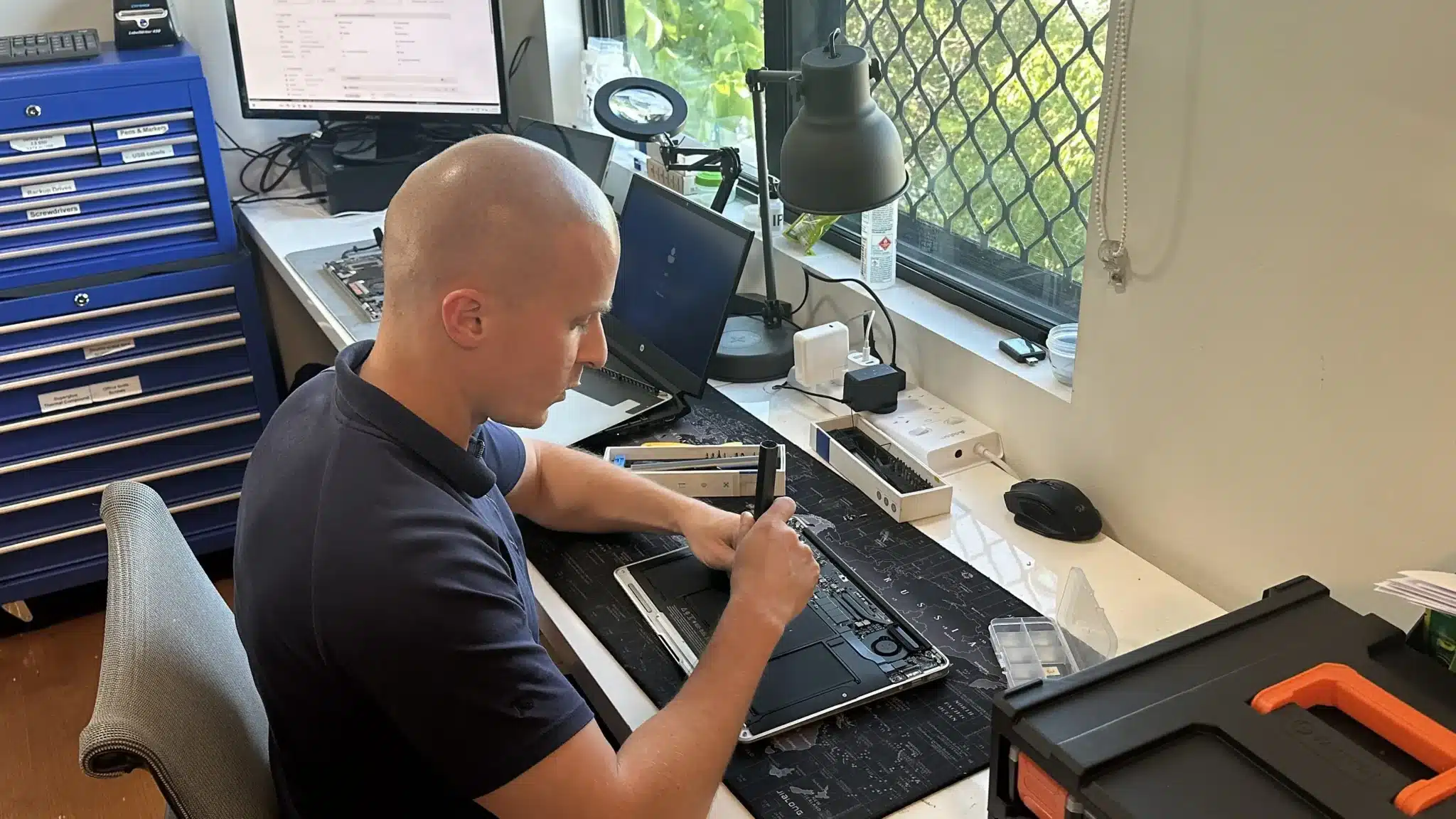
RAM upgrades depend on your system type, motherboard limits, and existing configuration. Some devices allow simple upgrades, while others require matched modules or have fixed memory.
We check supported capacity, memory type, and optimal configuration before installation. This ensures stable performance and avoids compatibility issues or wasted upgrades.
Professional RAM Upgrade Service
Complete upgrade with compatibility checks, installation, and testing.
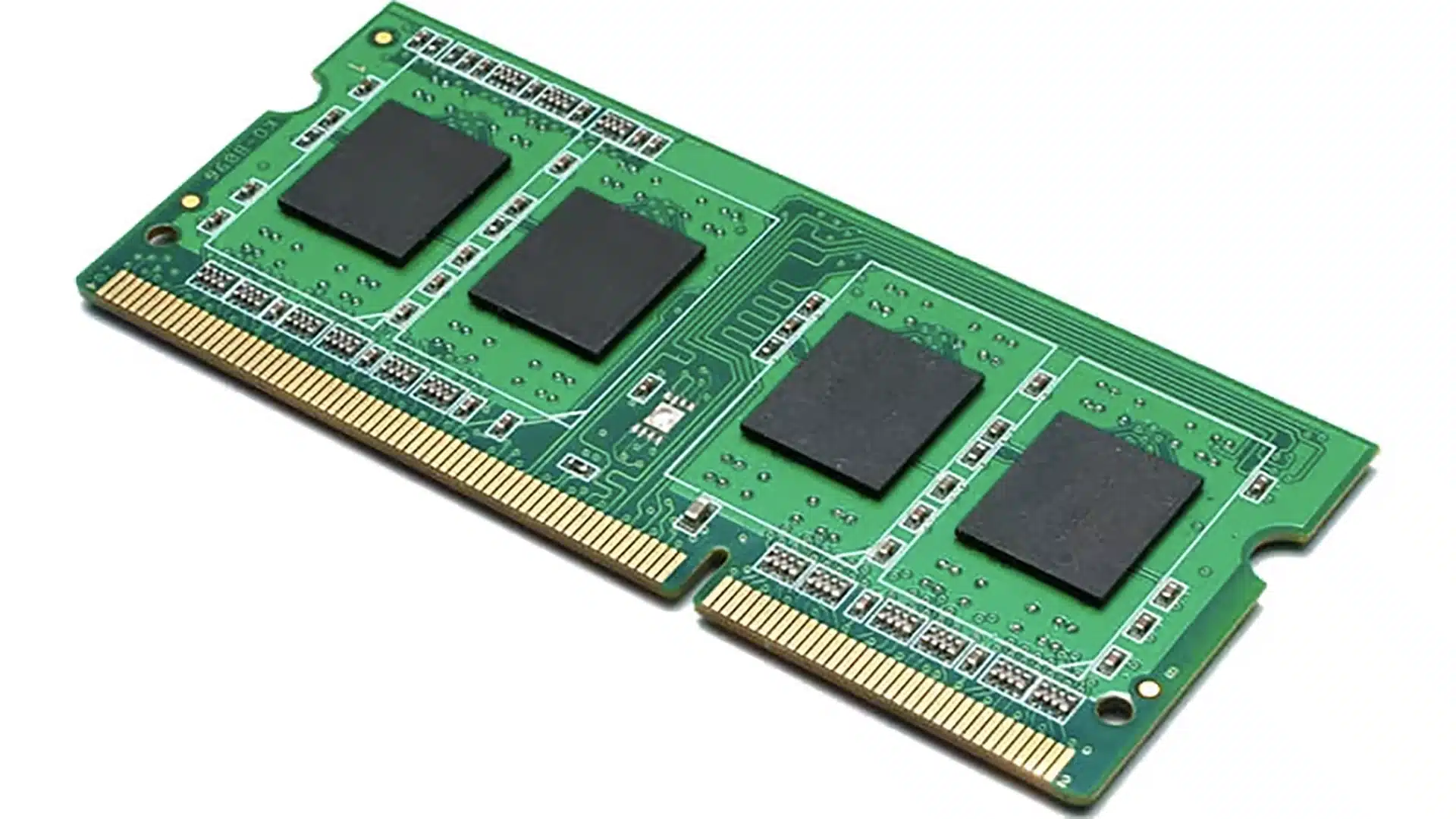
We upgrade your system memory using compatible, high quality RAM matched to your device. The service includes installation, configuration, and stability testing to ensure reliable performance.
We also optimise your system after installation so it uses the new memory effectively. This helps improve responsiveness, multitasking, and overall speed without unnecessary adjustments.
Why Choose Fix My Laptop for RAM Upgrades
Refurbished and upgraded systems should perform reliably without unnecessary risk. We focus on compatibility, proper installation, and clear advice so your upgrade delivers real results.

Flexible Upgrade Options
Choose the setup that fits your schedule and environment.
Workshop Repair
Bring your computer in for assessment and upgrade. We test compatibility and complete installation with proper verification.
On-site Service
We upgrade RAM at your home or office when access is required. This is useful for work setups or multiple devices.
Remote Support
Need help confirming RAM usage or performance issues first? We can assess your system remotely before recommending upgrades.
Emergency
For urgent performance issues, we prioritise upgrades where possible. Faster turnaround helps restore productivity without long delays.
RAM Upgrade Pricing
Pricing depends on system compatibility, capacity, and configuration.
RAM upgrade costs vary based on memory type, system limitations, and required configuration. Devices with accessible slots are quicker, while compact systems may require more time.
We provide clear recommendations before proceeding so you understand expected performance improvements. This avoids unnecessary upgrades or incorrect configurations.
Bring your computer in or contact us for a clear upgrade recommendation.
Typical Price Range
$350+
Simple 3 Step Upgrade Process
From assessment to installation, we keep it straightforward.
STEP 1
Visit Us
Bring your computer in or arrange a service so we can assess compatibility. We confirm upgrade options based on your system and usage needs.
STEP 2
Configuration
We select the correct RAM and install it using proper configuration. Each system is tested to ensure stable performance after the upgrade.
STEP 3
Testing
Your system is tested under load to confirm improved performance. Once verified, it is ready for normal use without further setup required.
Related Services and Performance Improvements
Improve speed, stability, and storage with related upgrades.
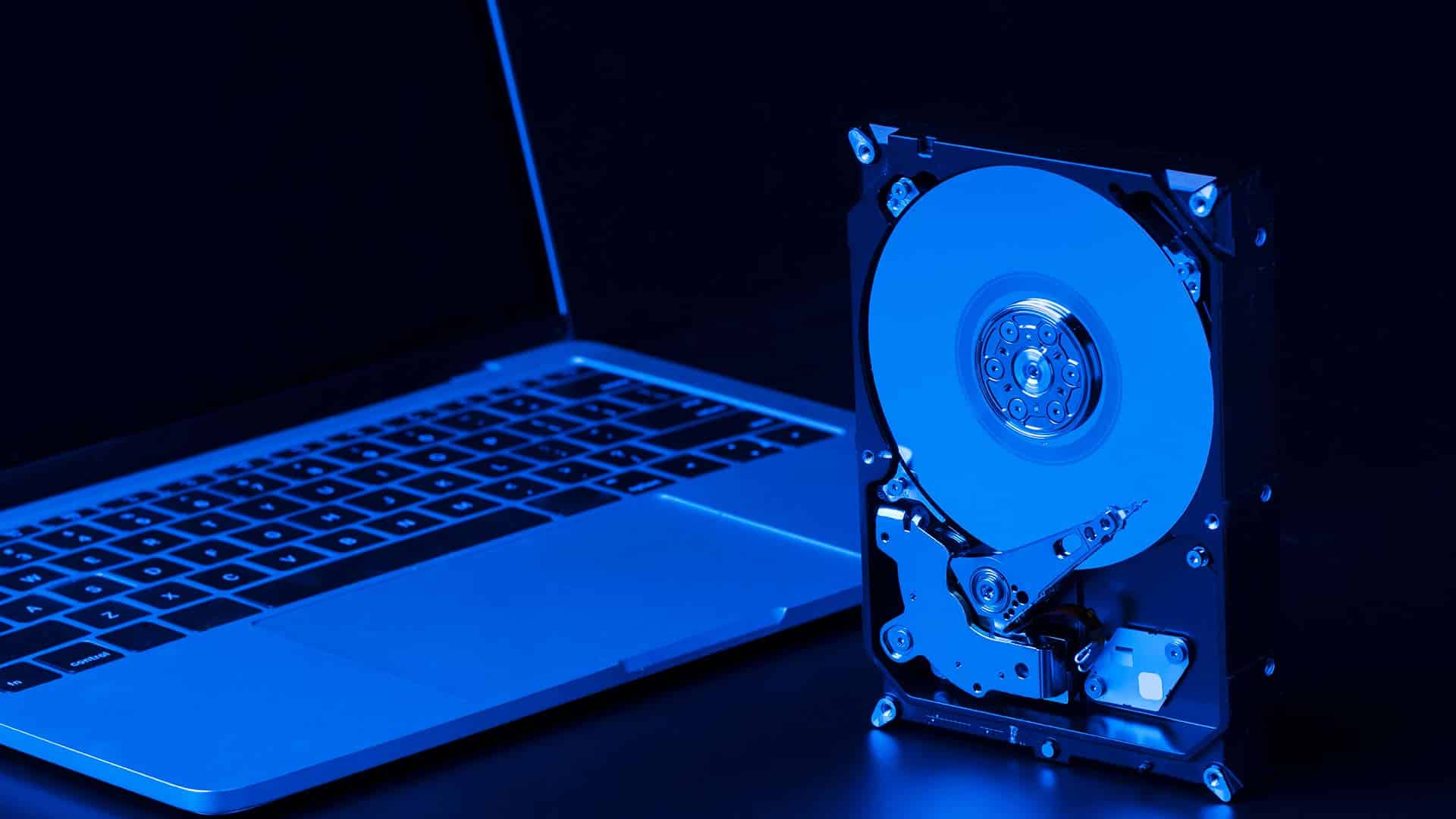
SSD Upgrade or Replacement
Replace slow hard drives with SSD storage for faster boot and load times. Combined with RAM upgrades, this delivers noticeable system speed improvements.
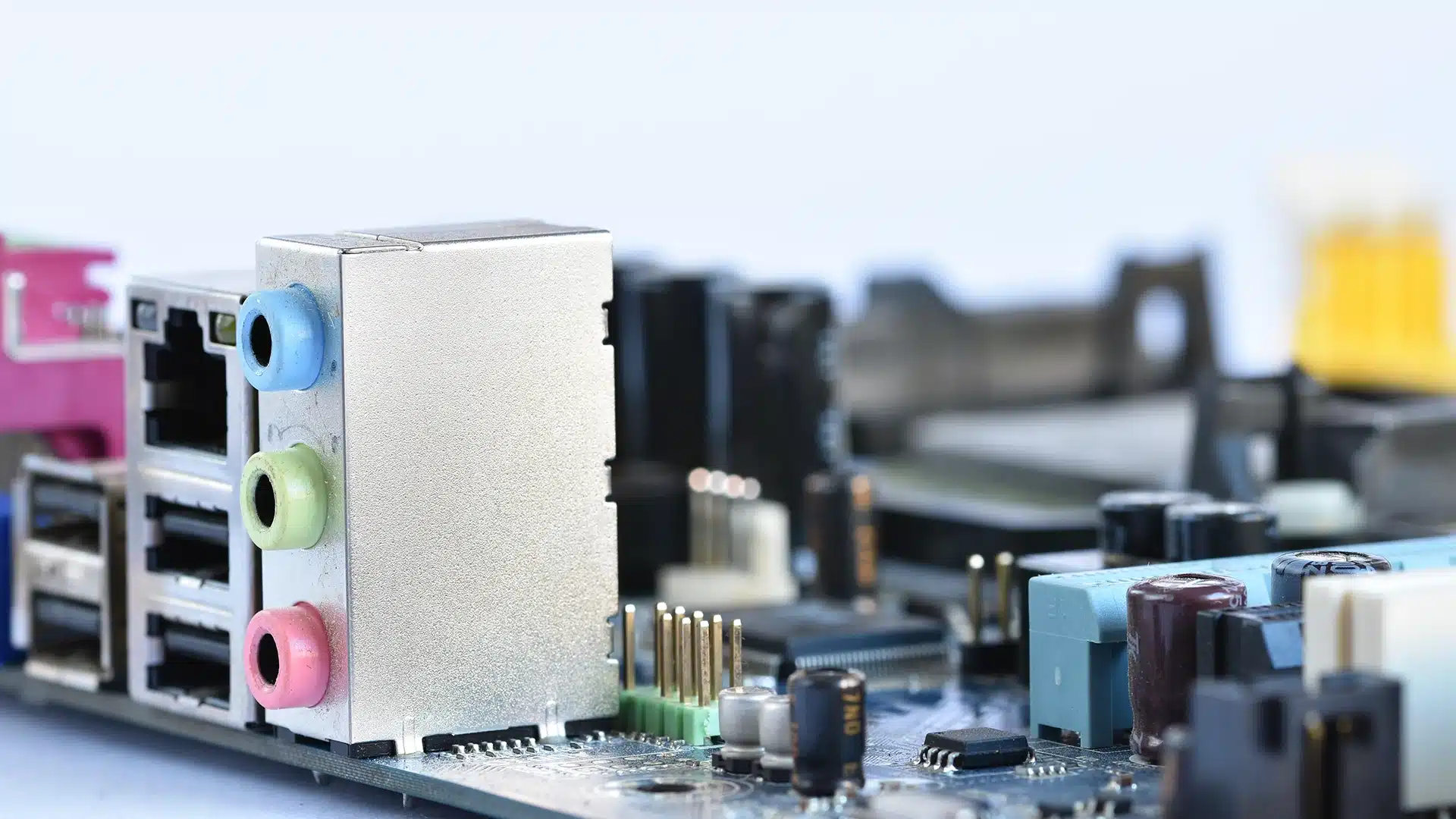
Computer Hardware Repair
Fix faulty components that may affect system stability or performance. Reliable hardware ensures your upgrade performs as expected long term.

Data Transfer Service
Move files, documents, and data safely during upgrades or system changes. This keeps your information organised and accessible after improvements.

Computer Virus Removal
Remove malware that can slow systems and affect performance. A clean system ensures your RAM upgrade delivers consistent results.
Computer RAM Upgrades in Brisbane Northside
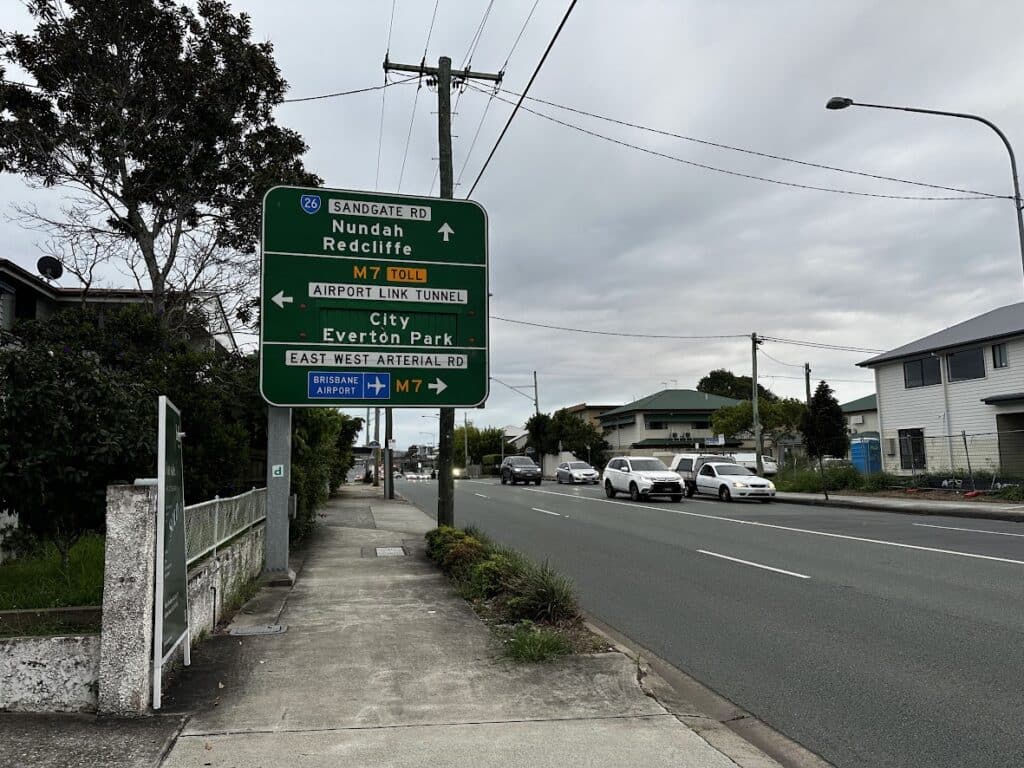
We provide RAM upgrades for laptops, desktops, and MacBook across Brisbane Northside including Clayfield, Ascot, Hendra, Albion, Nundah, Kedron, Chermside, Wooloowin, and Hamilton. You can visit our workshop or arrange onsite service depending on your setup. Every upgrade is tested to ensure stable and reliable performance.
Visit Us Today: 2/890 Sandgate Road, Clayfield, QLD 4011
Open Monday to Saturday. See our updated hours on Google Maps before visiting.
Frequently Asked Questions
