
SSD Upgrade for Laptops and Computers in Brisbane
Slow computer or long loading times? Upgrade to SSD storage with clear advice and no unnecessary upsells.
A slow system is often caused by outdated storage, not the entire device. Upgrading to an SSD can significantly improve speed, responsiveness, and reliability. At Fix My Laptop, we assess your current setup and carry out professional SSD upgrades for laptops, desktops, and Mac systems using quality components. Most upgrades are completed within one to two days.

When an SSD Upgrade Makes a Difference
Common situations where upgrading storage improves performance.
Slow Startup and Boot Times
Your computer takes too long to start and load the operating system. An SSD upgrade reduces boot time and improves overall responsiveness.
Programs Load Too Slowly
Applications take time to open or respond during use. Faster storage allows software to launch quickly and run more smoothly.
System Feels Unresponsive
Basic tasks such as browsing or file access feel delayed. Improved storage speed removes bottlenecks and restores usability.
Old Computer Still Works Fine
Your device is functional but feels outdated in performance. An SSD upgrade extends its lifespan without replacing the entire system.
How SSD Upgrades Improve Performance
Speed gains come from storage, not just processing power.
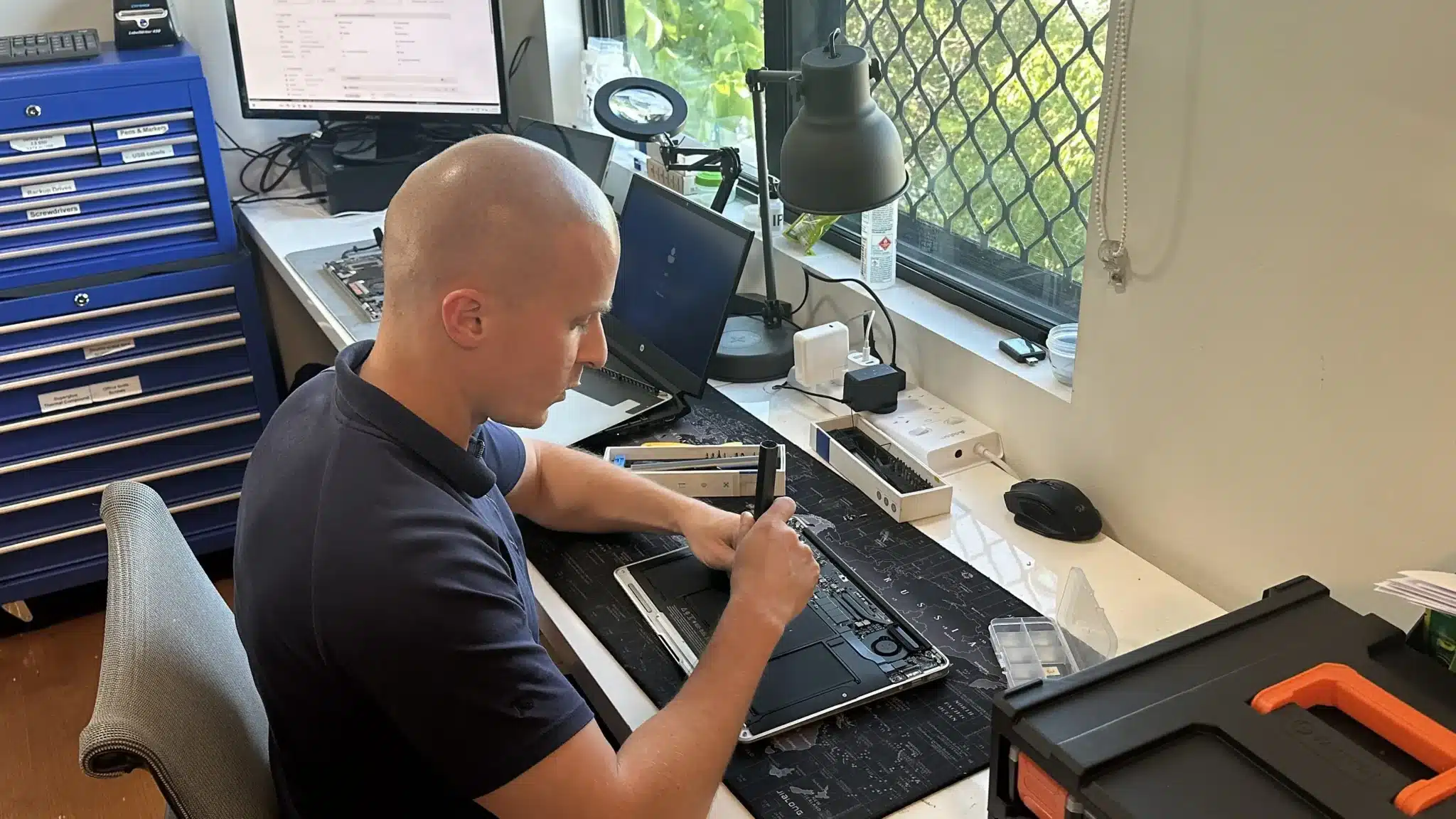
Traditional hard drives rely on moving parts, which limits speed and reliability. In contrast, SSD storage uses solid state technology that delivers faster read and write performance.
As a result, your system responds quicker, boots faster, and handles everyday tasks more efficiently. However, compatibility and installation still matter, so we check your device before recommending the upgrade.
Professional SSD Upgrade Service
Complete upgrade with setup, transfer, and optimisation.

We replace your existing drive with a high quality SSD matched to your device. The upgrade includes installation, system setup, and performance optimisation.
We also transfer your existing data where possible. This means you keep your files, settings, and applications without starting from scratch.
If required, we perform a clean system setup for better stability. As a result, your upgraded system runs faster and more reliably from day one.
Why Choose Fix My Laptop for SSD Upgrades
Upgrading storage should improve performance, not create new problems. We focus on correct installation, proper setup, and honest advice so your system performs as expected.

How You Can Get Your SSD Upgrade
Choose the option that suits your schedule and setup needs.
Workshop Repair
Bring your computer to our workshop for a full upgrade service. We assess your system and complete the installation properly.
On-site Service
We upgrade your system at your home or office when suitable. Setup and testing are completed so your device is ready to use.
Remote Support
Need help after the upgrade? We assist remotely with setup, optimisation, and resolving software related issues.
Emergency
Need faster performance urgently? Priority upgrades reduce waiting time so your system is ready sooner.
SSD Upgrade Pricing
Pricing depends on specifications, condition, and upgrades.
Basic
$300
512GB
- Most popular upgrade size
- Great for most computer users
- About 450 GB available to use
- Enough to store documents and pics
- Typically used in $900+ laptops
Plus
$400
1TB
- 2x the capacity
- Great for typical house & business use
- About 900 GB available to use
- Enough to store movies and games
- Typically used in $1500+ laptops!
Premium
$550
2TB
- 4x the capacity
- Great for professionals & gamers
- About 1700 GB available to use
- Enough to store pretty much anything
- Sometimes used in very expensive laptops
Simple 3 Step Upgrade Process
From assessment to setup, we keep it straightforward.
STEP 1
Visit or Contact Us
Bring your device in or contact us with your requirements. This allows us to assess compatibility and recommend the right SSD upgrade.
STEP 2
Installation and Transfer
We install the SSD and transfer your data where possible. The system is configured and tested for stability and performance.
STEP 3
Ready to Use
Your upgraded system is optimised and ready for daily use. You get improved speed without changing how you work.
Related Services and Performance Improvements
Improve speed, fix issues, or expand storage with related services.
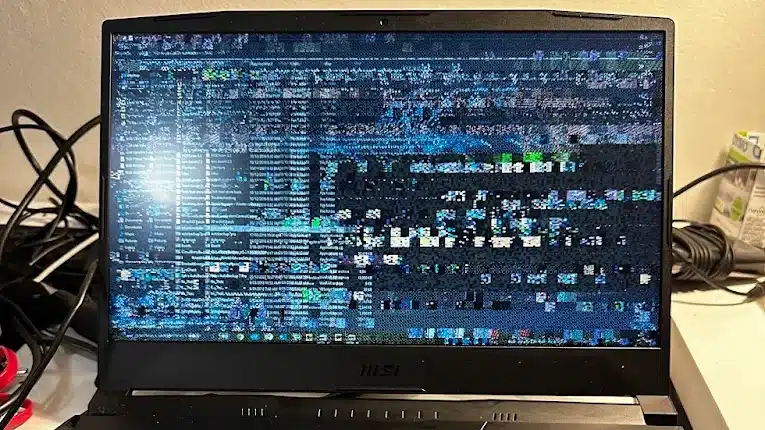
Laptop Screen Replacement
Fix cracked or faulty screens that affect visibility and usability. A clear display ensures you can fully benefit from improved system performance.
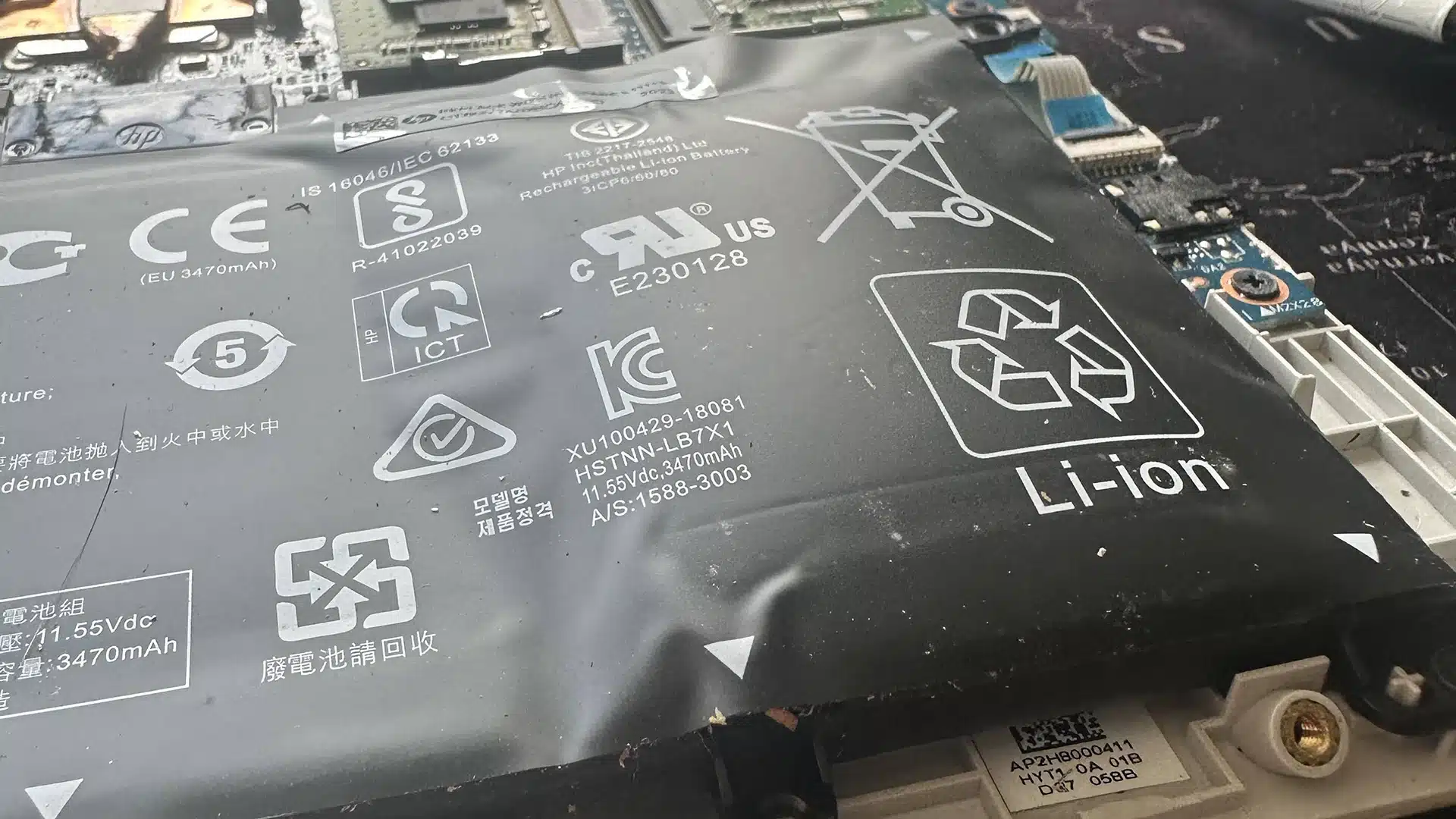
Laptop Battery Replacement
Replace worn batteries that cause shutdowns and unstable performance. Reliable power keeps your upgraded system running consistently throughout the day.

Charging & USB Port Repair
Repair damaged charging ports that interrupt power delivery and usage. Stable connections help maintain performance and prevent further hardware issues.
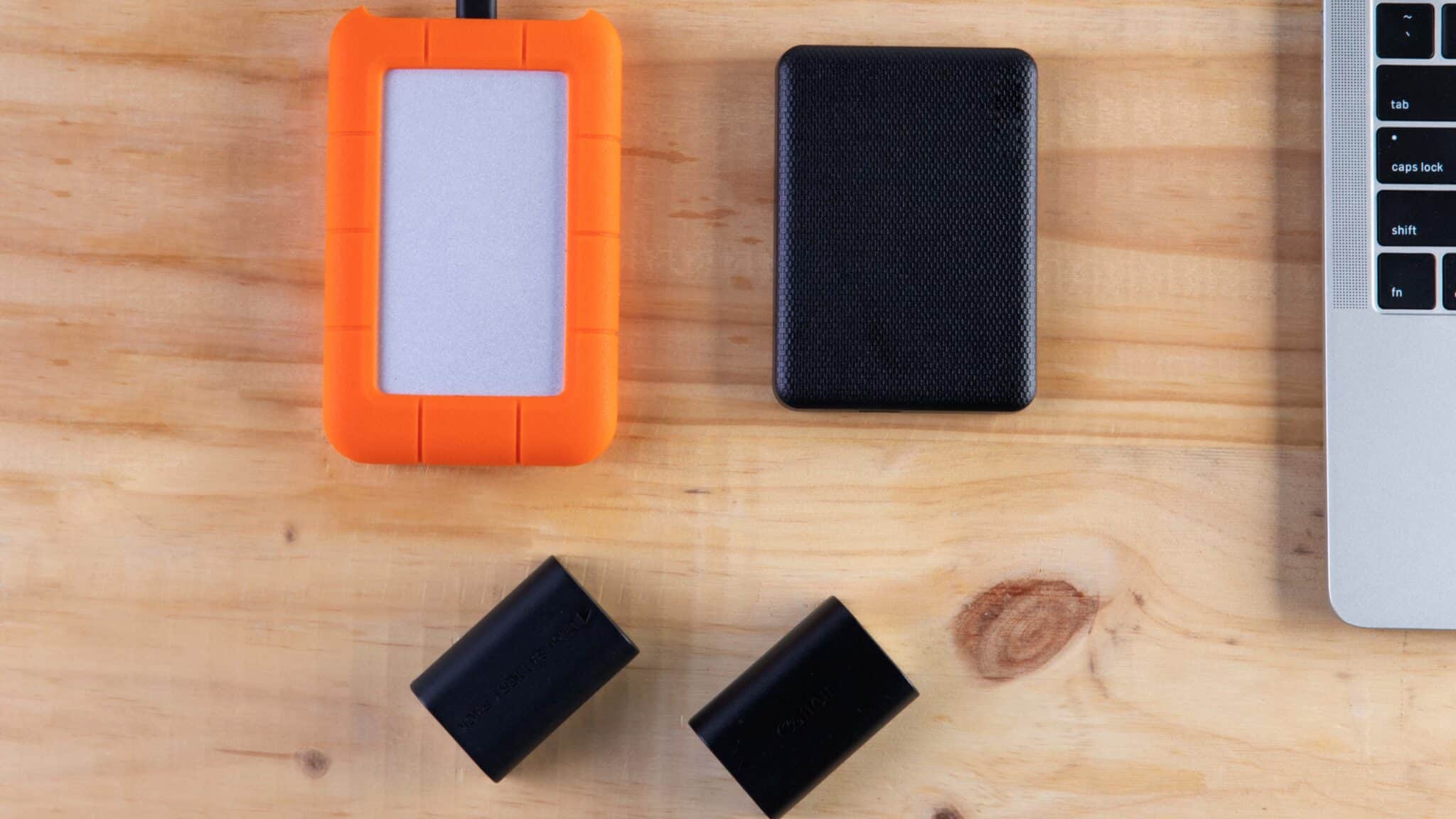
External Hard Drives
Add external storage for backups, files, and long term data management. Extra capacity supports your upgraded system with safe and accessible storage.
SSD Upgrades in Brisbane Northside
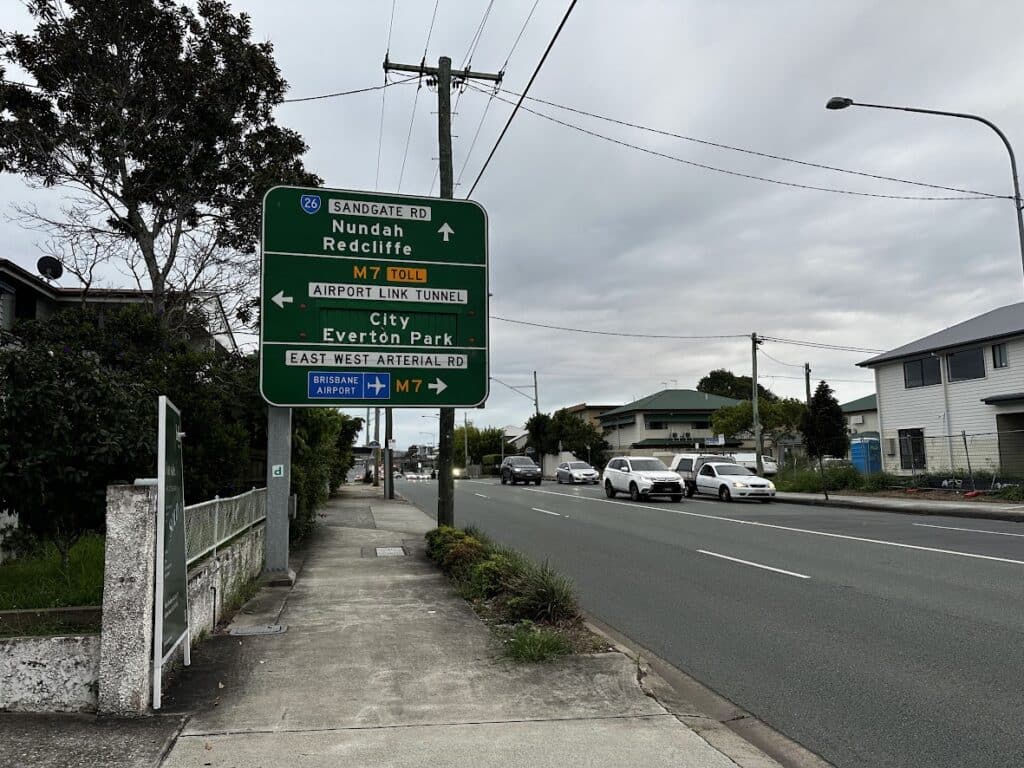
We are based in Clayfield and support customers across Brisbane Northside including Ascot, Hendra, Albion, Nundah, Kedron, Chermside, Wooloowin, and Hamilton. Because we are local, you can speak directly with a technician and get clear upgrade advice. This helps you avoid unnecessary upgrades and choose the right solution.
Visit Us Today: 2/890 Sandgate Road, Clayfield, QLD 4011
Open Monday to Saturday. See our updated hours on Google Maps before visiting.
Frequently Asked Questions
