
Computer Hardware Repair in Brisbane
Hardware issues slowing you down? We diagnose and repair computers properly.
Hardware faults can cause crashes, slow performance, or complete failure. However, the problem is not always obvious. At Fix My Laptop, we test your device to find the exact cause before recommending any repair. As a result, you avoid unnecessary part replacements and get a reliable fix. We repair desktops, laptops, and MacBooks with clear advice before any work begins.
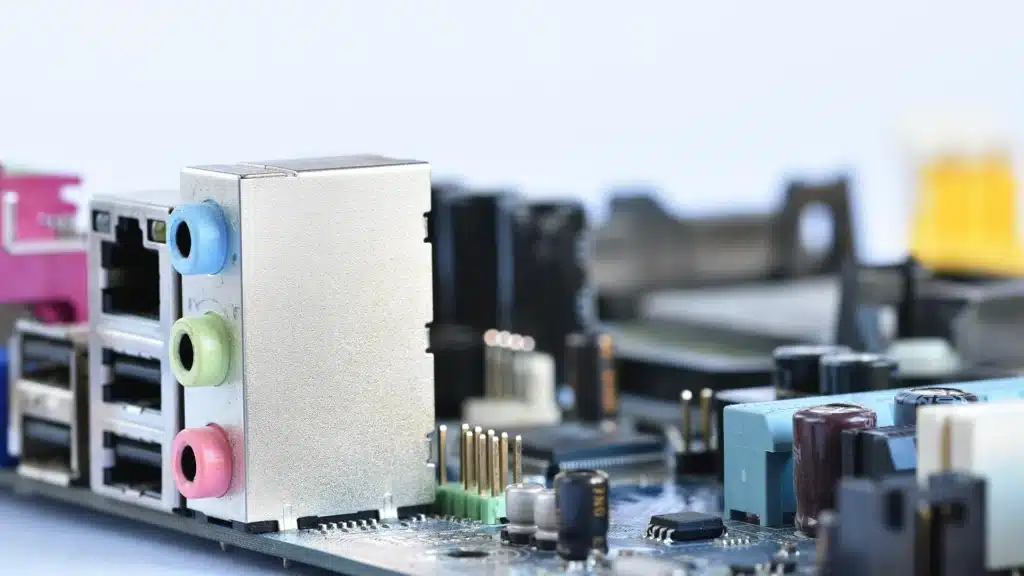
Common Computer Hardware Problems
If your device shows these signs, hardware repair may be required.
Computer not turning on
If your device shows no power or fails to start, the issue may involve the motherboard, power supply, or internal components.
Overheating and sudden shutdowns
Excess heat can cause random shutdowns and long term damage. This is often related to fans, dust buildup, or failing thermal systems.
Strange noises or clicking sounds
Clicking or grinding sounds usually indicate failing drives or cooling components that require immediate inspection and replacement.
Slow performance despite upgrades
If your system remains slow after upgrades, faulty hardware such as drives or memory may be affecting overall performance.
Accurate Hardware Fault Diagnosis
We identify the exact issue before recommending repairs.
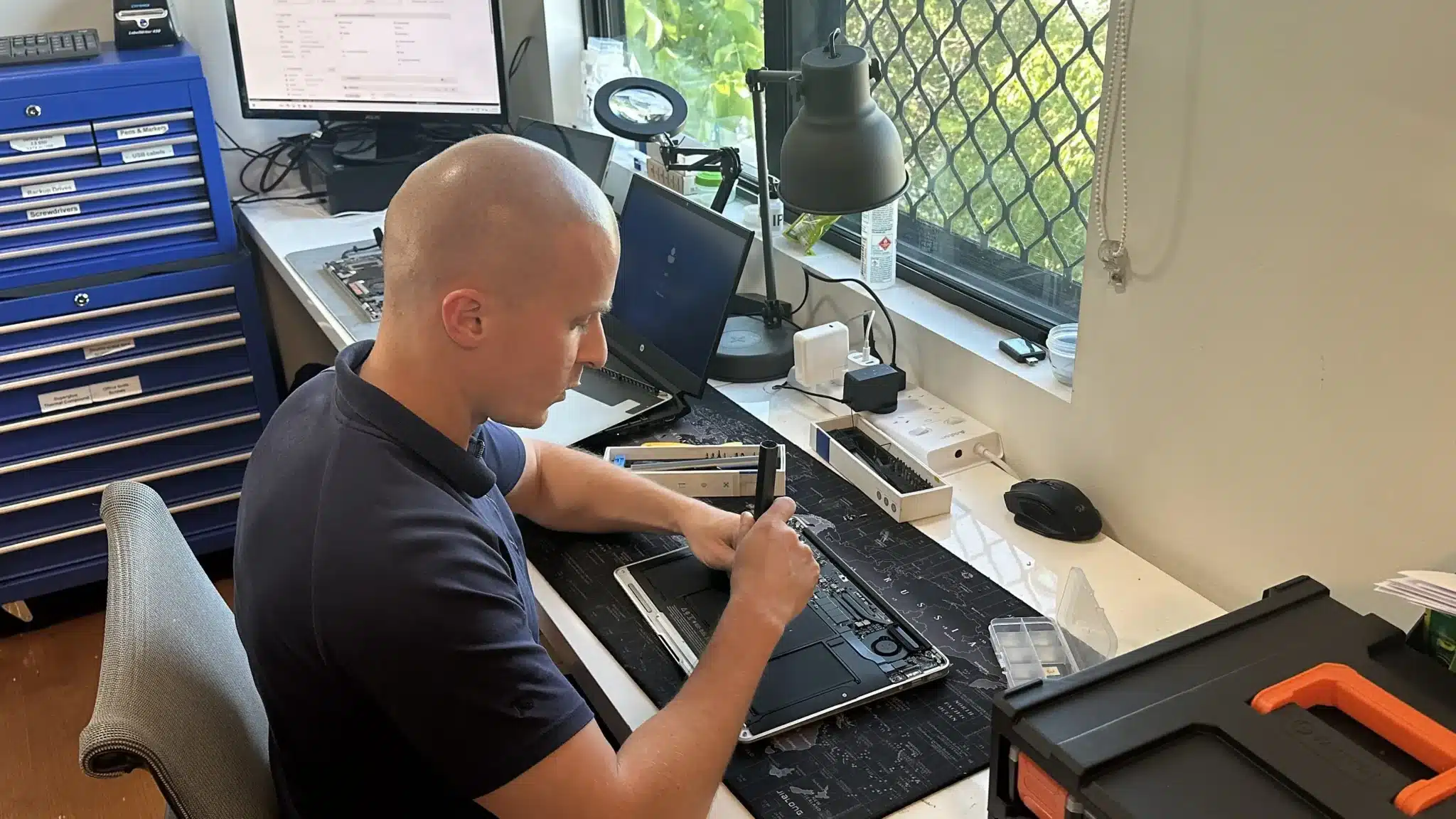
Hardware issues are not always obvious. For example, a slow system could be caused by storage failure, overheating, or memory faults. Because of this, we start with proper diagnostics before suggesting any repair.
We test key components such as storage, RAM, cooling systems, and power delivery. Then we explain the root cause and outline the best repair options. This approach avoids guesswork and prevents unnecessary replacements.
Computer Hardware Repair Services
Complete hardware repairs for laptops, desktops, and MacBooks.
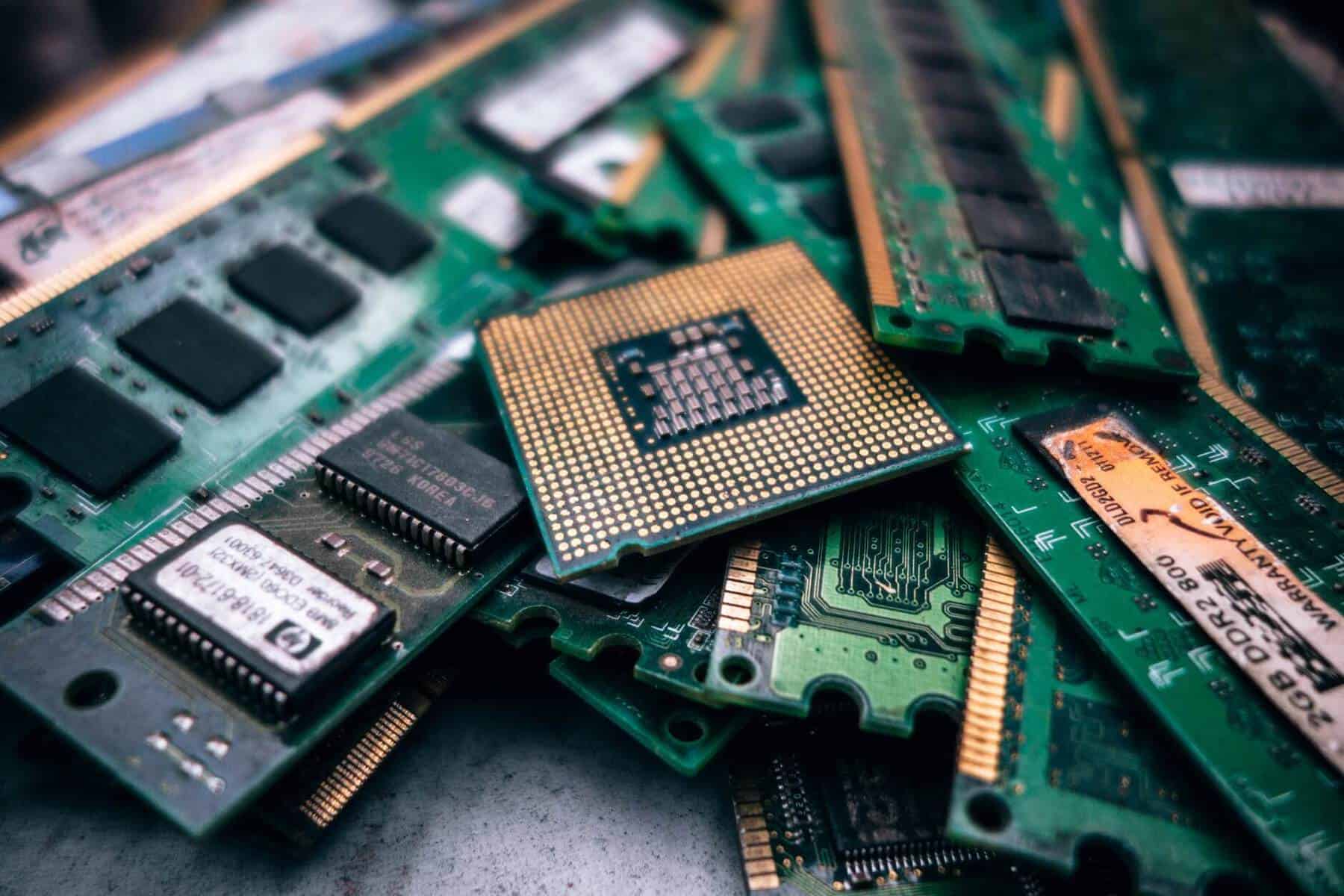
We repair a wide range of hardware faults including motherboards, storage drives, cooling systems, and internal components. In addition, we handle both simple fixes and complex repairs depending on the condition of your device.
If replacement is required, we use compatible parts suited to your system. You can also explore computer repair Brisbane, SSD upgrades, or data recovery services if your issue involves performance or data loss.
Why Choose Fix My Laptop for Hardware Repairs
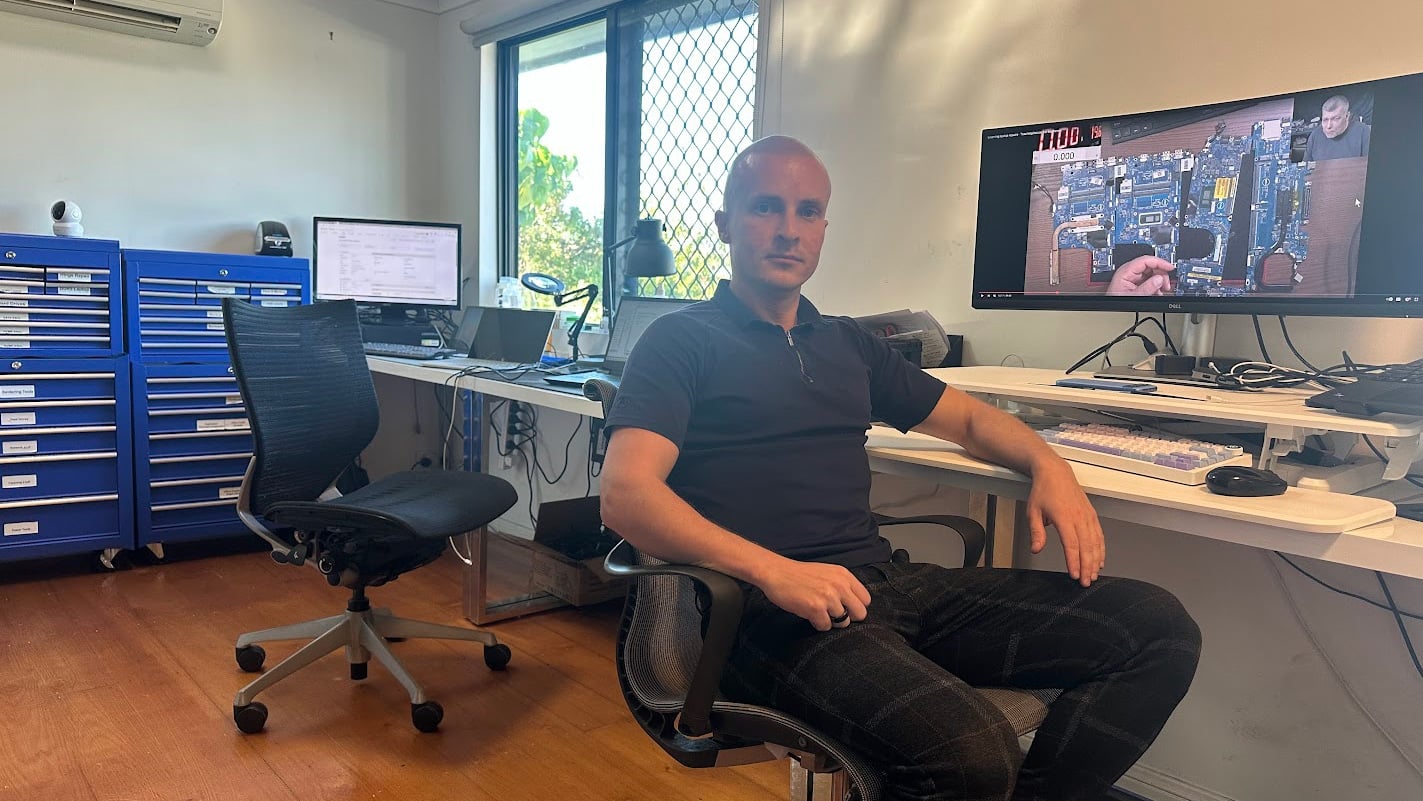
Hardware repairs need proper diagnosis and practical decisions. We identify the actual fault first, then recommend the most effective fix based on condition and cost. Because we work across laptops, desktops, and MacBooks, we can handle a wide range of hardware issues without unnecessary replacements.

Flexible Computer Repair Options
Choose a repair option that fits your needs and urgency.
Workshop Repair
Bring your device to our workshop for full hardware diagnostics and repair service.
Remote Support
We check software related issues remotely before confirming if hardware repair is needed.
Emergency
After hours support is available for urgent hardware issues and unexpected downtime cases.
Computer Hardware Repair Cost
Costs vary depending on the fault, parts, and repair complexity.
Pricing depends on the type of component, system model, and repair complexity. For example, simple upgrades such as RAM or SSD replacement sit at the lower end, while motherboard or advanced repairs fall into higher ranges.
Because hardware varies across devices, we confirm the exact parts and condition before quoting. This avoids incorrect estimates and delays.
Bring your device in or contact us for an exact quote.
Typical Price Range
$200 – $800+
Basic component replacements are usually at the lower end, while complex repairs or multiple faults increase the cost.
How Computer Hardware Repair Works
A simple process from inspection to completed repair.
STEP 1
Visit & Drop-off
Bring your device to our workshop or contact us first. We perform an initial check and confirm the repair process.
STEP 2
Diagnostic & Quote
We test hardware components, identify the issue, and provide a clear quote before starting any repair work.
STEP 3
Repair & Pickup
We complete the repair, test system stability, and confirm everything is working properly before returning your device.
Related Computer Repair Services
Explore other services related to hardware issues.
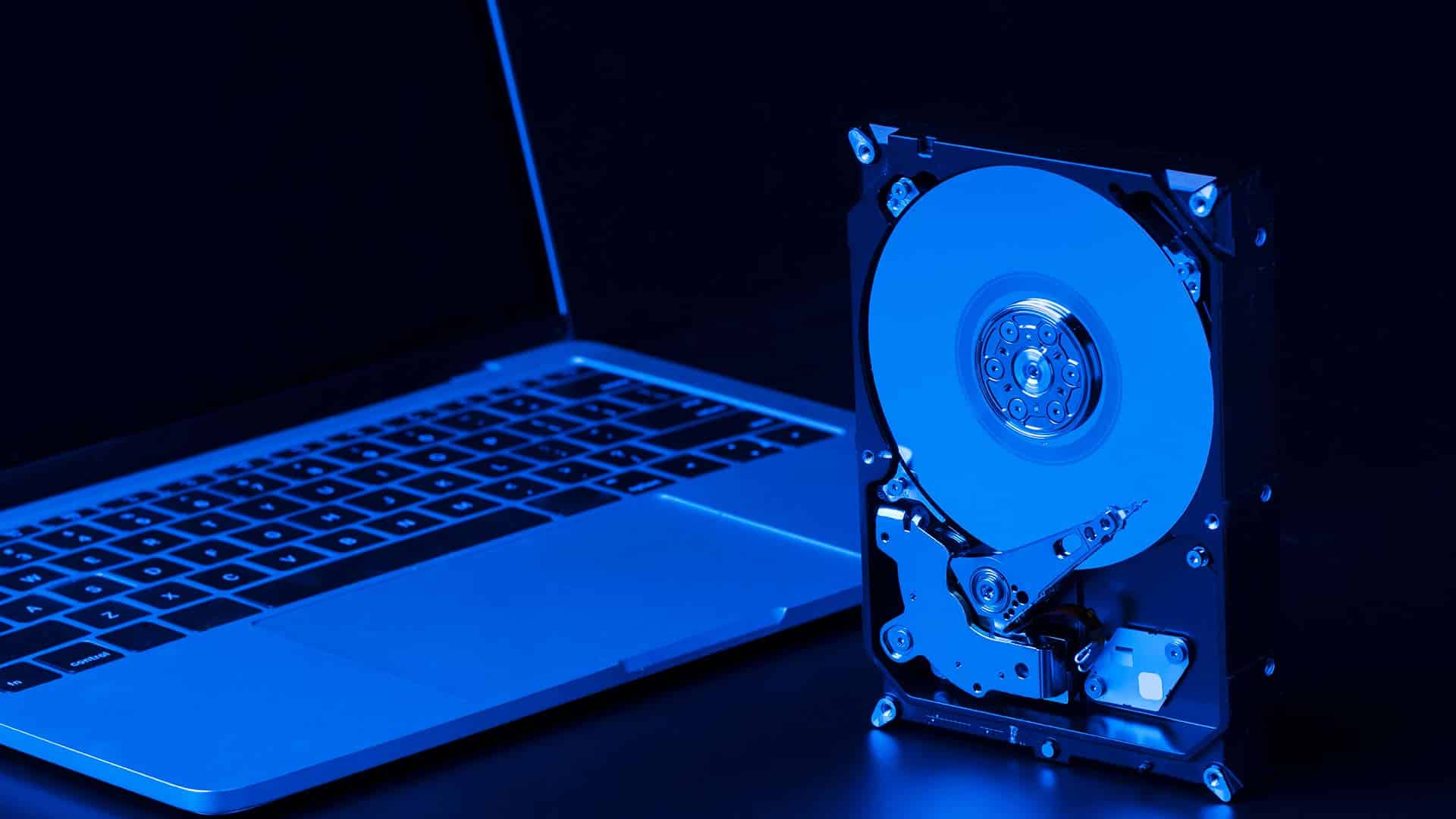
SSD Upgrade or Replacement
Slow performance is often caused by outdated drives rather than faulty hardware. We replace old drives with SSD storage to improve speed, reliability, and system.

Data Recovery Services
Hardware failure can result in lost or inaccessible data. We recover files from damaged drives and restore important data where recovery is still possible.
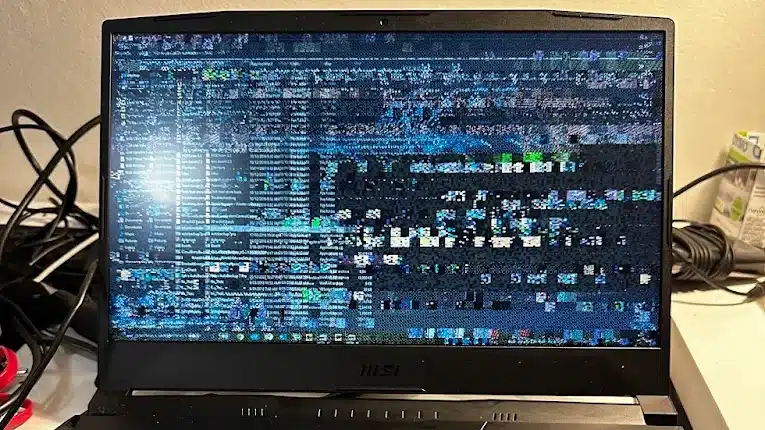
Laptop Screen Repair
Physical damage can affect multiple components at once. We replace damaged screens using correct parts and ensure proper installation for long term use.

Charging Port Repair
Charging problems may involve internal hardware faults. We repair charging ports and related components to restore stable and reliable power delivery.
Computer Hardware Repair in Clayfield Brisbane
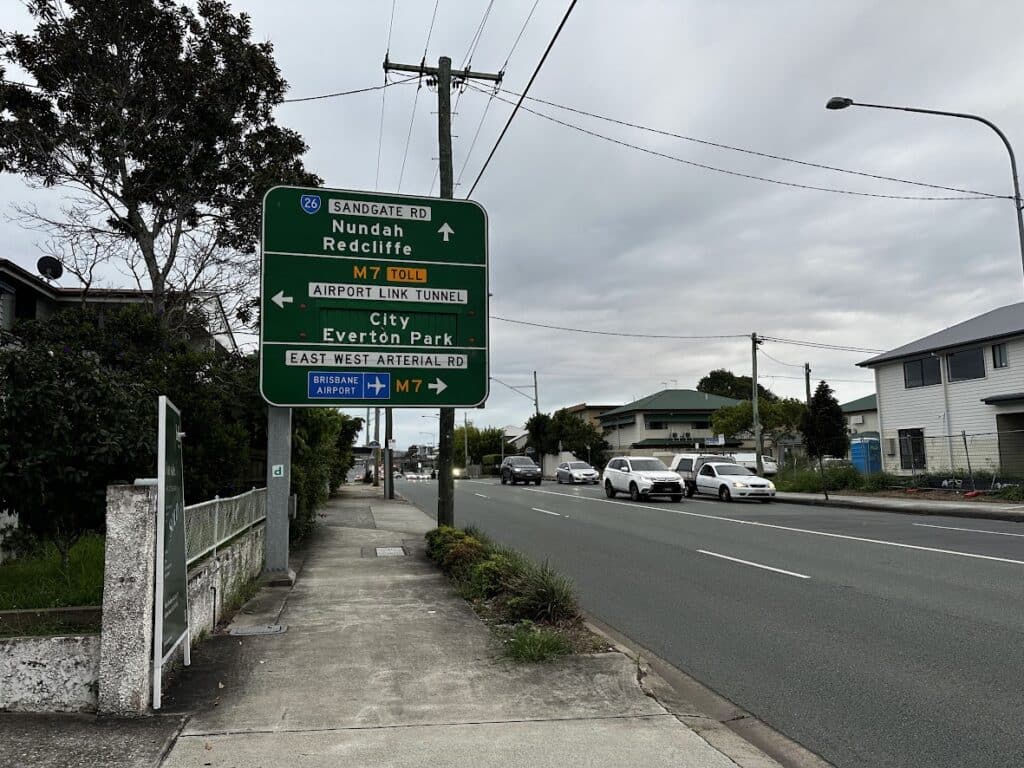
Our workshop is located on Sandgate Road in Clayfield. We service customers from Ascot, Hendra, Albion, Nundah, Kedron, Chermside, Wooloowin, Hamilton, and neighbouring suburbs.
Because we operate locally, you get direct access to a technician and faster turnaround times without sending your device away.
Visit Us Today: 2/890 Sandgate Road, Clayfield, QLD 4011
Open Monday to Saturday. See our updated hours on Google Maps before visiting.
Frequently Asked Questions
