
Malwarebytes Anti Malware Setup & Virus Removal Brisbane
Pop ups, slow performance, or strange system behaviour usually point to malware running in the background.
We remove malware properly, then install and configure Malwarebytes Anti Malware for ongoing protection. This helps prevent repeat infections and keeps your system stable.

Signs Your Computer May Be Infected
Most people notice the effects first. These symptoms often indicate malware activity.
Slow or unstable system
Programs take longer to open and tasks feel delayed. This usually means hidden processes are consuming system resources.
Browser redirects or pop ups
Websites change unexpectedly or ads appear frequently. This is commonly caused by adware or malicious extensions.
Unknown programs installed
New applications appear without your knowledge. These may run silently and affect system performance.
Security warnings or failures
Antivirus stops working or cannot update properly. Malware often interferes with protection tools.
High network activity
Internet usage increases even when idle. This may indicate background communication with external servers.
Account or email issues
Unusual logins or sent messages can occur. Malware may be collecting credentials or session data.
How Malware Gets Installed
Most infections come from everyday actions rather than obvious mistakes.

Malware is often bundled with downloads or fake software updates. Users install something that appears normal but carries hidden threats.
In other cases, email attachments or unsafe websites introduce malicious code. Once inside, the system may be compromised without clear warnings.
Outdated software also increases risk. Without proper updates, vulnerabilities are easier to exploit and infections become more likely.
Basic Steps Before Professional Help
These steps can reduce impact. However, they rarely solve the full problem.
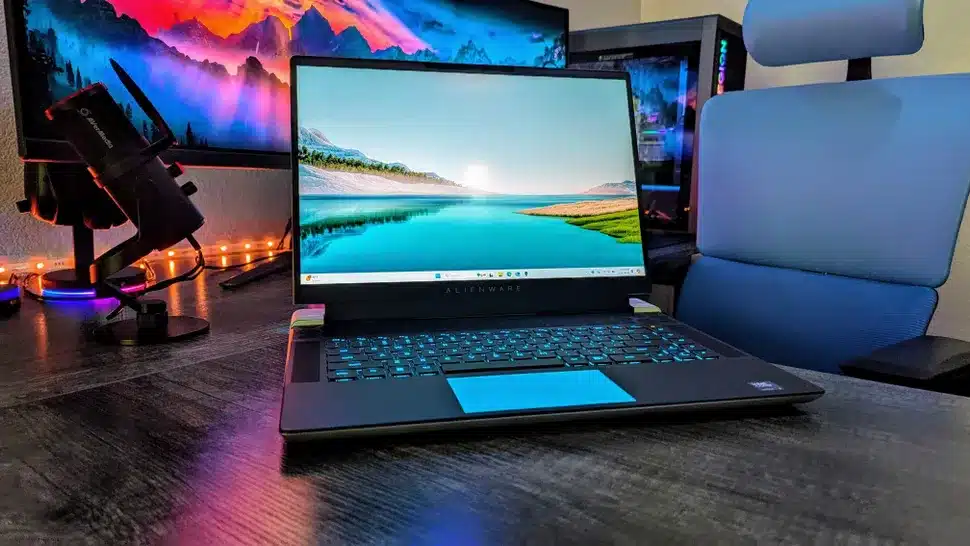
Disconnect from the internet if you notice unusual activity. This helps limit further communication from malware.
Avoid downloading random cleanup tools online. Many of them are misleading and can make the issue worse.
If your antivirus still works, run a scan. However, if the system remains slow or unstable, deeper cleanup is required.
When Malware Needs Proper Removal
If these signs appear, the problem is beyond simple fixes.
Still slow after scans
If basic antivirus scans do not improve performance, malware is likely still present. Hidden threats can continue running even after partial cleanup.
Pop ups and redirects continue
Ongoing ads or browser redirects indicate active infection. This usually means adware or deeper system compromise remains.
Accounts or data are affected
Unusual logins or missing data suggest serious risk. Immediate action is required to prevent further damage or loss.
Security tools are failing
If antivirus cannot run or update, protection is compromised. This often means malware is actively blocking security tools.
Complete Malware Removal and Protection Setup
We remove the cause and prevent it from returning.
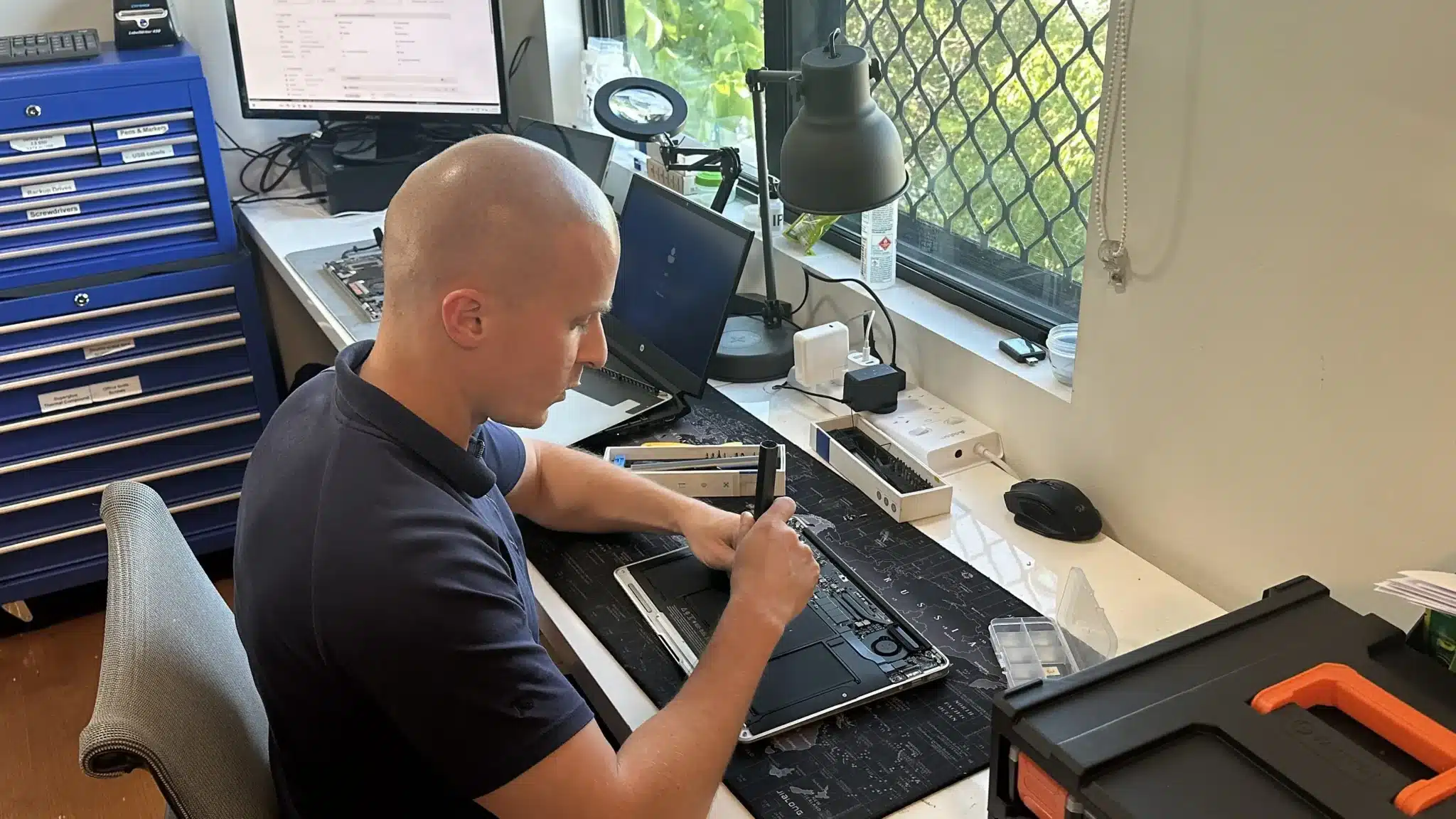
We begin with a full system scan to identify all threats. This ensures nothing is missed during cleanup.
Then we remove malware using professional tools and manual checks. After that, we repair any system damage and restore stability.
Finally, we install and configure Malwarebytes Anti Malware. This provides ongoing protection against future threats.
Clear Diagnosis and Long Term Protection
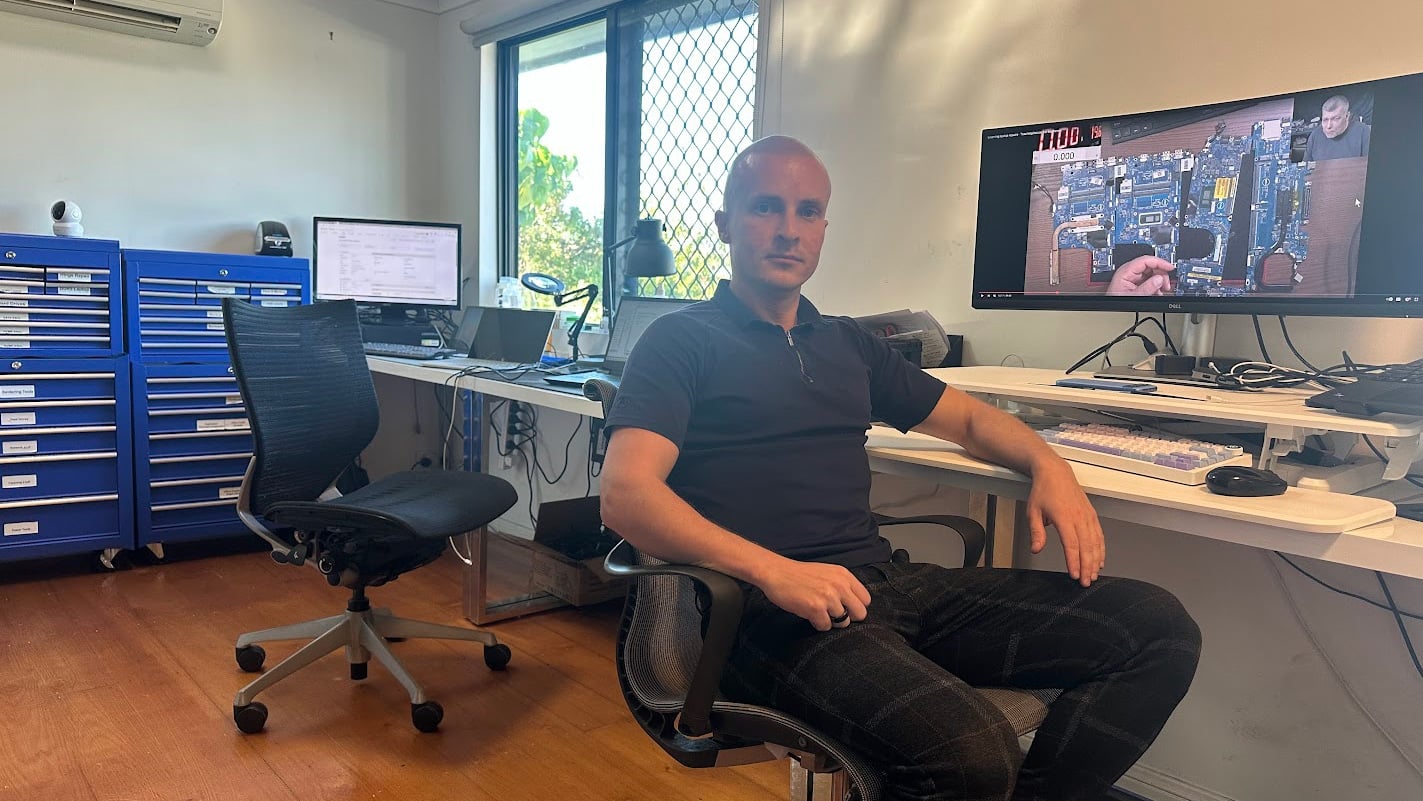
Computer issues are often misdiagnosed or overcomplicated. We identify the exact problem first, then apply the right fix so you avoid repeat issues.

Ways To Get Your Computer Fixed
Choose the option that fits your situation. All options follow the same structured process.
Workshop Repair
Bring your device to our Clayfield workshop for full malware testing and removal. This allows deeper inspection and complete cleanup.
On-site Service
We visit your home or office to remove malware and secure your system. This works well for business setups or multiple devices.
Remote Support
If your system is accessible, we can perform checks and install protection remotely. This is suitable for early stage or software issues.
Emergency
For urgent issues like compromised accounts or business downtime. This helps restore access quickly and reduce further risk.
Related Computer Services
Malware problems often connect to system issues or weak security.
These services help prevent recurring problems.

Computer Virus Removal
Viruses and malware often overlap in behaviour and impact. Full removal ensures your system is clean and stable.
Windows & Software Issues
System issues can remain after infections or failed updates. Repairing Windows restores stability and performance.

IT Support & Solutions
Ongoing support helps prevent future issues and keeps systems secure. This is useful for both home and business users.

Data Recovery Services
Malware can damage or hide important files. Recovery services help restore lost or corrupted data safely.
Malware Removal Brisbane Northside
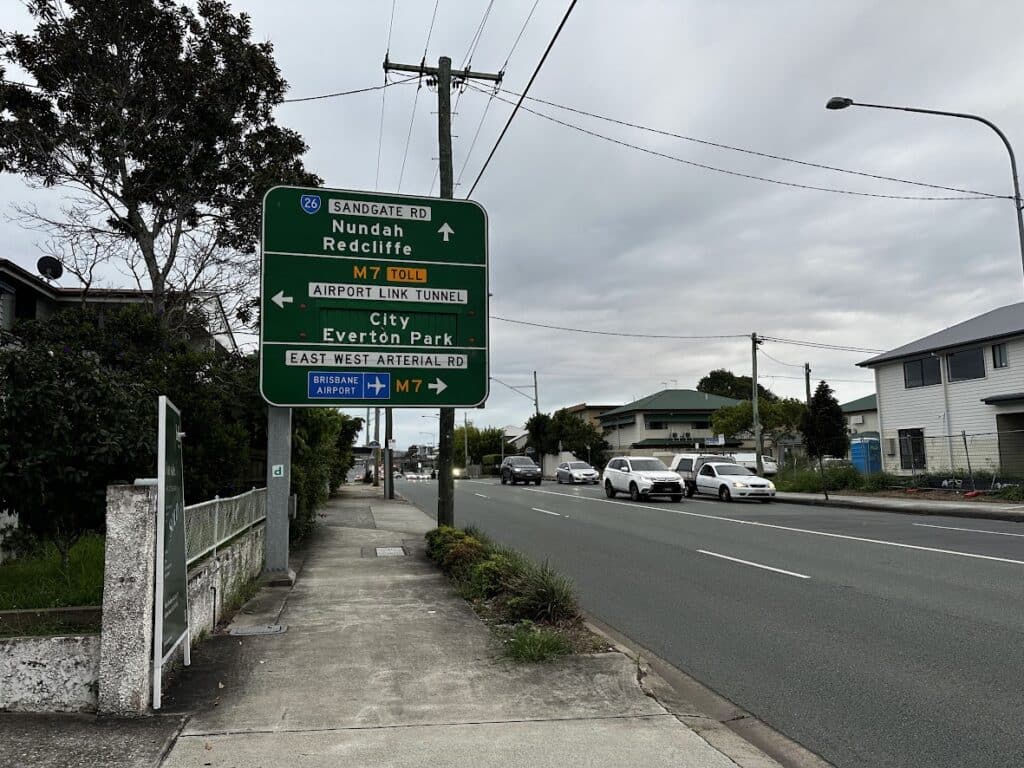
We provide malware removal and Malwarebytes setup across Brisbane Northside including Clayfield, Ascot, Hendra, Albion, Nundah, Kedron, Chermside, Wooloowin, and Hamilton.
Visit Us Today: 2/890 Sandgate Road, Clayfield, QLD 4011
Open Monday to Saturday. See our updated hours on Google Maps before visiting.
Frequently Asked Questions

Can malware survive antivirus scans?
Yes, some threats hide deeply in the system. That is why manual checks are often needed.
Will my files be affected?
We aim to keep your data safe during cleanup. Backup is recommended before major work.
How long does malware removal take?
Most cases are resolved within one to two days depending on severity.
Can infections happen again?
Yes, without proper protection and safe usage habits. That is why we set up ongoing security.