
Windows 11 Update Problems Brisbane
Upgrade failed, stuck, or broke your system? We fix Windows 11 update issues without risking your data.
Windows 11 updates can cause compatibility problems, boot failures, or slow performance. We diagnose the issue first and restore your system to stable working condition.

Signs Your Windows 11 Update Failed
If your system changed after upgrading, these are common warning signs.
Stuck computer update
The upgrade freezes or stays on loading screens for long periods. This usually means the installation process failed midway.
Slow computer system
Performance drops after upgrading to Windows 11. This often relates to background processes or compatibility issues.
Computer boot failure
The computer fails to start after completing the update. This usually indicates corrupted system files.
Computer apps crash
Programs stop working or crash after the upgrade. This often happens due to driver or software conflicts.
Error codes
Update errors appear during installation attempts. These usually point to system or configuration problems.
Settings reset
System settings change or reset after upgrading. This can happen when Windows replaces existing configurations.
Why Windows 11 Updates Fail
Most update issues come from compatibility and system conflicts.

Windows 11 requires specific hardware support and updated drivers. If the system does not fully meet these requirements, the upgrade may fail or create instability after installation.
In many cases, older software or drivers conflict with the new system. This leads to crashes, missing features, or poor performance. These problems often overlap with broader Windows system issues.
Corrupted system files can also interrupt the update process. When this happens, the system may freeze, loop, or fail to boot. Proper diagnosis is required to identify the exact cause.
Basic Checks Before Repair
Some upgrade issues can be tested before moving to deeper fixes.
Restart your computer and allow the update to resume if possible. Sometimes the process pauses and continues after rebooting.
Check that your system meets Windows 11 requirements and has enough storage space. Low storage or unsupported hardware can cause failures or slow performance.
If problems continue, avoid repeated upgrade attempts. This can worsen system corruption and lead to deeper issues that require Windows repair.
When Windows 11 Issues Need Fixing
These signs indicate the upgrade problem requires proper repair.
Upgrade stuck in loop
The system keeps restarting without completing the update. This indicates the installation process has failed and needs intervention.
System will not boot
The computer cannot load Windows after the update completes. This usually means critical system files are damaged.
Repeated error messages
Error messages continue to appear during installation attempts. This points to deeper system or compatibility issues.
Performance significantly worse
The system becomes slow, unstable, or unresponsive after upgrading. This often indicates driver conflicts or resource problems.
How We Restore System Stability
We fix upgrade problems by correcting system files and compatibility issues.
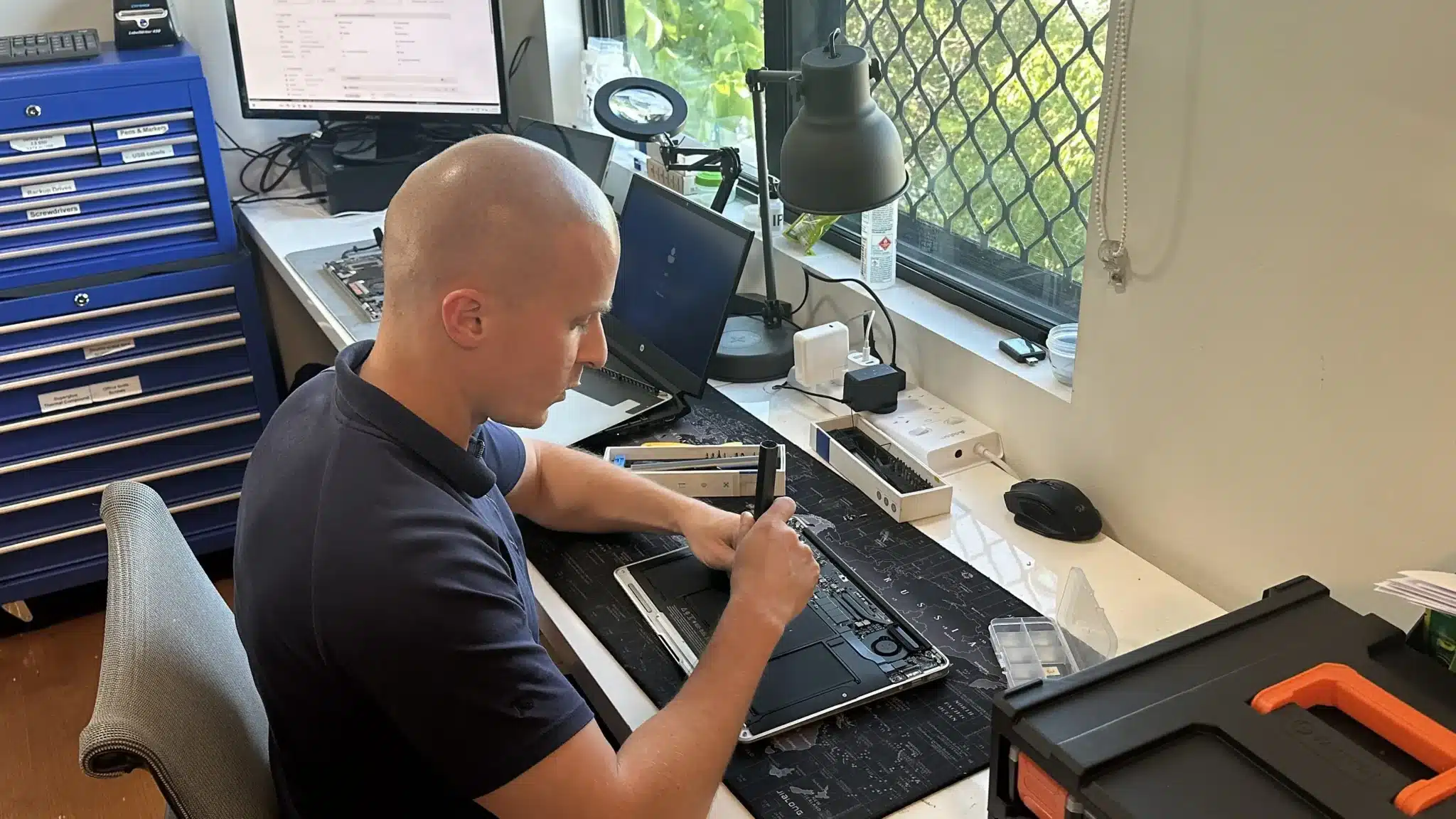
We begin by identifying where the upgrade failed and how it affected the system. This includes checking logs, drivers, and system configuration to pinpoint the issue.
Next, we repair damaged components or roll back faulty updates. This ensures the system returns to a stable state without recurring problems. In some cases, performance improvements may also be required.
Finally, we prepare the system for a stable upgrade path. This ensures future updates install correctly without causing further issues.
Proper Diagnosis Before Any Fix
Windows 11 issues are often patched temporarily, which leads to repeated failures. We identify the underlying problem first, then apply the correct solution to restore long term stability.

Repair Options That Fit Your Situation
We offer multiple ways to resolve Windows 11 update issues.
Workshop Visit
Bring your computer to our workshop for full diagnosis and repair. This allows deeper fixes for failed updates and system.
On-site Service
We visit your home or office to fix update problems directly. This works well for business systems and multiple affected devices.
Remote Support
Some update issues can be fixed remotely without a visit. This is ideal for minor errors and faster turnaround.
Emergency
Critical failures can be prioritised for urgent repair. This helps restore access quickly when your system is unusable.
Related Repairs and System Fixes
Windows 11 issues often connect with broader system problems.
Computer Windows Repair
Windows problems often appear after failed upgrades or updates. Fixing system errors restores stability and prevents future issues.

Computer Diagnostics
Accurate diagnostics identify why upgrades fail or systems become unstable. This ensures the correct repair is applied.

Computer Virus Removal
Malware can interfere with updates and system stability. Removing threats ensures proper system operation and future updates.
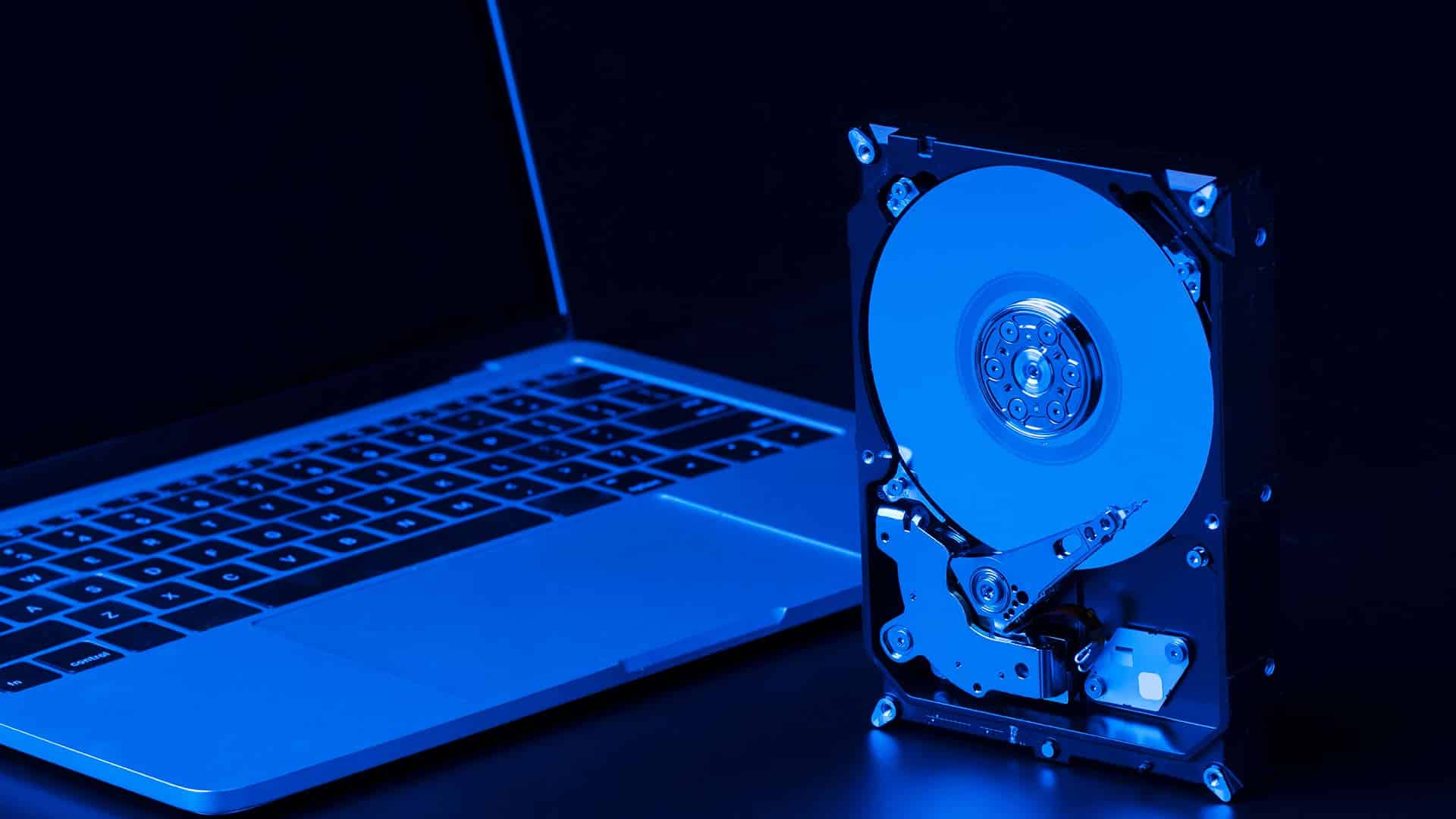
Computer SSD Upgrade
Older systems may struggle with Windows 11 performance demands. SSD upgrades improve speed and system responsiveness.
Windows 11 Repair Brisbane Northside
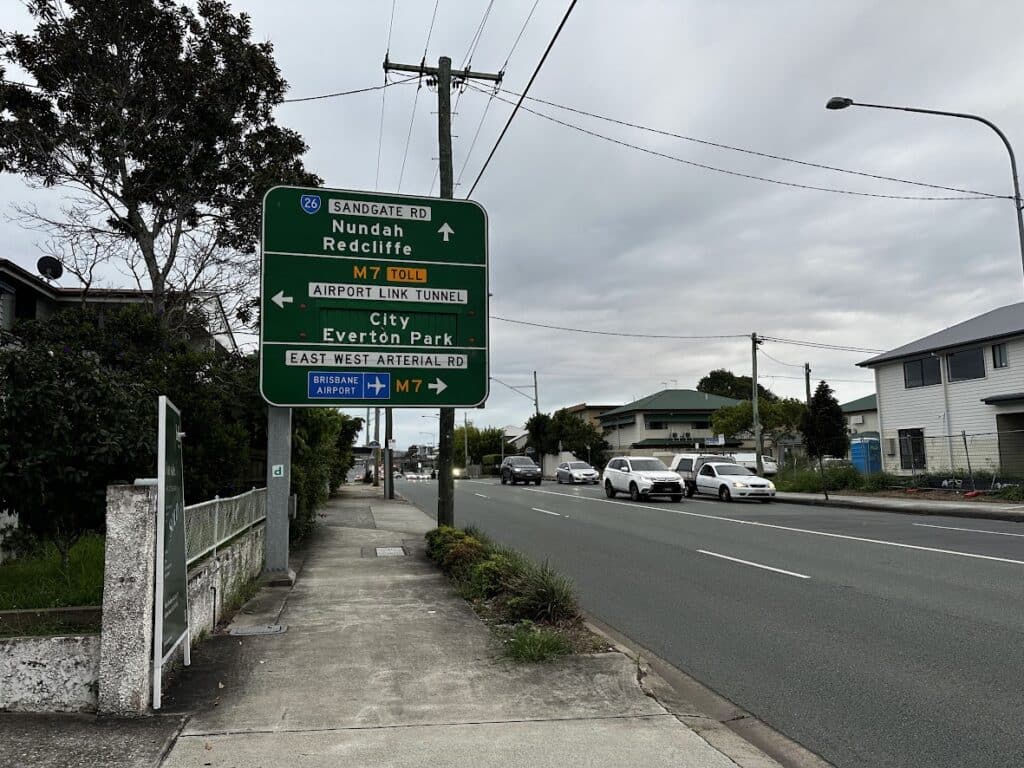
We provide Windows 11 update repair services across Brisbane Northside, including Clayfield, Ascot, Hendra, Albion, Nundah, Kedron, Chermside, Wooloowin, and Hamilton. Whether your system is stuck or unstable, we restore it to working condition with clear solutions.
Visit Us Today: 2/890 Sandgate Road, Clayfield, QLD 4011
Open Monday to Saturday. See our updated hours on Google Maps before visiting.
Frequently Asked Questions

Can I fix a failed upgrade myself?
Some minor issues can be resolved, but major failures require repair.
Will I lose my data during repair?
We aim to protect your data during all repair processes.
Why is Windows 11 slow on my computer?
Older hardware or incorrect setup can cause performance issues.
Should I upgrade to Windows 11?
It depends on your system compatibility and performance needs.