
Laptop & MacBook Liquid Damage Repair in Brisbane
Spilled water, coffee, or liquid inside your laptop? Acting fast can mean the difference between a simple clean and a full board repair.
Liquid damage spreads quickly and often causes hidden corrosion. At Fix My Laptop, we inspect, clean, and repair internal components to recover your device safely. We focus on saving your data and avoiding unnecessary replacements whenever possible.

Signs of Laptop Water Damage
Liquid damage does not always show immediately, but symptoms appear quickly.
Laptop not turning on
Liquid damage can short internal components and prevent startup. Even small spills can stop your laptop from powering on completely.
Keyboard keys not responding
Moisture under the keyboard can block signals or cause random inputs. This often worsens over time as corrosion spreads inside.
Screen flickering
Liquid exposure can affect display circuits and connectors. This results in flickering, lines, or a completely unusable screen.
Battery not charging properly
Corrosion near power circuits can interrupt charging. Your laptop may charge slowly, inconsistently, or stop charging altogether.
Random shutdowns
Liquid can disrupt thermal sensors and internal components. This leads to overheating, sudden shutdowns, or unstable performance.
Visible corrosion
Dried liquid leaves residue that damages components over time. Without cleaning, this continues to spread and cause further failure.
Proper Liquid Damage Assessment
We check beyond the surface to find hidden damage.
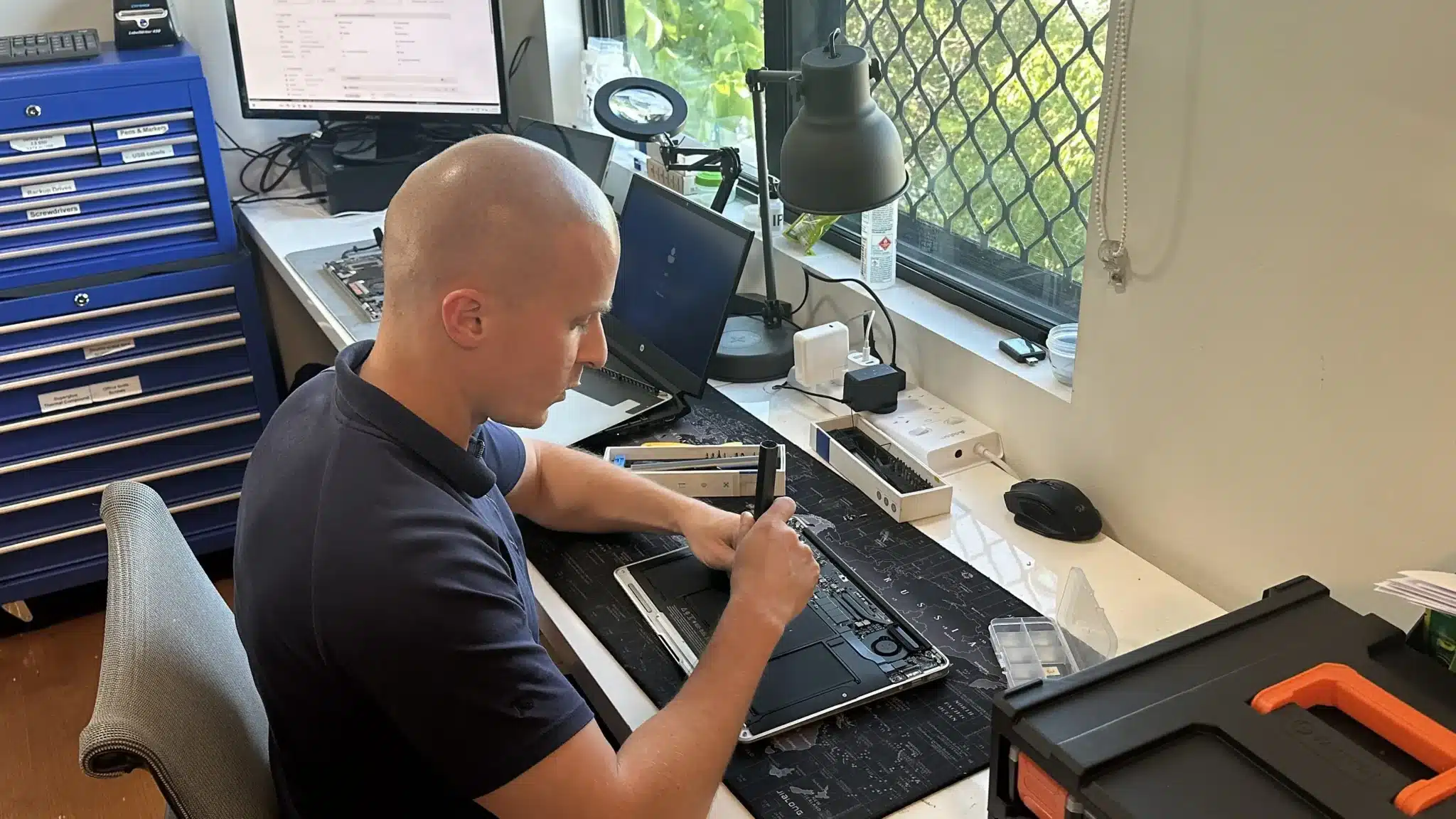
Liquid damage is rarely limited to one part. Therefore, we fully disassemble the device and inspect the motherboard, connectors, and power circuits.
We look for corrosion, short circuits, and damaged components. Then we test which parts can be saved and which require replacement.
Because every spill behaves differently, we confirm the extent of damage before recommending any repair. This avoids wasted cost and incorrect fixes.
Laptop Water Damage Repair Solutions
We focus on cleaning, recovery, and targeted repairs.

Liquid damage needs to be handled quickly and properly. We open the laptop, clean internal components, and remove corrosion before it spreads further. This step is critical, because leaving residue inside will continue to damage the board and connections over time.
After cleaning, we test the system and repair or replace any affected parts such as the keyboard, battery, charging circuits, or screen. If the motherboard is involved, we attempt board-level repair where possible. The goal is simple: restore your laptop safely without replacing more than necessary.
Why Choose Fix My Laptop
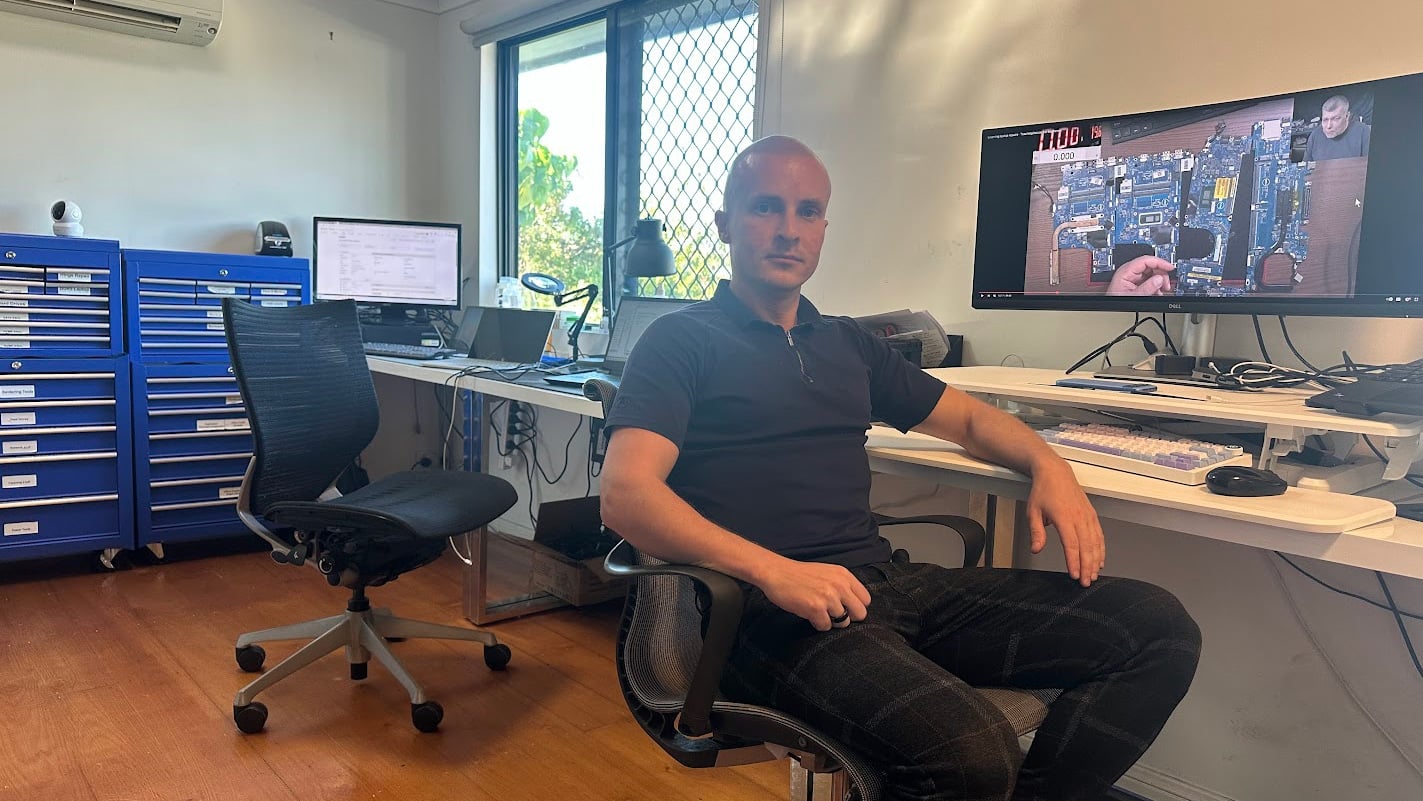
Liquid damage needs proper handling, not guesswork. We inspect the internal condition first, then explain what can be repaired and what cannot. Because we handle cleaning, component repair, and board-level work, we can often recover devices others would replace. This means you get a clear plan and avoid unnecessary costs.

Flexible Repair Options
Choose the repair method that suits your situation.
Workshop Repair
Bring your liquid damaged laptop to our Clayfield workshop for full inspection, internal cleaning, and accurate repair assessment.
Onsite Service
For urgent cases, we can attend your home or office. This is useful when immediate shutdown or inspection is required after a spill.
Remote Support
We can guide you through safe first steps after liquid exposure. Early action helps reduce further damage before bringing the device in.
Emergency
For critical devices, we offer priority handling. To help reduce downtime and improves chances of successful recovery after liquid damage.
Laptop Water Damage Repair Cost
Costs depend on severity, affected parts, and recovery work required.
Liquid damage repair varies because every spill affects different components. In some cases, a full internal clean is enough. In others, parts such as the keyboard, battery, or motherboard may need repair or replacement.
Because corrosion can spread over time, we assess the internal condition before confirming pricing. This ensures you receive an accurate quote based on real damage, not assumptions.
Early action often reduces cost and improves recovery success.
Typical Price Range
$150 – $800+
Our Repair Process
Simple steps to recover your laptop safely.
STEP 1
Visit & Drop-off
Bring your laptop in as soon as possible after liquid exposure. Fast action improves the chances of successful repair and reduces damage spread.
STEP 2
Diagnostic & Quote
We inspect internal components and identify damaged parts. Then we provide a clear repair plan and cost before proceeding.
STEP 3
Repair & Pickup
We complete cleaning, repairs, and testing. Once finished, your laptop is ready for pickup with improved stability and performance.
Related Laptop Repairs
Liquid damage often affects multiple components at once.

Keyboard Replacement
Liquid damage commonly affects keyboards first. We replace faulty keyboards and restore full typing functionality.
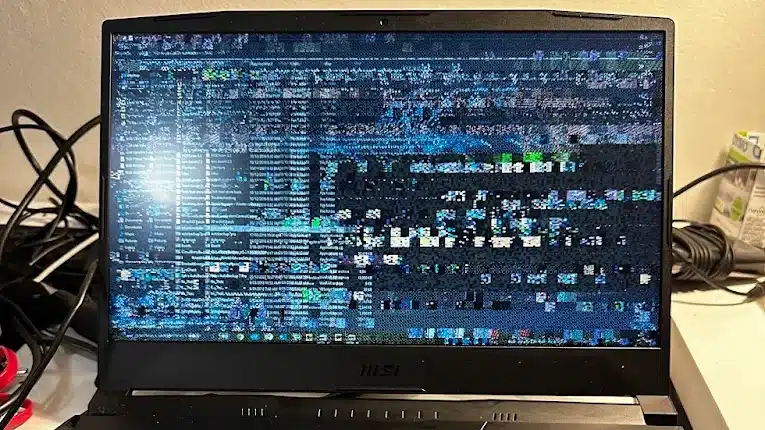
Screen Replacement
Spills can damage display circuits or panels. We replace screens with correct parts and restore clear display performance properly.

Charging Port Repair
Liquid can damage charging circuits and connectors. We repair ports and restore reliable power delivery for consistent charging.
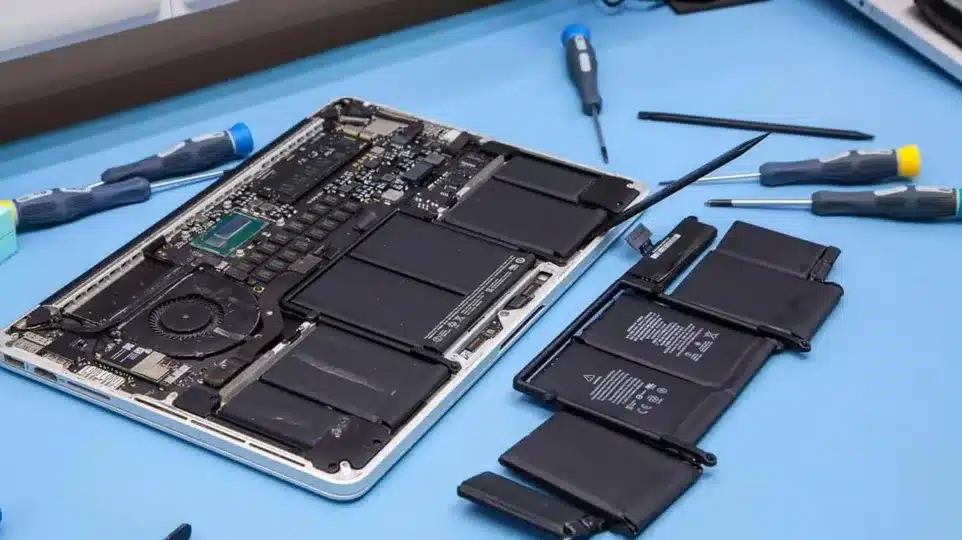
Battery Replacement
Water exposure can damage battery cells and connections. We replace batteries safely and restore stable power and proper charging.
Laptop Liquid Damage Repair in Brisbane Northside
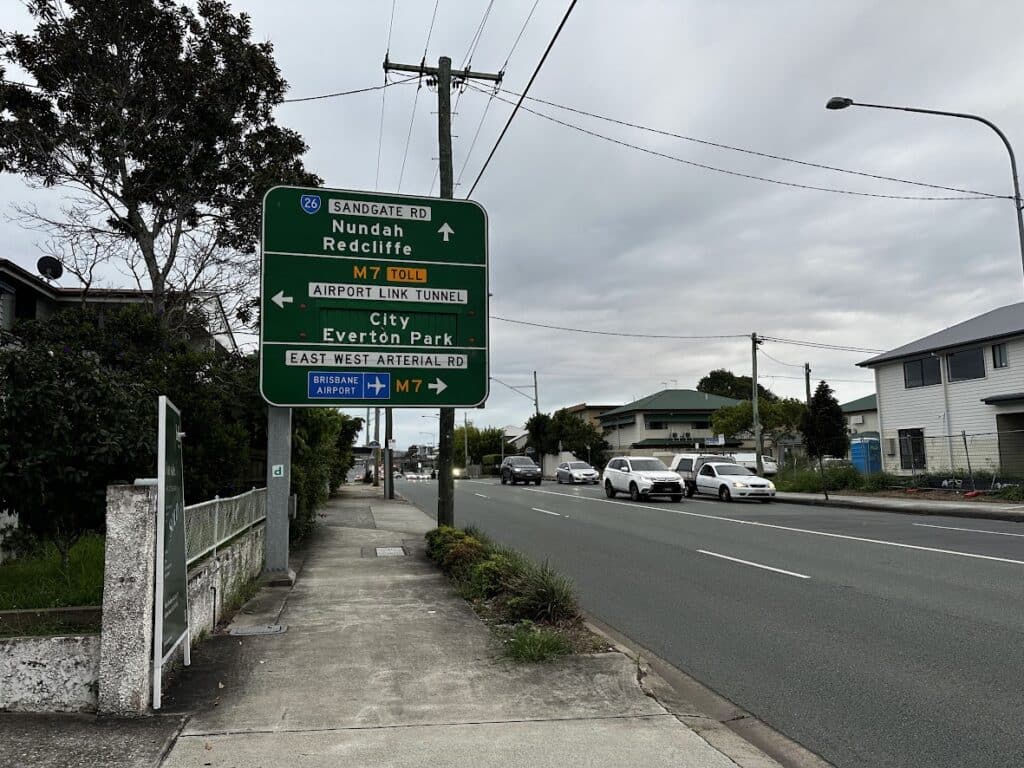
We provide laptop water damage repair in Clayfield. Servicing Brisbane Northside including Ascot, Hendra, Albion, Nundah, Kedron, Chermside, Wooloowin, and Hamilton. Visiting our workshop quickly gives the best chance of saving your device.
Visit Us Today: 2/890 Sandgate Road, Clayfield, QLD 4011
Open Monday to Saturday. See our updated hours on Google Maps before visiting.
Frequently Asked Questions
