
Laptop Not Starting Repair in Brisbane
Laptop not turning on, no power, or stuck on a black screen? We diagnose and fix startup issues properly.
A laptop that will not start can be caused by power faults, hardware failure, or system errors. In many cases, the issue is fixable without replacing the device. At Fix My Laptop, we test the cause first, then apply the correct repair to restore reliable startup.

Signs Your Laptop Is Not Starting Properly
If your laptop shows these symptoms, the issue is likely related to power, hardware, or system failure.
No power or no lights
The laptop shows no signs of turning on at all. This often points to power supply or motherboard issues.
Black screen on startup
The device turns on but nothing appears on the screen. This can be caused by display faults or system failure.
Laptop turns on then shuts off
The system powers briefly and then turns off again. This may indicate overheating, battery, or hardware problems.
Stuck on loading screen
The laptop does not move past the startup screen. This often points to Windows issues or corrupted system files.
Charging light but no startup
The device shows charging but will not boot. This usually indicates deeper hardware or motherboard faults.
Beeping or unusual sounds
Unusual sounds during startup can signal hardware failure. These codes often point to memory or motherboard issues.
What Causes a Laptop Not to Start
Startup issues are usually caused by power faults, hardware failure, or system errors.

Power issues such as faulty chargers or batteries can prevent startup. In some cases, replacing the battery or fixing charging resolves the problem.
Hardware faults such as RAM, motherboard, or internal damage can stop the system from booting. These require proper testing to confirm.
Windows issues can also prevent startup or cause boot loops. Repairing system files often restores normal operation.
In some cases, overheating damage or internal wear can affect startup reliability. Proper diagnosis is required to identify the exact cause.
What You Can Try First
These steps may help restore startup before booking a repair.
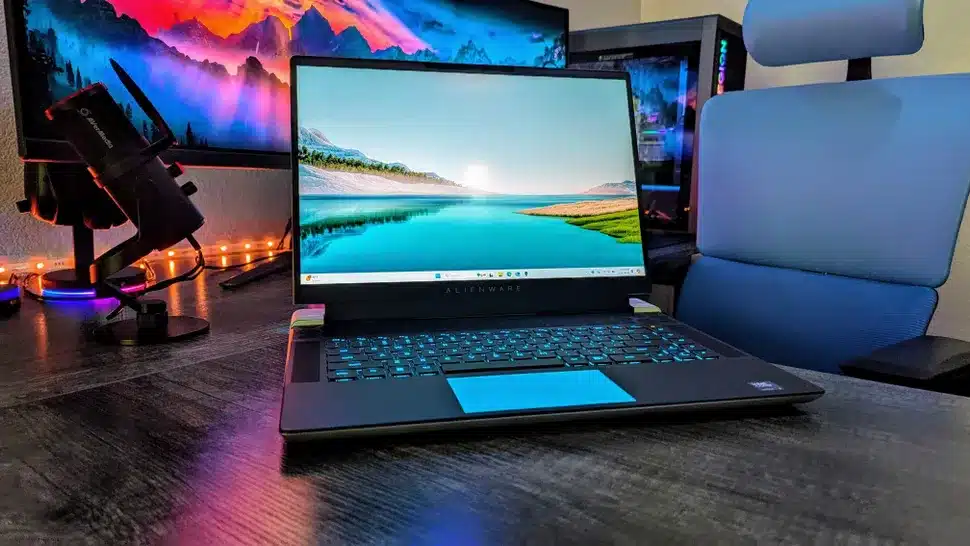
Check the charger and power cable to ensure proper connection. Try a different power outlet to rule out supply issues.
Hold the power button for 10 to 15 seconds to reset the system. This can clear temporary power faults.
Disconnect external devices such as USB drives or accessories. These can sometimes interfere with startup.
If the laptop still does not start, the issue is likely internal. At this point, professional diagnosis is required.
When Startup Issues Need Repair
If these signs appear, the problem requires proper diagnosis and repair.
Still overheating after basic steps
If cleaning and basic checks do not help, the issue is internal. Continued use can damage key components over time.
Repeated shutdown during startup
If the device powers on and off repeatedly, internal faults may be present. This requires immediate attention.
Black screen continues
If the screen remains blank, display or system issues may be involved. Proper testing is required to identify the cause.
Boot errors or system loops
If the system fails to load repeatedly, Windows or storage issues are likely. Repair is needed to restore functionality.
How We Fix Laptop Startup Issues
We identify the cause first, then apply the correct repair.
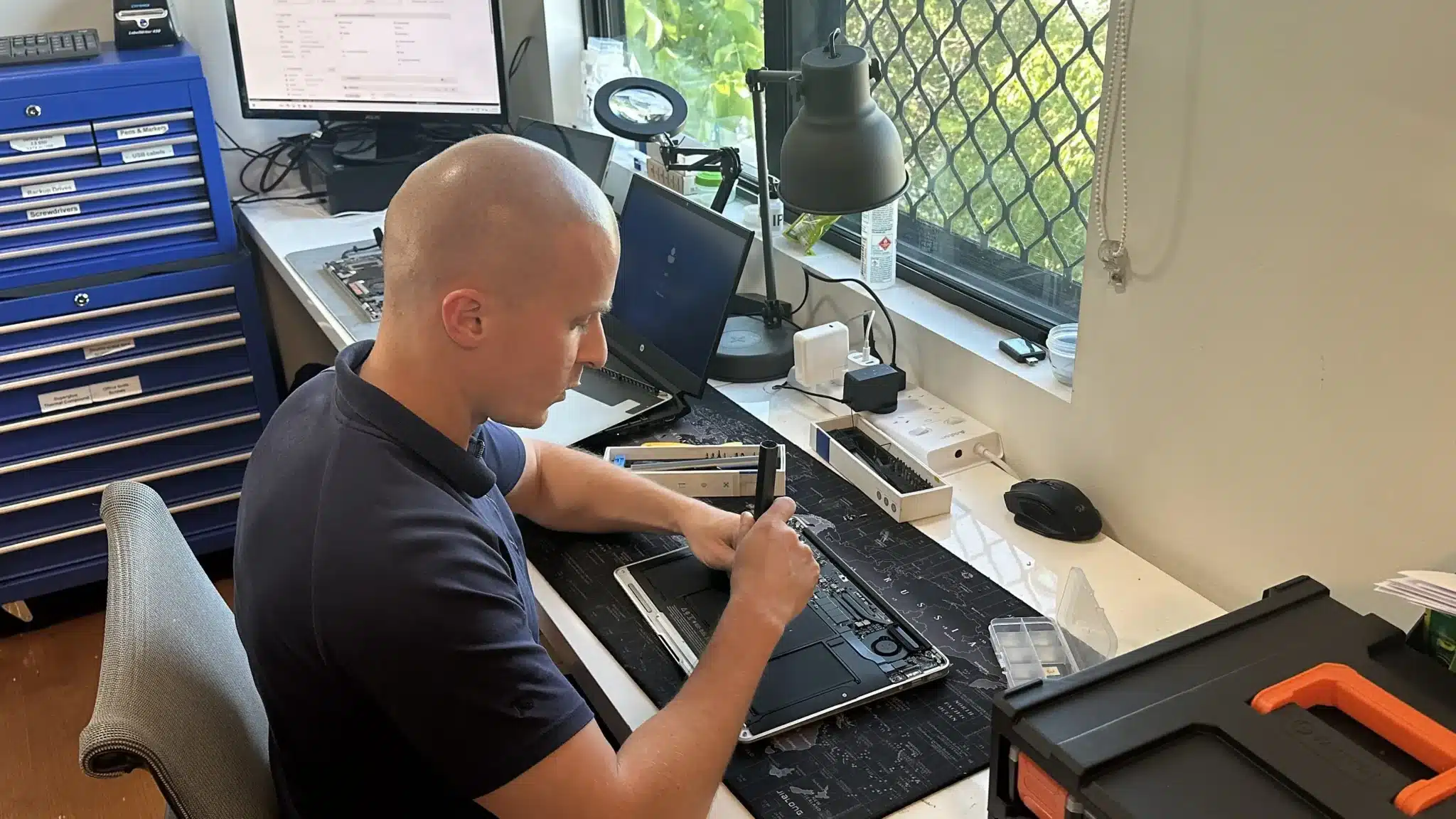
We test power systems, battery condition, and charging components. This ensures the issue is correctly identified before repair.
We diagnose hardware faults including RAM, storage, and motherboard issues. Repairs are carried out based on confirmed faults.
We repair Windows startup problems and restore system functionality. This helps resolve boot errors and loading failures.
Why Choose Fix My Laptop
Startup issues are often misdiagnosed or rushed. We identify the real cause first, then apply the correct fix. As a result, your laptop starts reliably again.

Flexible Repair Options
Choose the repair option that fits your situation and urgency.
Workshop Repair
Bring your laptop to our Clayfield workshop for full diagnosis and repair. This allows accurate testing and ensures stable results before return.
On-site Service
We can visit your home or office to diagnose startup issues directly. This is useful when the device cannot be moved or downtime must be reduced.
Remote Support
Remote support can help identify system related startup problems. This is useful for troubleshooting before committing to physical repair.
Emergency
Urgent startup issues can be prioritised for faster response. This helps restore access quickly when the device is critical for work.
Related Laptop Repairs
Startup issues often connect to other faults that may also need attention.
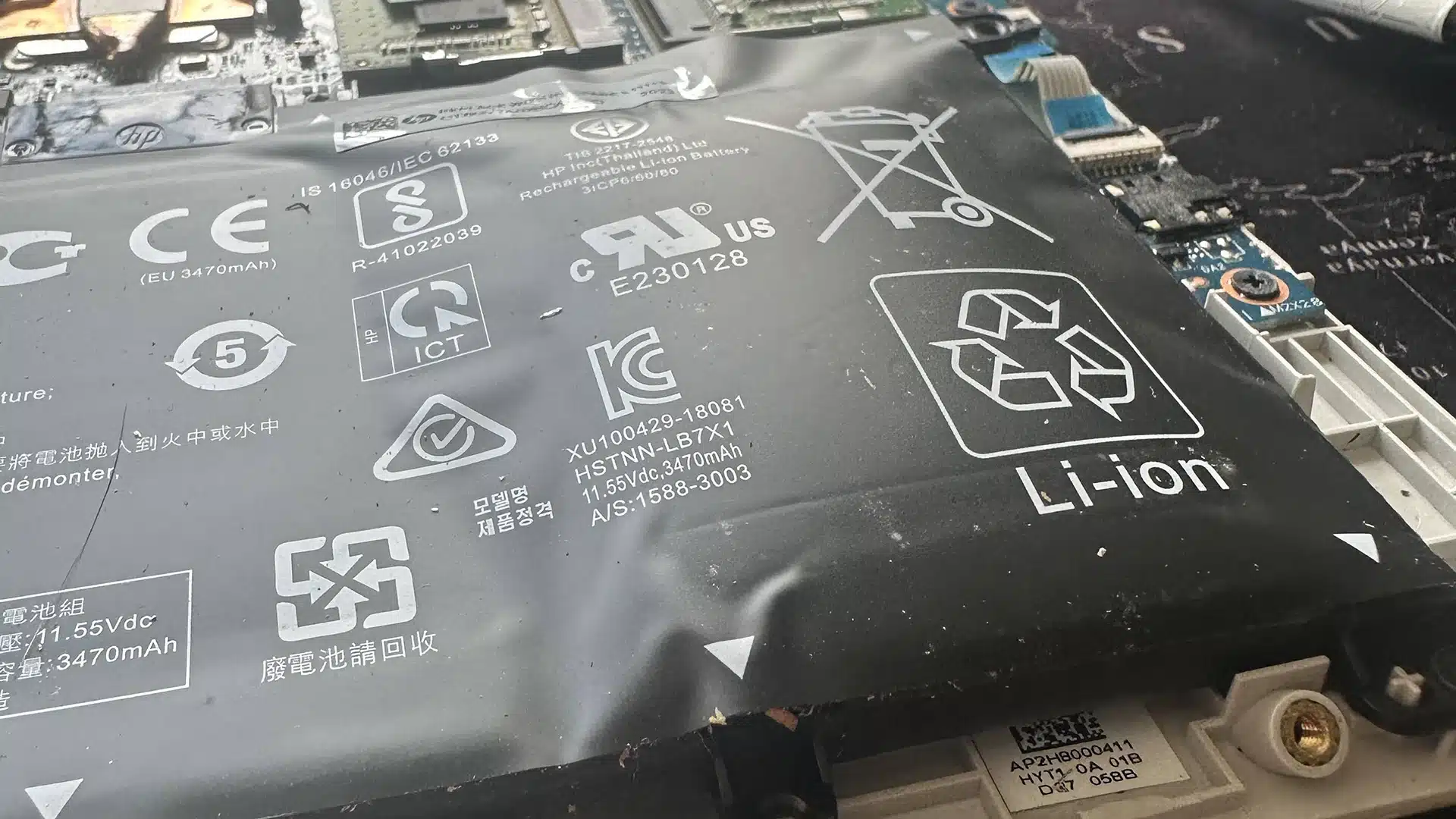
Battery Replacement
A failing battery can prevent the laptop from powering on correctly. Replacing the battery restores stable startup and reliable power delivery.

Charging Port Repair
Charging faults can block power from reaching internal components. Repairing the port restores proper charging and consistent startup performance.
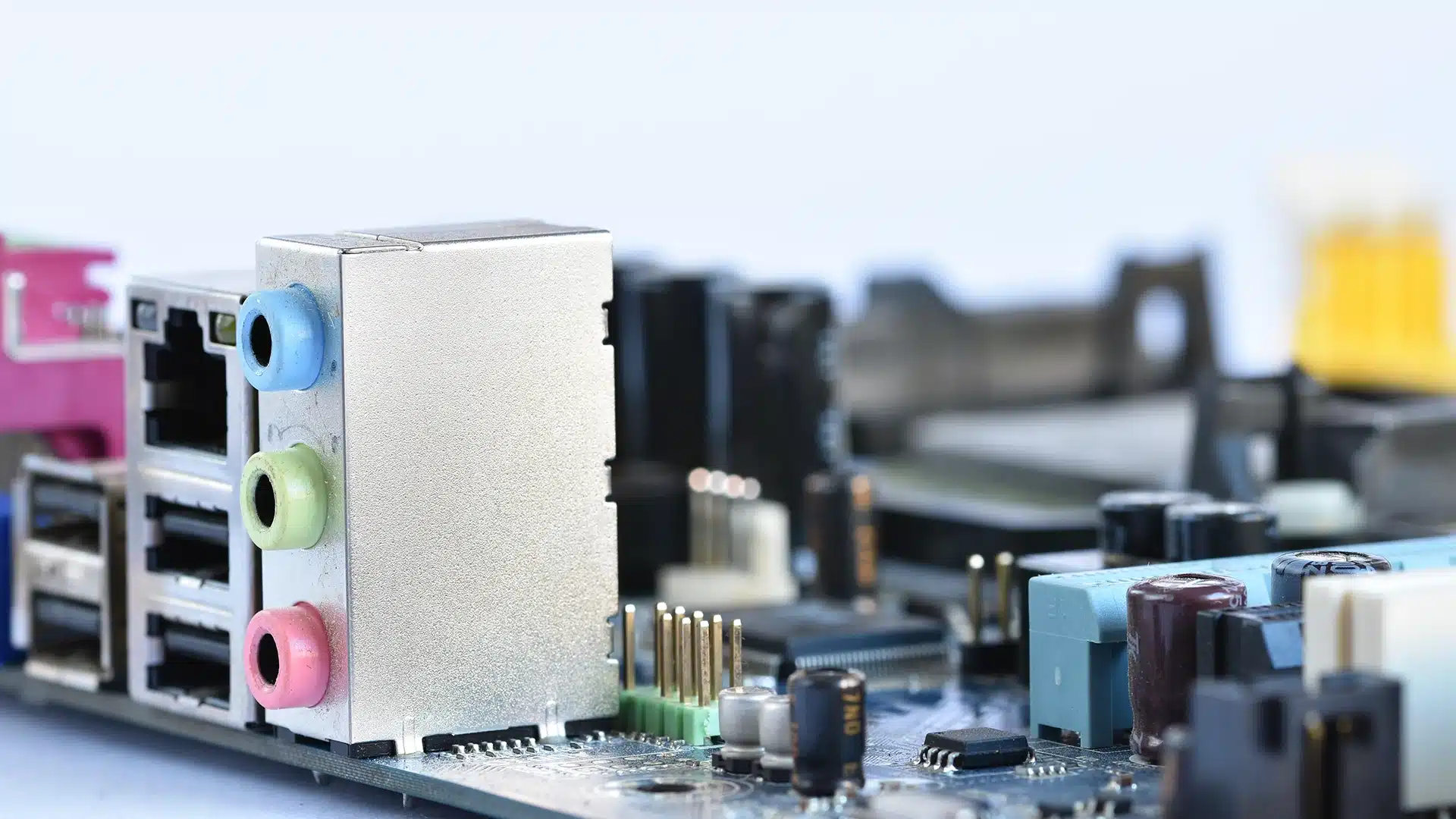
Computer Hardware Repair
Internal faults such as RAM or motherboard issues can stop startup. We repair hardware components to restore reliable system operation.
Software & Windows Repair
System errors can prevent the laptop from booting correctly. Fixing Windows issues helps restore normal startup and system behaviour.
Laptop Not Starting Repair in Brisbane Northside
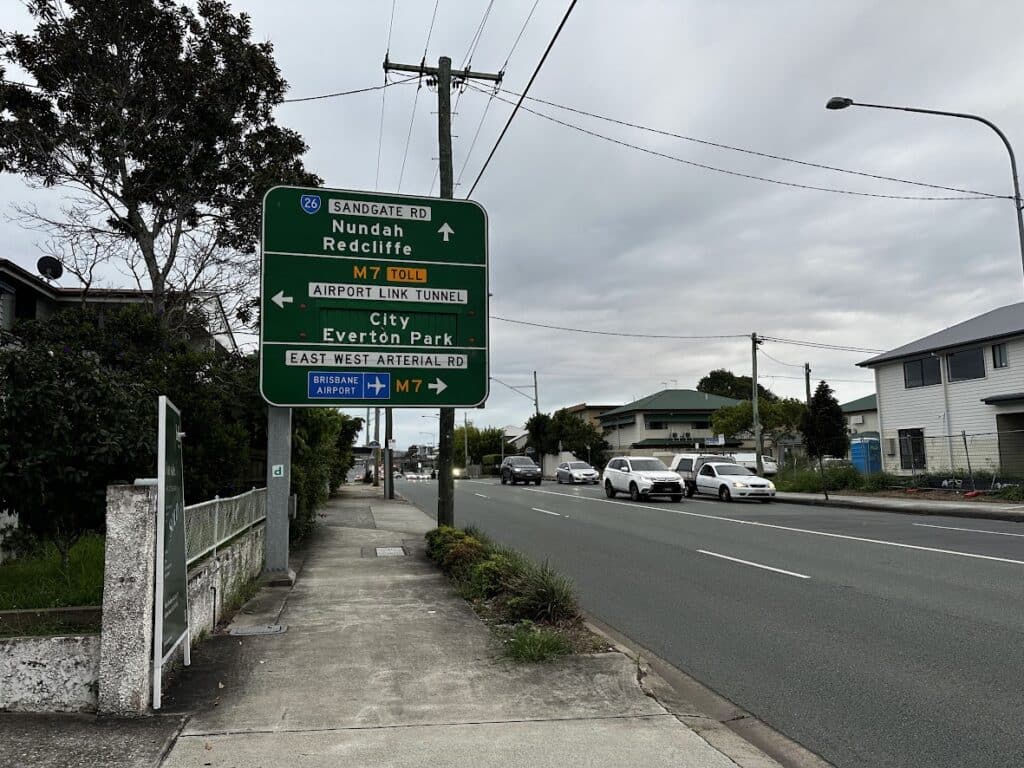
We provide laptop startup repair from our Clayfield workshop and service nearby areas including Ascot, Hendra, Albion, Nundah, Kedron, Chermside, Wooloowin, and Hamilton.
Visit Us Today: 2/890 Sandgate Road, Clayfield, QLD 4011
Open Monday to Saturday. See our updated hours on Google Maps before visiting.
Frequently Asked Questions

Can this be fixed without replacing the laptop?
In most cases, yes. Proper diagnosis can identify a repairable issue.
How long does it take to fix?
Most startup repairs are completed within 1 to 3 days.
Will I lose my data?
We aim to keep data safe, but recovery depends on the issue.
Is it worth repairing?
In many cases, repair is more cost effective than replacement.