
Computer Data Transfer Services in Brisbane
Moving files to a new device or system? We transfer your data safely without missing anything important.
Switching computers should not mean losing files, emails, or settings. We handle data transfer for laptops, desktops, and MacBooks with careful planning and verification. Whether you are upgrading, replacing a failed device, or reorganising storage, we ensure your data is moved correctly and works as expected. Most transfers are completed within 1 to 2 days.

When You Need Data Transfer
Common situations where professional transfer avoids loss or errors.
New Computer Setup
Moving to a new laptop or desktop requires proper file and profile transfer. We ensure documents, emails, and settings are carried across without conflicts or missing data.
Storage Upgrade
Upgrading to SSD or larger drives requires cloning or structured migration. We transfer your data cleanly so the system runs faster without file corruption or duplication issues.
System Reinstallation
After reinstalling Windows or macOS, data needs to be restored correctly. We recover user files and organise them so everything works without broken paths or missing folders.
Device Replacement
When a device fails or is replaced, data must be extracted and transferred safely. We recover accessible data and move it to your new system with proper structure.
Assessing Your Data and Devices
We check compatibility, structure, and risks before moving anything.
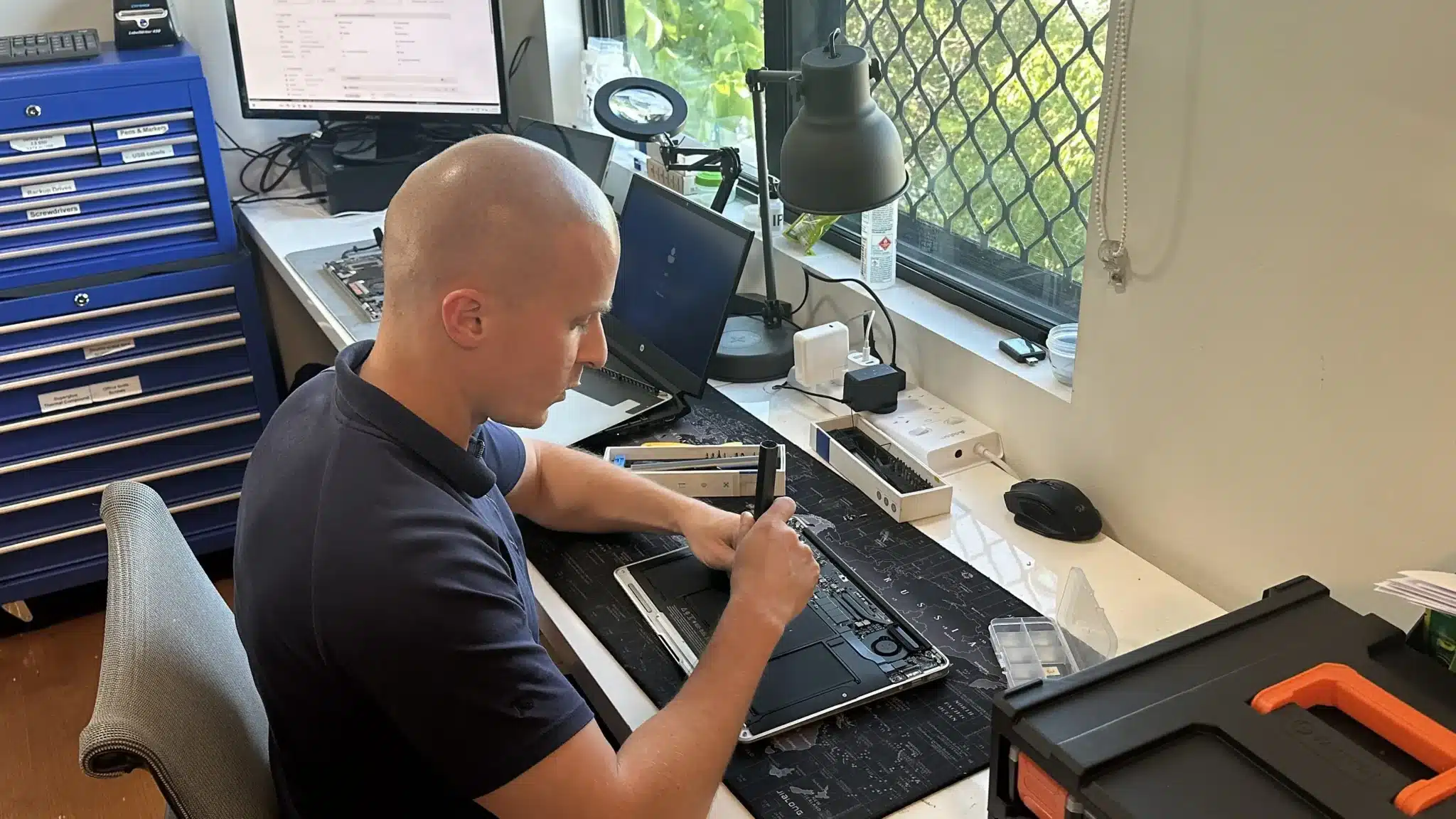
We start by reviewing your source and destination devices. This includes drive health, file structure, and operating system differences. Then we identify what needs to be transferred and how it should be organised.
If there are risks such as failing drives or corrupted files, we adjust the process to avoid data loss. As a result, your transfer is planned before it begins, not guessed halfway through.
Professional Data Transfer Services
Structured transfers that preserve files, settings, and usability.

We provide data transfer services for Windows, macOS, and mixed environments. This includes personal files, business documents, emails, and application data where possible.
In addition, we handle SSD migrations, external drive transfers, and selective data organisation. Each transfer is verified after completion to confirm files open correctly and locations make sense.
Why Choose Fix My Laptop
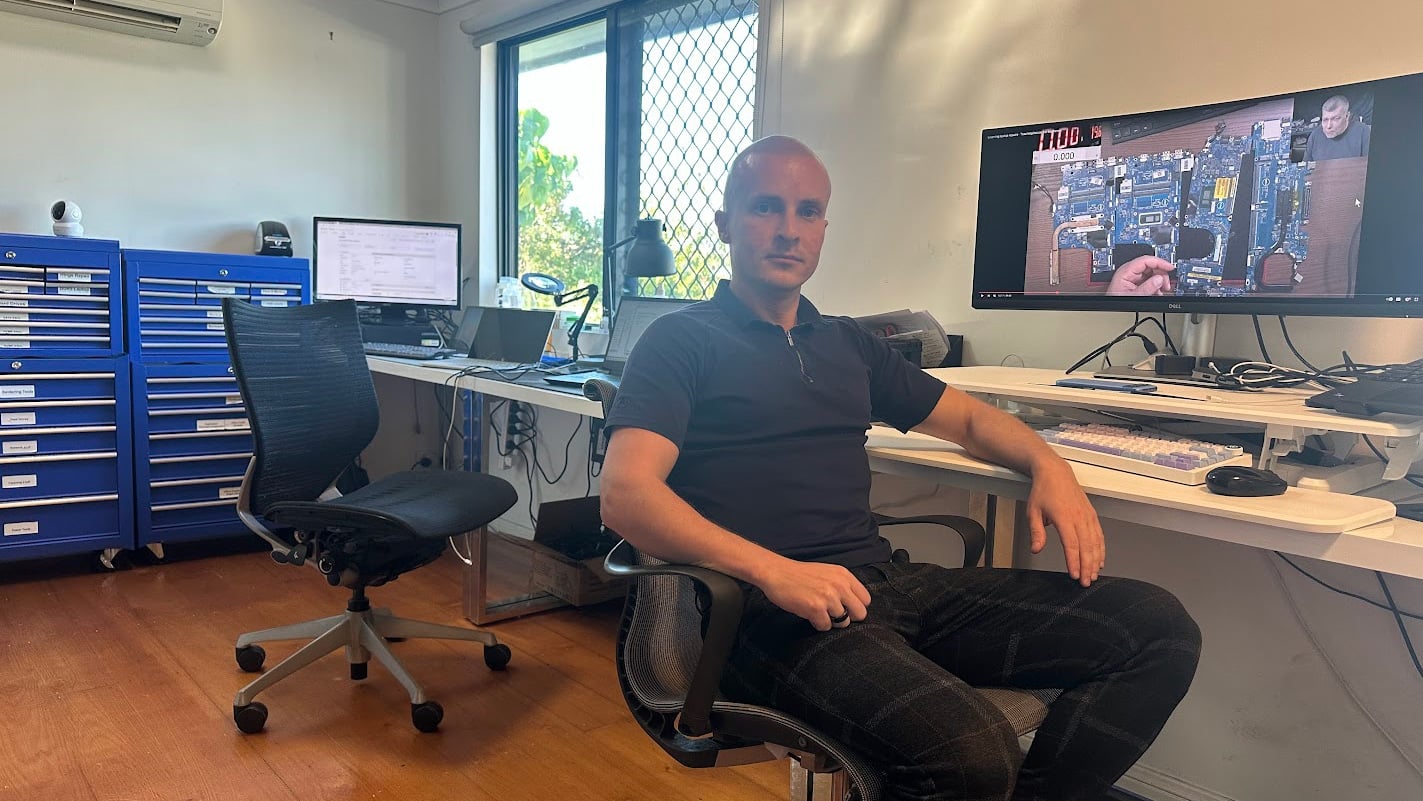
Data transfer sounds simple until something important disappears. We focus on structure, verification, and compatibility so your files remain usable after the move.
Flexible Transfer Options
Choose how your data is transferred based on your setup.
Workshop Transfer
Bring your devices to our workshop for complete data transfer. We handle setup, migration, and verification. Best for full transfers and complex environments.
On-Site Transfer
We transfer data at your home or office environment. Ideal for multiple devices or business setups. Ensures everything works correctly on your network.
Remote Assistance
We guide or perform transfers remotely where possible. Suitable for smaller transfers or cloud based data. Quick option without needing a visit.
Priority Transfer
Urgent transfers are handled faster when required. We prioritise data movement and verification to minimise downtime. Ideal for work critical systems or deadlines.
Data Transfer Cost
Pricing depends on data size, device condition, and complexity.
Data transfer costs vary depending on the amount of data and the condition of your storage. Simple transfers are more affordable, while damaged drives or complex setups require more time.
Because file structures and systems differ, we confirm the scope before quoting. This avoids delays and ensures accurate expectations.
Bring your device in or contact us for a clear quote after assessment.
Typical Price Range
$150+
Our Data Transfer Process
Simple steps to move your data safely and correctly.
STEP 1
Visit & Drop-off
Bring your device in or request on-site service. We review your data and confirm what needs to be transferred.
STEP 2
Transfer & Verification
We move your data using the appropriate method. Then we check files, folders, and usability after transfer.
STEP 3
Ready to Use
Your data is organised and accessible on your new system. You can continue working without missing files or confusion.
Related Services and Upgrades
Additional services that improve performance and data safety.
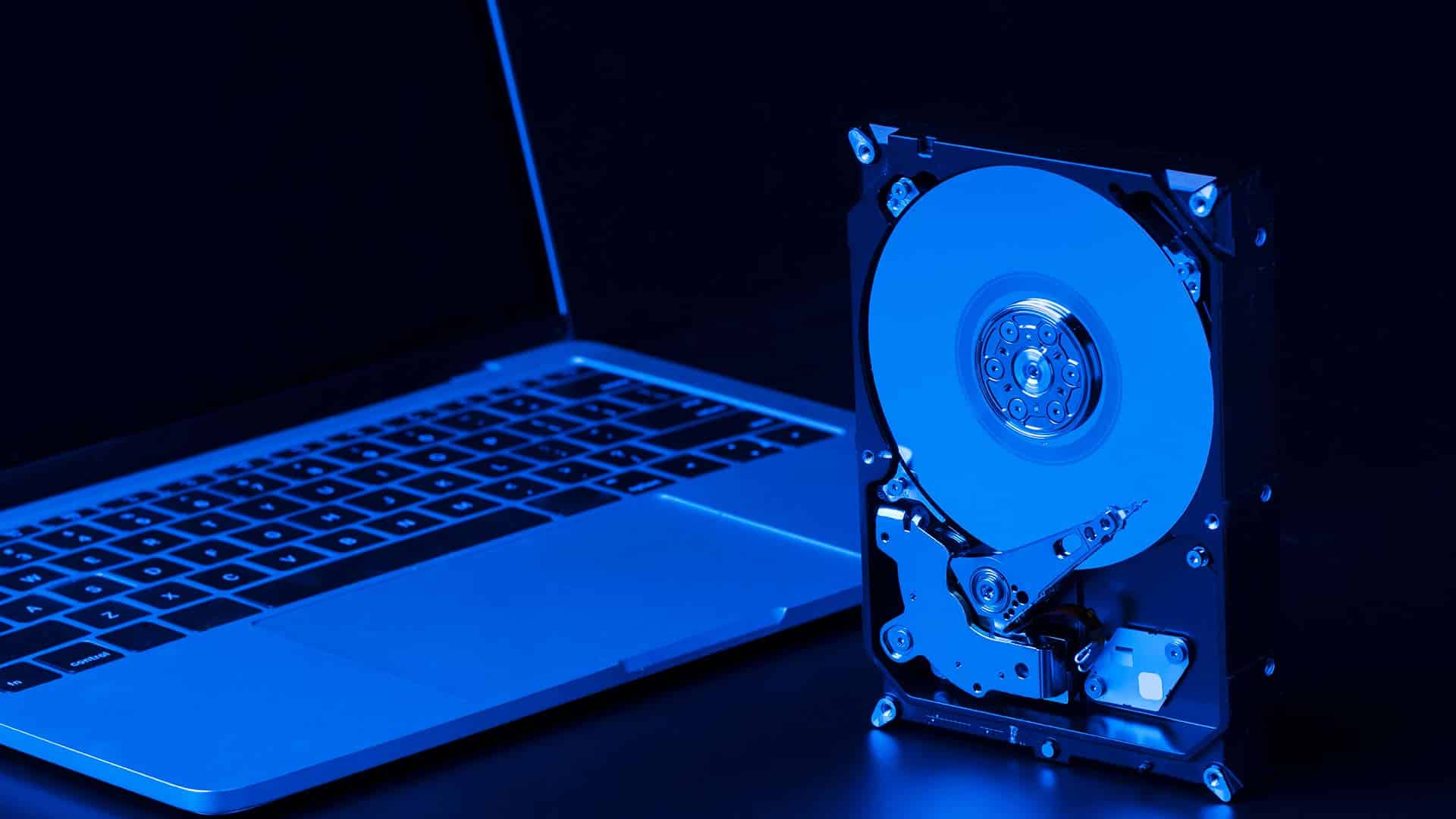
SSD Upgrade or Replacement
Upgrade to faster storage and improve performance. Works well with data transfer to speed up your system and reduce load times.

Data Backup Solutions
Set up reliable backup systems to protect your files. Prevent future data loss and keep copies available when needed.

Data Recovery Services
Recover files from failing or damaged drives before transfer. Useful when your data cannot be accessed normally.

Cloud Backup Setup
Sync your files securely to the cloud for easy access and redundancy. Works well with local data transfer and long term storage.
Data Transfer Services in Brisbane Northside
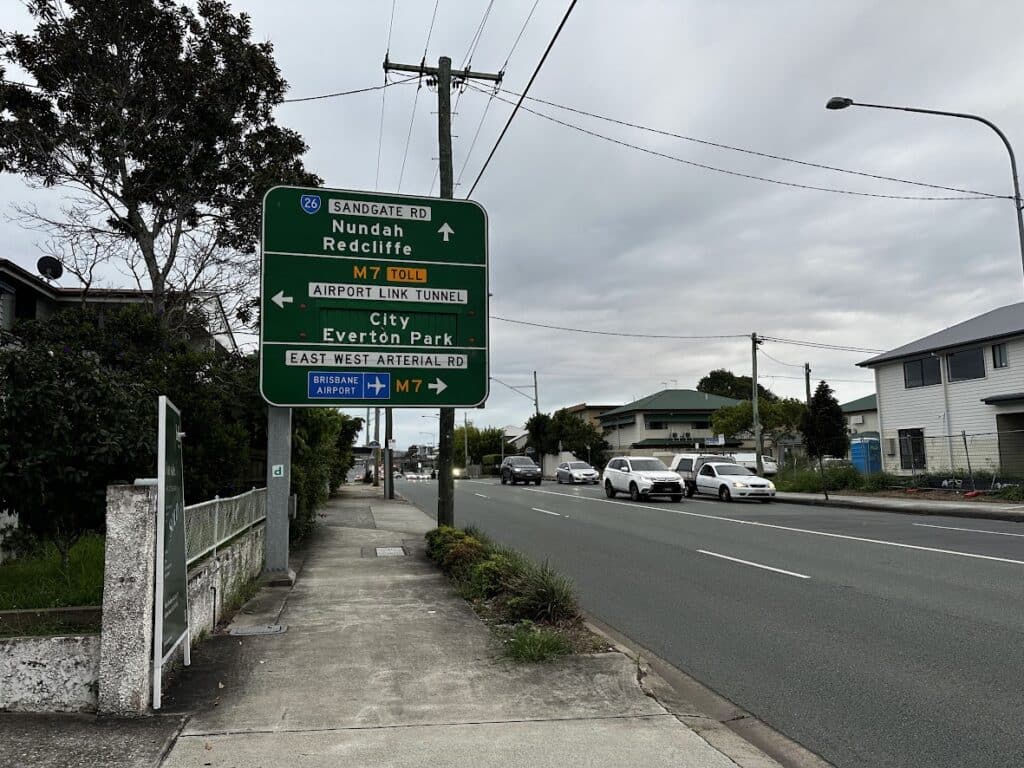
We provide data transfer services across Brisbane Northside including Clayfield, Ascot, Hendra, Albion, Nundah, Kedron, Chermside, Wooloowin, and Hamilton. You can visit our workshop or arrange on-site support depending on your setup.
Visit Us Today: 2/890 Sandgate Road, Clayfield, QLD 4011
Open Monday to Saturday. See our updated hours on Google Maps before visiting.
Frequently Asked Questions
