
Skip to content
Fix My Laptop Logo
Request a Quote Visit Workshop
Call Technician
  • Laptop RepairExpand
    • Screen Replacement
    • Battery Replacement
    • Charging Port Repair
    • Keyboard Replacement
    • Laptop Hinges Repair
    • Liquid Damage Repair
  • Computer RepairExpand
    • Hardware Repair
    • Windows Repair
    • Virus & Malware Removal
  • Computers & AccessoriesExpand
    • Refurbished Computers
    • Laptop Chargers
    • Storage Devices
  • Computer UpgradesExpand
    • SSD Upgrade
    • RAM Upgrade
    • Mesh Wi-Fi Systems
  • Data & BackupExpand
    • Data Recovery
    • Backup Solutions
    • Cloud Backup
    • Data Transfer & Setup
  • Business IT SolutionsExpand
    • Microsoft 365 Solutions
    • Manage IT Support
    • On-Site IT Support
    • Remote IT Support
    • Emergency IT Support
  • Tech Tips
Fix My Laptop Logo
Visit Workshop
Call Technician

SSD Upgrades for Laptops & Desktops in Brisbane

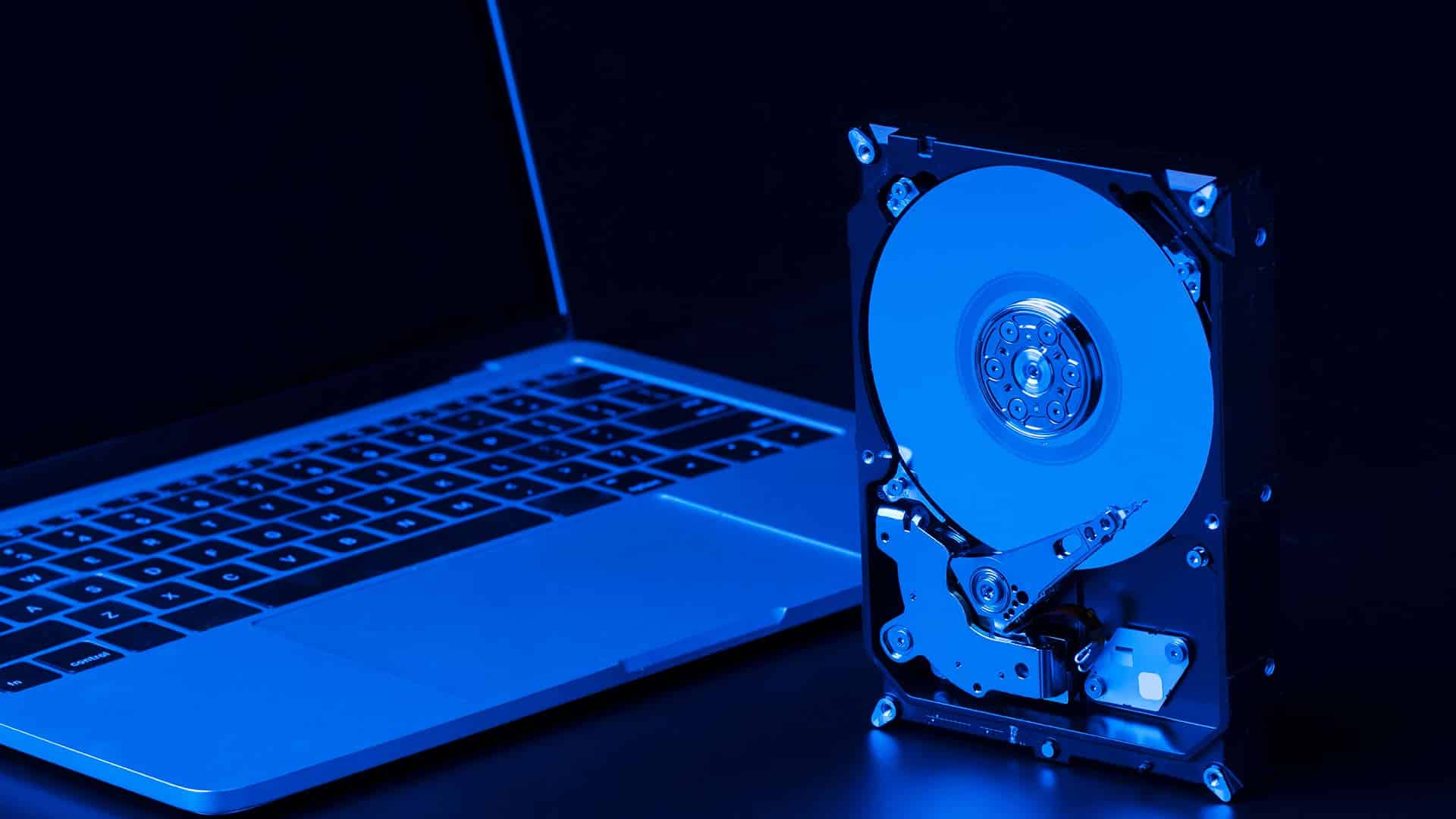
Waiting for a slow computer to start is incredibly frustrating. Specifically, older mechanical hard drives are usually the primary cause of system lag. Sergey provides professional SSD upgrades in our Clayfield workshop to restore your speed. Because these modern drives have no moving parts, they offer much higher reliability. Ultimately, we breathe new life into your machine for a fraction of the cost of a new replacement.
Visit Workshop
Call Technician
SSD-Upgrade

Expert Data Migration and Performance Tuning

While some shops offer simple part swaps, we focus on a total performance transformation. Specifically, Sergey manages the Data Transfer to ensure your files move safely to the new hardware. With over 10 years of experience, he optimizes your settings to take full advantage of the new SSD speed. Ultimately, our professional service extends the life of your computer without needing a total system reinstall.

Sergey, lead technician at Fix My Laptop Clayfield workshop, Brisbane.
SSD Upgrade to speed up slow and old computer laptop

Benefits of Upgrading to an SSD

  • Instant boot times and faster application loading
  • Faster system responsiveness during multitasking
  • Higher physical durability with no moving parts
  • Cooler and quieter operation than traditional drives

We provide expert Data Transfer and Setup to move your files safely from your old machine.

SSD Upgrade Pricing

Basic

$300

512GB

  • Most popular upgrade size
  • Great for most computer users
  • About 450 GB available to use
  • Enough to store documents and pics
  • Typically used in $900+ laptops

Plus

$400

1TB

  • 2x the capacity
  • Great for typical house & business use
  • About 900 GB available to use
  • Enough to store movies and games
  • Typically used in $1500+ laptops!

Premium

$550

2TB

  • 4x the capacity
  • Great for professionals & gamers
  • About 1700 GB available to use
  • Enough to store pretty much anything
  • Sometimes used in very expensive laptops

How Our Computer Upgrade Works

A straightforward process, explained upfront.

STEP 1
Visit Us

Visit our Clayfield workshop for a quick drive evaluation. Then, Sergey confirms if an SSD upgrade is the best solution for your needs.

STEP 2
Precision Cloning

We match your machine with the correct SSD capacity. Because we prioritize your data, Sergey uses specialized tools to clone your files exactly as they are.

STEP 3
Quality Handover

Sergey installs the drive and optimizes your software. Consequently, you collect a computer that feels faster than the day you bought it.

Frequently Asked Questions

Loader image

Will an SSD upgrade delete my photos?

No, definitely not. Sergey uses professional Data Transfer technology to move your files and apps to the new drive. Consequently, everything stays where you left it.

How much faster will my computer be?

Actually, most users see boot times drop from minutes to seconds. Because SSDs access data instantly, your programs will open faster and system lag will disappear.

Is it worth upgrading a 5-year-old laptop?

Yes, it certainly is. Since the hard drive is the weakest link, an SSD often makes old laptops faster than brand new budget models.

Which SSD size do I need?

Specifically, it depends on your storage habits. While 512GB suits standard office work, we recommend 1TB if you have many large photos or videos.

Do you offer same-day repairs?

Yes! We offer priority same-day service based on our current workload and parts availability. If you need your device back urgently, please mention it when you arrive so we can check if a same-day turnaround is realistic for your specific repair.

Prefer an Online Quote?

For simple laptop repairs, we can provide a clear quote based on the details you submit.

For more complex problems or personalised laptop support, it’s best to bring your device in.

2/890 Sandgate Road, Clayfield

07 3857 6875

0403 100 701

service@fixmylaptop.com.au

Fix-My-Laptop-Logo-Ftr

service@fixmylaptop.com.au

(07) 3857 6875

0403 100 701

2/890 Sandgate Road, Clayfield QLD 4011

BUSINESS HOURS

Monday10:00 AM — 6:00 PM
Tuesday8:00 AM — 4:00 PM
Wednesday10:00 AM — 6:00 PM
Thursday8:00 AM — 4:00 PM
Friday10:00 AM — 2:00 PM
Saturday10:00 AM — 2:00 PM
SundayClosed

Updated hours are always available on Google Maps
We reserve the right to open later and close earlier

JOIN OUR NEWSLETTER

Be the first one to know of our Tech Savvy tips and exclusive offers!

© 2026 Fix My Laptop Brisbane

Terms and Conditions

Privacy Policy

Facebook X Linkedin
Scroll to top
  • Laptop Repair
    • Screen Replacement
    • Battery Replacement
    • Charging Port Repair
    • Keyboard Replacement
    • Laptop Hinges Repair
    • Liquid Damage Repair
  • Computer Repair
    • Hardware Repair
    • Windows Repair
    • Virus & Malware Removal
  • Computers & Accessories
    • Refurbished Computers
    • Laptop Chargers
    • Storage Devices
  • Computer Upgrades
    • SSD Upgrade
    • RAM Upgrade
    • Mesh Wi-Fi Systems
  • Data & Backup
    • Data Recovery
    • Backup Solutions
    • Cloud Backup
    • Data Transfer & Setup
  • Business IT Solutions
    • Microsoft 365 Solutions
    • Manage IT Support
    • On-site Support
    • Remote Support
    • Emergency Support
  • Tech Tips
  • Request a Quote