
Office Network Setup & Repair Brisbane
Slow internet, dropouts, or unstable office network? We fix business network issues properly with clear diagnosis.
Office networks often fail due to poor setup, outdated hardware, or hidden configuration issues. We identify the exact cause first, then restore stable and reliable performance for your team.

Signs Your Office Network Has a Problem
If your system feels unreliable, these are common signs of deeper network issues.
Slow internet across all devices
Websites load slowly and cloud apps lag during normal use. This often points to network congestion or poor configuration.
Frequent connection dropouts
Devices disconnect randomly or lose access to shared resources. This usually indicates unstable routing or hardware faults.
WiFi signal is weak or fluctuating
Coverage varies across rooms or drops in certain areas. This often means poor access point placement or interference.
File sharing is slow or unreliable
Internal transfers take too long or fail during use. This suggests network bottlenecks or incorrect setup.
Devices struggle to network
New or existing devices fail to connect properly. This can indicate IP conflicts or misconfigured settings.
VoIP or video calls interruption
Calls drop or quality becomes unstable during meetings. This usually relates to bandwidth or prioritisation issues.
What Causes Office Network and System Issues
Problems often come from multiple areas working poorly together, not just one fault.

Office environments rely on a mix of network hardware, shared devices, and system configuration. When one part is set up incorrectly, the impact spreads across the entire network and affects daily work.
In many cases, networks are installed without proper planning. As more devices are added, bandwidth becomes uneven and performance drops. File sharing, printers, and cloud services begin to conflict with each other.
Security settings can also interfere with normal operation. Overly strict or incorrect configurations may block access, while weak setups can expose the system to risk. These issues often appear as slow performance or unreliable connections.
Basic Checks Before Booking a Repair
Simple checks can help identify whether the issue is temporary or requires deeper work.

Start by restarting your router, switches, and connected devices. This can clear temporary faults and restore normal operation for a short time. If the issue returns quickly, the problem is likely within the setup.
Next, test both wired and wireless connections. If wired devices perform well but WiFi does not, the issue may be coverage or interference. If everything is slow, the problem is usually within the network configuration.
You can also check how shared resources behave. If file transfers, printers, or cloud apps are inconsistent, the issue is likely related to how the network is structured. At this point, proper diagnosis is required.
When Network Issues Need Proper Fixing
If these signs appear, the problem is beyond simple troubleshooting.
Network remains unstable after resets
If restarting equipment does not fix the issue, the fault is deeper. Continued use can disrupt daily operations.
Multiple users experience slow performance
When several devices are affected at the same time, the issue is system wide. This usually requires proper network balancing.
Dropouts affect business tasks
Frequent disconnects interrupt work and communication. This can lead to lost productivity and missed deadlines.
Coverage problems persist across the office
If WiFi issues occur in multiple areas, layout and hardware need adjustment. This requires proper planning and setup.
How We Restore Office Network Performance
We resolve network problems by fixing structure, configuration, and system interaction.
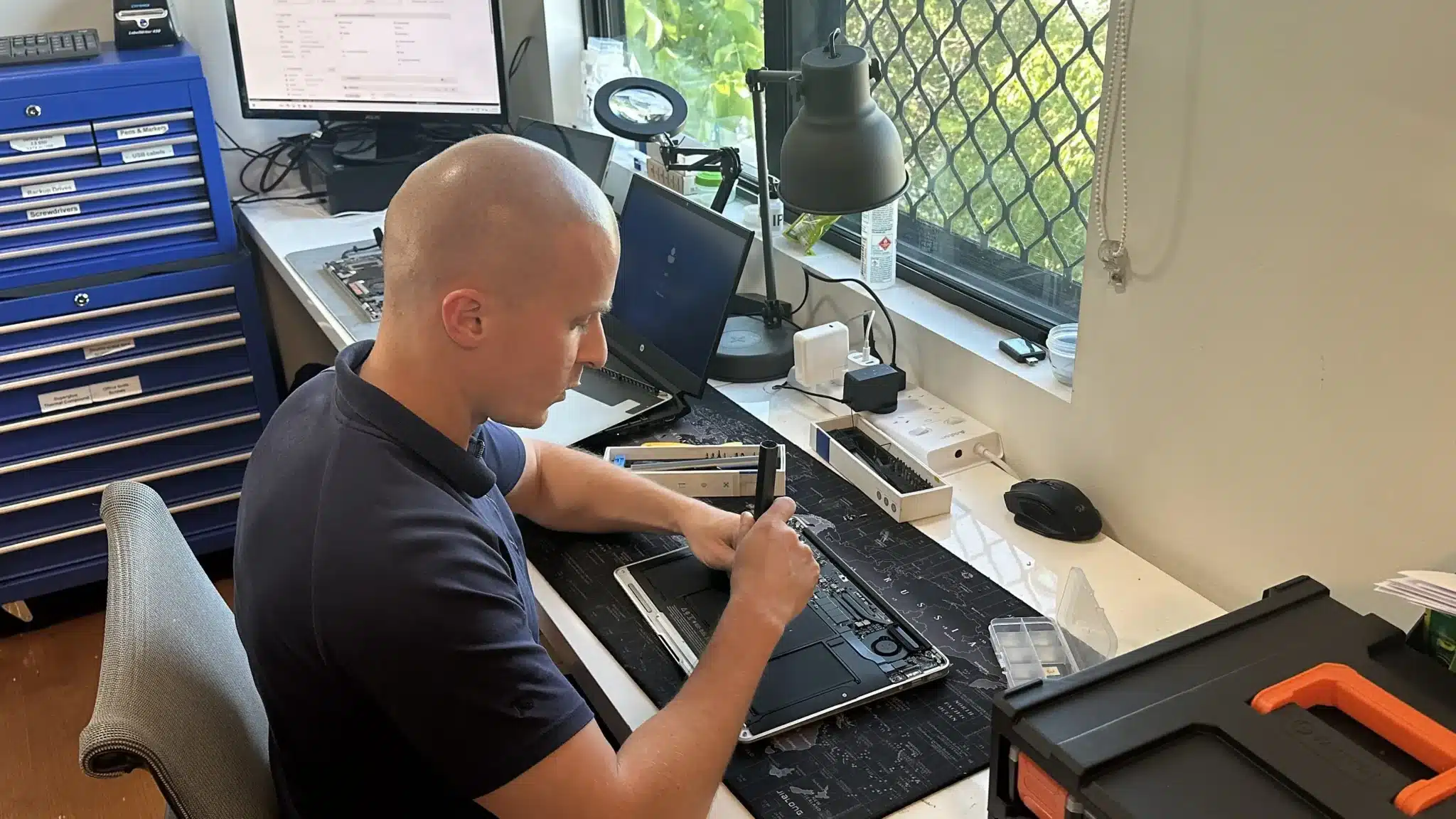
We begin by assessing the full environment, including internet connection, internal network layout, and connected devices. This helps identify where performance breaks down and how systems interact during normal use.
Next, we correct configuration issues across the network. This may include improving device distribution, fixing file sharing access, and stabilising connections between computers, printers, and other devices.
We also address security and reliability. This includes adjusting network permissions, ensuring stable access, and preventing conflicts that cause slow performance or dropouts. The result is a network that supports daily work without interruption.
Reliable Network Support Without Guesswork
Office network issues are often misdiagnosed or patched temporarily. We take a structured approach by identifying the real cause first, then applying the correct fix. This avoids repeat problems and reduces downtime.

Network Support That Fits Your Setup
We offer multiple ways to diagnose and fix office network issues.
Workshop
Bring in your network equipment for testing and configuration. This helps isolate faults and prepare proper setup changes.
On-site Service
We assess and fix network issues directly in your office. This ensures proper coverage, layout, and performance in real conditions.
Remote Support
We can adjust settings and troubleshoot configuration issues remotely. This is useful for minor fixes or follow up adjustments.
Emergency
Urgent issues can be prioritised to restore connectivity quickly. This helps reduce downtime for critical operations.
Related IT and Network Services
Office network issues often connect with broader IT and performance problems.

IT Support Services
Ongoing support helps maintain network stability and prevent recurring issues. This ensures systems remain reliable as your business grows.

On-Site IT Support
On-site visits allow direct diagnosis of network and device issues. This is ideal for home or offices with multiple systems and shared resources.

Remote IT Support
Remote support allows quick adjustments and troubleshooting without waiting for a visit. This is useful for configuration and minor fixes.
WiFi Upgrade
Improving WiFi setup can increase speed and coverage across your home or office. This helps reduce dropouts and improves daily performance.
Office Network Support in Brisbane Northside
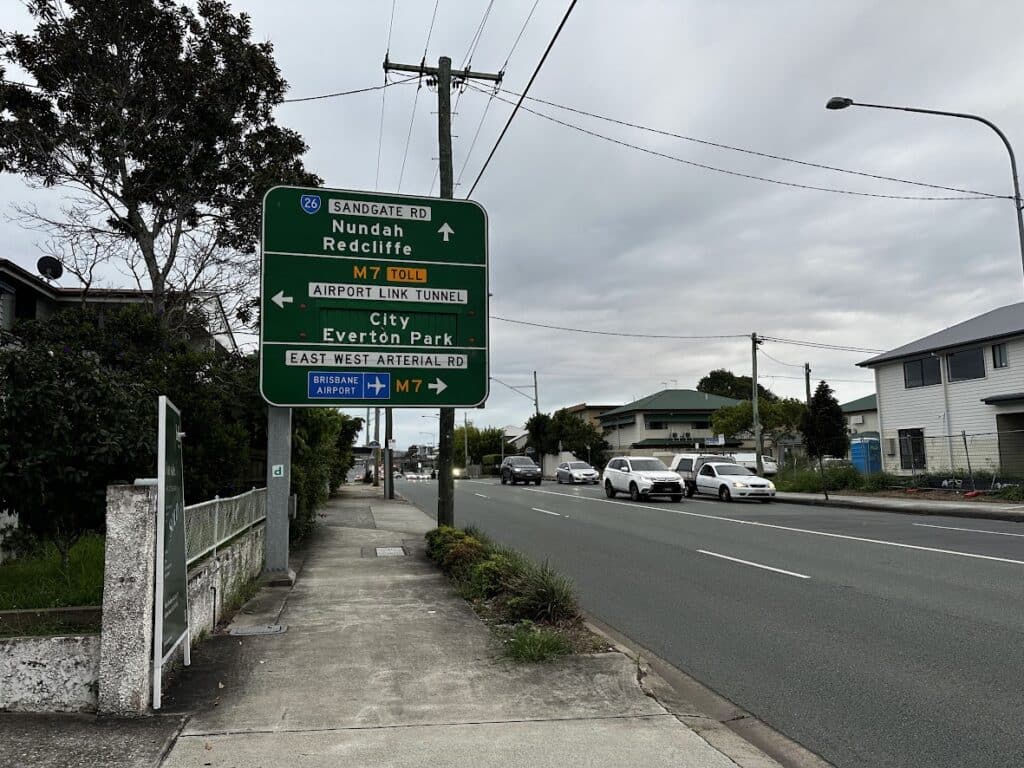
We provide office network setup and repair services across Brisbane Northside, including Clayfield, Ascot, Hendra, Albion, Nundah, Kedron, Chermside, Wooloowin, and Hamilton. Whether you need a full setup or a fix for ongoing issues, we deliver practical solutions based on your business needs.
Visit Us Today: 2/890 Sandgate Road, Clayfield, QLD 4011
Open Monday to Saturday. See our updated hours on Google Maps before visiting.
Frequently Asked Questions

Do I need new hardware to fix network problems?
Not always. Many issues can be resolved through proper configuration.
How long does network setup or repair take?
Simple fixes can be done quickly, while full setups may take longer.
Can you improve WiFi coverage in our office?
Yes. We adjust placement and configuration for better coverage.
Do you support small business networks?
Yes. We work with small offices and growing teams.