
Skip to content
Fix My Laptop Logo
Request a Quote Visit Workshop
Call Technician
  • Laptop RepairExpand
    • Screen Replacement
    • Battery Replacement
    • Charging Port Repair
    • Keyboard Replacement
    • Laptop Hinges Repair
    • Liquid Damage Repair
  • Computer RepairExpand
    • Hardware Repair
    • Windows Repair
    • Virus & Malware Removal
  • Computers & AccessoriesExpand
    • Refurbished Computers
    • Laptop Chargers
    • Storage Devices
  • Computer UpgradesExpand
    • SSD Upgrade
    • RAM Upgrade
    • Mesh Wi-Fi Systems
  • Data & BackupExpand
    • Data Recovery
    • Backup Solutions
    • Cloud Backup
    • Data Transfer & Setup
  • Business IT SolutionsExpand
    • Microsoft 365 Solutions
    • Manage IT Support
    • On-Site IT Support
    • Remote IT Support
    • Emergency IT Support
  • Tech Tips
Fix My Laptop Logo
Visit Workshop
Call Technician

Emergency IT Support & Urgent Repairs in Brisbane

Critical system failures require a rapid technical response to prevent data loss and business downtime. Specifically, Sergey prioritizes emergency IT support in our Clayfield workshop or via urgent call-out to restore your operations. Because we understand the cost of downtime, we provide senior-level troubleshooting for your most urgent issues.

Visit Workshop
Call Technician
Emergency and Afterhours IT support

Experienced Crisis Management When It Matters Most

When your server fails or your network goes offline, waiting days for a technician is not an option. Specifically, Sergey bypasses the standard queue to provide immediate diagnostic attention to your critical hardware. With over 10 years of experience managing business crises, he identifies the fastest path to restoration. Ultimately, our emergency service in Clayfield ensures that your business stays online even when disaster strikes.

Sergey, lead technician at Fix My Laptop Clayfield workshop, Brisbane.
Emergency-IT-Support

Benefits of Emergency Assistance

  • Skip the standard queue
  • Expert handling of server crashes and database
  • Rapid isolation of infected systems

We focus on temporary workarounds and fast fixes to get your team productive while performing a full Windows Repair.

When to Call for Emergency Support

  • Your primary server has crashed
  • A total loss of internet or internal connectivity
  • You suspect an active security breach

Your main workstation or point-of-sale system has suffered a total Motherboard Repair level failure.
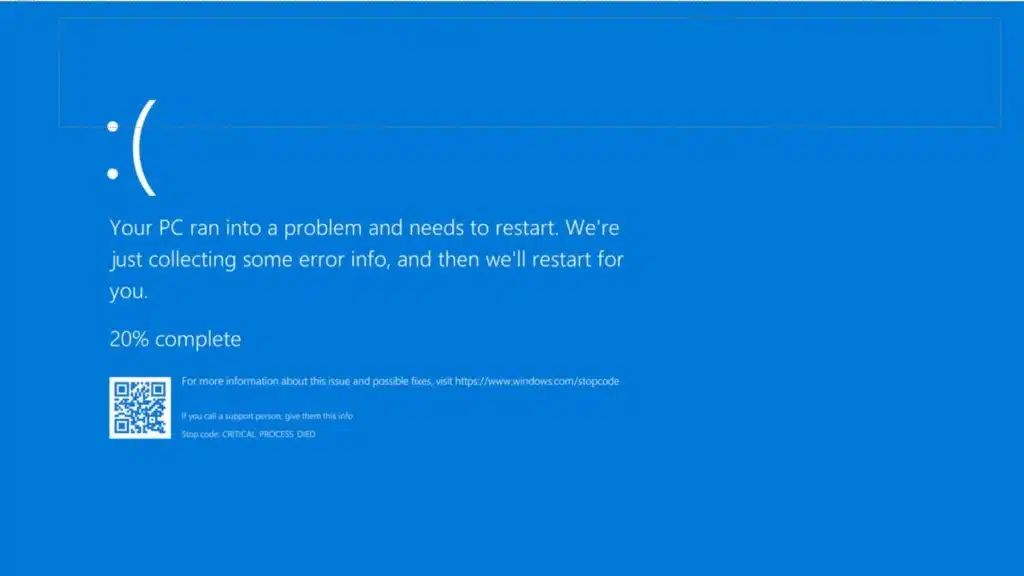
Software crash and error

How Our Emergency Support Works

A straightforward process, explained upfront.

STEP 1
Immediate Phone Triage

Call our emergency line at 0403 100 701 for an instant assessment. Then, Sergey determines if the issue can be resolved via Remote IT Support or if an urgent workshop visit is required.

STEP 2
Priority Restoration

We move your device to the front of the queue for immediate technical work. Because every hour counts, Sergey focuses exclusively on stabilizing your system and retrieving critical Data Recovery targets first.

STEP 3
Uptime Verification

We perform a rigorous stress test to ensure the fix is permanent and stable. Consequently, Sergey provides a detailed report on the cause of the failure and recommends a Backup Solution to prevent the crisis.

Frequently Asked Questions

Loader image

What qualifies as an IT emergency?

Specifically, any issue that halts your ability to conduct business, such as a server crash, total network failure, or a Liquid Damage incident on a primary workstation. Sergey treats these with the highest priority to minimize your financial loss.

Do you offer after-hours emergency support?

Actually, while our workshop has set hours, we monitor our emergency lines for critical business outages. If your situation is urgent, we recommend calling 0403 100 701 immediately so Sergey can advise on the fastest possible response time.

Is there an extra fee for emergency priority service?

Specifically, priority service and after-hours call-outs do incur a higher rate due to the immediate redirection of our technical resources. However, Sergey provides a clear quote before starting work so you can balance the cost against your potential downtime.

Can you fix an emergency issue on-site?

Yes, absolutely. Since some problems are tied to your office infrastructure, Sergey provides On-Site IT Support call-outs for urgent network or server failures across Brisbane Northside to get your team back to work.

Do you offer same-day repairs?

Yes! We offer priority same-day service based on our current workload and parts availability. If you need your device back urgently, please mention it when you arrive so we can check if a same-day turnaround is realistic for your specific repair.

Prefer an Online Quote?

For simple laptop repairs, we can provide a clear quote based on the details you submit.

For more complex problems or personalised laptop support, it’s best to bring your device in.

2/890 Sandgate Road, Clayfield

07 3857 6875

0403 100 701

service@fixmylaptop.com.au

Fix-My-Laptop-Logo-Ftr

service@fixmylaptop.com.au

(07) 3857 6875

0403 100 701

2/890 Sandgate Road, Clayfield QLD 4011

BUSINESS HOURS

Monday10:00 AM — 6:00 PM
Tuesday8:00 AM — 4:00 PM
Wednesday10:00 AM — 6:00 PM
Thursday8:00 AM — 4:00 PM
Friday10:00 AM — 2:00 PM
Saturday10:00 AM — 2:00 PM
SundayClosed

Updated hours are always available on Google Maps
We reserve the right to open later and close earlier

JOIN OUR NEWSLETTER

Be the first one to know of our Tech Savvy tips and exclusive offers!

© 2026 Fix My Laptop Brisbane

Terms and Conditions

Privacy Policy

Facebook X Linkedin
Scroll to top
  • Laptop Repair
    • Screen Replacement
    • Battery Replacement
    • Charging Port Repair
    • Keyboard Replacement
    • Laptop Hinges Repair
    • Liquid Damage Repair
  • Computer Repair
    • Hardware Repair
    • Windows Repair
    • Virus & Malware Removal
  • Computers & Accessories
    • Refurbished Computers
    • Laptop Chargers
    • Storage Devices
  • Computer Upgrades
    • SSD Upgrade
    • RAM Upgrade
    • Mesh Wi-Fi Systems
  • Data & Backup
    • Data Recovery
    • Backup Solutions
    • Cloud Backup
    • Data Transfer & Setup
  • Business IT Solutions
    • Microsoft 365 Solutions
    • Manage IT Support
    • On-site Support
    • Remote Support
    • Emergency Support
  • Tech Tips
  • Request a Quote