Skip to content
Fix My Laptop Logo
Request a Quote Visit Workshop
Call Technician
  • Laptop RepairExpand
    • Screen Replacement
    • Battery Replacement
    • Charging Port Repair
    • Keyboard Replacement
    • Laptop Hinges Repair
    • Liquid Damage Repair
  • Computer RepairExpand
    • Hardware Repair
    • Windows Repair
    • Virus & Malware Removal
  • Computers & AccessoriesExpand
    • Refurbished Computers
    • Laptop Chargers
    • Storage Devices
  • Computer UpgradesExpand
    • SSD Upgrade
    • RAM Upgrade
    • Mesh Wi-Fi Systems
  • Data & BackupExpand
    • Data Recovery
    • Backup Solutions
    • Cloud Backup
    • Data Transfer & Setup
  • Business IT SolutionsExpand
    • Microsoft 365 Solutions
    • Manage IT Support
    • On-Site IT Support
    • Remote IT Support
    • Emergency IT Support
  • Tech Tips
Fix My Laptop Logo
Visit Workshop
Call Technician
  • make-laptop-last-forever

    How To Make Your Laptop Last Forever

    September 11, 2025November 6, 2025

    Nobody wants to replace their laptop every two or three years. If you want your computer to last longer, then you’ve probably heard all sorts of “expert advice” about how to protect it. Spoiler: most of it is garbage. Let’s talk about what really matters when it comes to keeping your laptop running clean, cool, and protected.

    Read More How To Make Your Laptop Last ForeverContinue

  • Windows 11 SSD issues after latest update

    Latest Windows Updates are Breaking SSDs – Again!

    August 26, 2025August 26, 2025

    If your SSD disappeared out of nowhere, your PC randomly restarted during a game install, or Windows is acting extra flaky lately – you’re not the only one. And no, it’s not your RAM, motherboard, or bad luck. The culprit? The latest Windows 11 update released on August 12, 2025. This update has been causing SSDs to vanish, crash mid-transfer, and even corrupt data – especially during heavy file activity.

    Read More Latest Windows Updates are Breaking SSDs – Again!Continue

  • Security dashboard reused passwords danger

    Reusing The Same Passwords is a Dumb Idea!

    August 20, 2025August 20, 2025

    Let’s be honest – most of us have reused a password or two for websites we don’t care about, for example, a news site that wants you to register just to leave a comment, or some random forum you needed once to download a driver in 2018. It feels harmless, right? You’d never do that for banking, email, or your ATO login. But for that one subscription you barely use? What’s the worst that could happen? Well… more than you might think.

    Read More Reusing The Same Passwords is a Dumb Idea!Continue

  • Switch to Macbook Mini or Macbook Air M4

    Windows 10 Support Is Ending – Is It Time To Switch to a Mac?

    August 14, 2025August 14, 2025

    If you’re still using Windows 10, here’s the news: Microsoft is pulling the plug in October 2025 – no more updates, no more patches, and no more support unless you want to pay for it. If you aren’t keen on using Windows 11, you might be thinking of switching to Linux or Mac. Here’s the good news – switching to a Mac is way easier than you think. And it doesn’t have to cost a fortune either.

    Read More Windows 10 Support Is Ending – Is It Time To Switch to a Mac?Continue

  • Best Work From Home Screen

    Best Monitors For Work From Home Setup

    August 6, 2025August 6, 2025

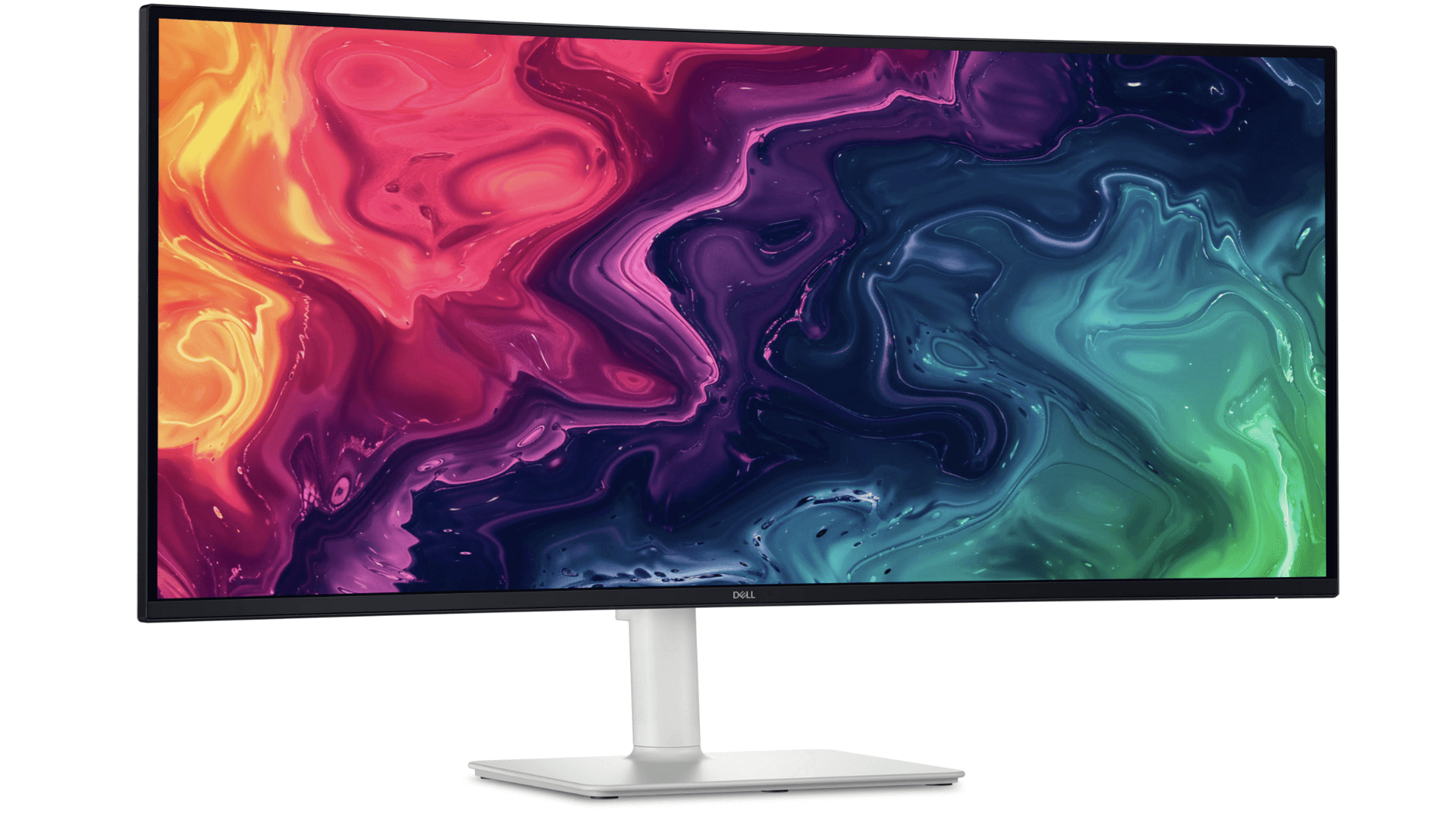
    Working from home sounds great – until your neck hurts from squinting at a tiny laptop screen all day. Last month, we talked about the ideal home office laptops. Let’s talk about monitors now. If you’re sitting in front of a monitor all day long, upgrading your setup isn’t just a luxury – it’s a productivity and sanity boost. But choosing the right monitor can be confusing. Ultrawide? 4K? 120Hz? OLED?

    Read More Best Monitors For Work From Home SetupContinue

  • Best laptops for students

    Best Laptops for Students in 2025

    July 31, 2025July 31, 2025

    Let’s be honest: most student laptops are designed to look pretty in the store, not to survive three years of lectures, essays, group projects, and being stuffed into backpacks. After spending time fixing thousands of broken laptops over the years, here’s what we know students care about most…

    Read More Best Laptops for Students in 2025Continue

  • The Computer Forgot My Password!

    What Happens When You Lose an Email Account?

    July 24, 2025March 15, 2026

    It starts with something small. You change phones and forget your email password. You haven’t logged in for a while. Your account gets flagged for “suspicious activity.” You lose your 2FA device and don’t have backup codes.

    Suddenly – you’re locked out of your own email. No big deal, right? Just reset it? Not always. And if you’re running a business or relying on that email for anything important, this kind of lockout can go from annoying to disastrous in no time.

    Read More What Happens When You Lose an Email Account?Continue

  • Need a Business Website? Diana Can Help!

    Need a Business Website? Diana Can Help!

    July 16, 2025March 15, 2026

    The Fix My Laptop team is growing! We’re excited to share that Diana, my fiancée, has joined the business – and she brings a whole new skillset to the table. If your business needs a new website (or a refresh of an old one), she can help you create something that looks great, works smoothly, and actually gets found on Google.

    Read More Need a Business Website? Diana Can Help!Continue

Page navigation

Previous PagePrevious 1 2 3 4 5 … 32 Next PageNext
Fix-My-Laptop-Logo-Ftr

service@fixmylaptop.com.au

(07) 3857 6875

0403 100 701

2/890 Sandgate Road, Clayfield QLD 4011

BUSINESS HOURS

Monday10:00 AM — 6:00 PM
Tuesday8:00 AM — 4:00 PM
Wednesday10:00 AM — 6:00 PM
Thursday8:00 AM — 4:00 PM
Friday10:00 AM — 2:00 PM
Saturday8:00 AM — 4:00 PM
SundayClosed

Updated hours are always available on Google Maps
We reserve the right to open later and close earlier

JOIN OUR NEWSLETTER

Be the first one to know of our Tech Savvy tips and exclusive offers!

© 2026 Fix My Laptop Brisbane

Terms and Conditions

Privacy Policy

Facebook X Linkedin
Scroll to top
  • Laptop Repair
    • Screen Replacement
    • Battery Replacement
    • Charging Port Repair
    • Keyboard Replacement
    • Laptop Hinges Repair
    • Liquid Damage Repair
  • Computer Repair
    • Hardware Repair
    • Windows Repair
    • Virus & Malware Removal
  • Computers & Accessories
    • Refurbished Computers
    • Laptop Chargers
    • Storage Devices
  • Computer Upgrades
    • SSD Upgrade
    • RAM Upgrade
    • Mesh Wi-Fi Systems
  • Data & Backup
    • Data Recovery
    • Backup Solutions
    • Cloud Backup
    • Data Transfer & Setup
  • Business IT Solutions
    • Microsoft 365 Solutions
    • Manage IT Support
    • On-site Support
    • Remote Support
    • Emergency Support
  • Tech Tips
  • Request a Quote