
Skip to content
Fix My Laptop Logo
Request a Quote Visit Workshop
Call Technician
  • Laptop RepairExpand
    • Screen Repair
    • Battery Replacement
    • Ports Repair
    • Keyboard Repair
    • Hinges Repair
    • Liquid Damage
  • MacBook RepairExpand
    • Screen Repair
    • Battery Replacement
  • Computer RepairExpand
    • Hardware Repair
    • Windows Issues
    • Virus Removal
  • Computers & AccessoriesExpand
    • Refurbished PCs
    • Chargers
    • Storage
  • UpgradesExpand
    • SSD Upgrade
    • RAM Upgrade
    • Wi-Fi Upgrade
  • Data & BackupExpand
    • Data Recovery
    • Backup Solutions
    • Cloud Backup
    • Data Transfer & Setup
  • IT SupportExpand
    • Microsoft 365
    • Business IT Support
    • On-Site IT Support
    • Remote IT Support
    • Emergency IT Support
  • Tech Tips
Fix My Laptop Logo
Visit Workshop
Call Technician
  • Finding the Best Place for your Desktop PC

    Where the Best Place For Your Desktop PC?

    October 26, 2021June 15, 2024

    There’s a lot of talk about the best places to use your laptop. We’ll recap that discussion briefly below, but the real focus of this article is where it’s best to put your desktop PC.

    Read More Where the Best Place For Your Desktop PC?Continue

  • Windows 11 is out. Time to upgrade?

    Windows 11 is Out. You Don’t Need to Upgrade Yet

    October 11, 2021June 15, 2024

    Despite telling us Windows 10 is the last operating system that would ever be released by Microsoft, they released Windows 11 last week. You can upgrade your computer to Windows 11 some time soon, or replace it with a new one. I wouldn’t hurry though and here is why…

    Read More Windows 11 is Out. You Don’t Need to Upgrade YetContinue

  • Windows 10 list installed programs

    Can You Transfer Programs to a New Computer?

    September 30, 2021June 15, 2024

    When you buy a new Windows computer, you probably want to transfer all your files, emails, bookmarks, and programs to it. Many people are surprised to learn that programs don’t transfer the same way as your files and settings. Check out our latest blog post to learn why and how to get around this!

    Read More Can You Transfer Programs to a New Computer?Continue

  • Beware of phishing emails newsletter - how to tell if email is fake

    Don’t be Fooled – Signs of Phishing Emails

    September 23, 2021June 15, 2024

    Phishing attacks trick people into believing that the message is something they need or want and should take some action. Our customers often ask us whether an email they forwarded is legit or not and in 99% of cases, they aren’t! Most phishing attempts want you to click on a link in the email and login to the website that opens. You might be thinking it’s your bank (and it looks like that!) but instead, you are sending your username and password to crooks. We’ll review some of the signs of these fake emails.
    Read More Don’t be Fooled – Signs of Phishing EmailsContinue

  • Old obsolete vintage Mac lost security updates

    So Your Mac Isn’t Getting macOS Updates, Now What?

    September 17, 2021June 15, 2024

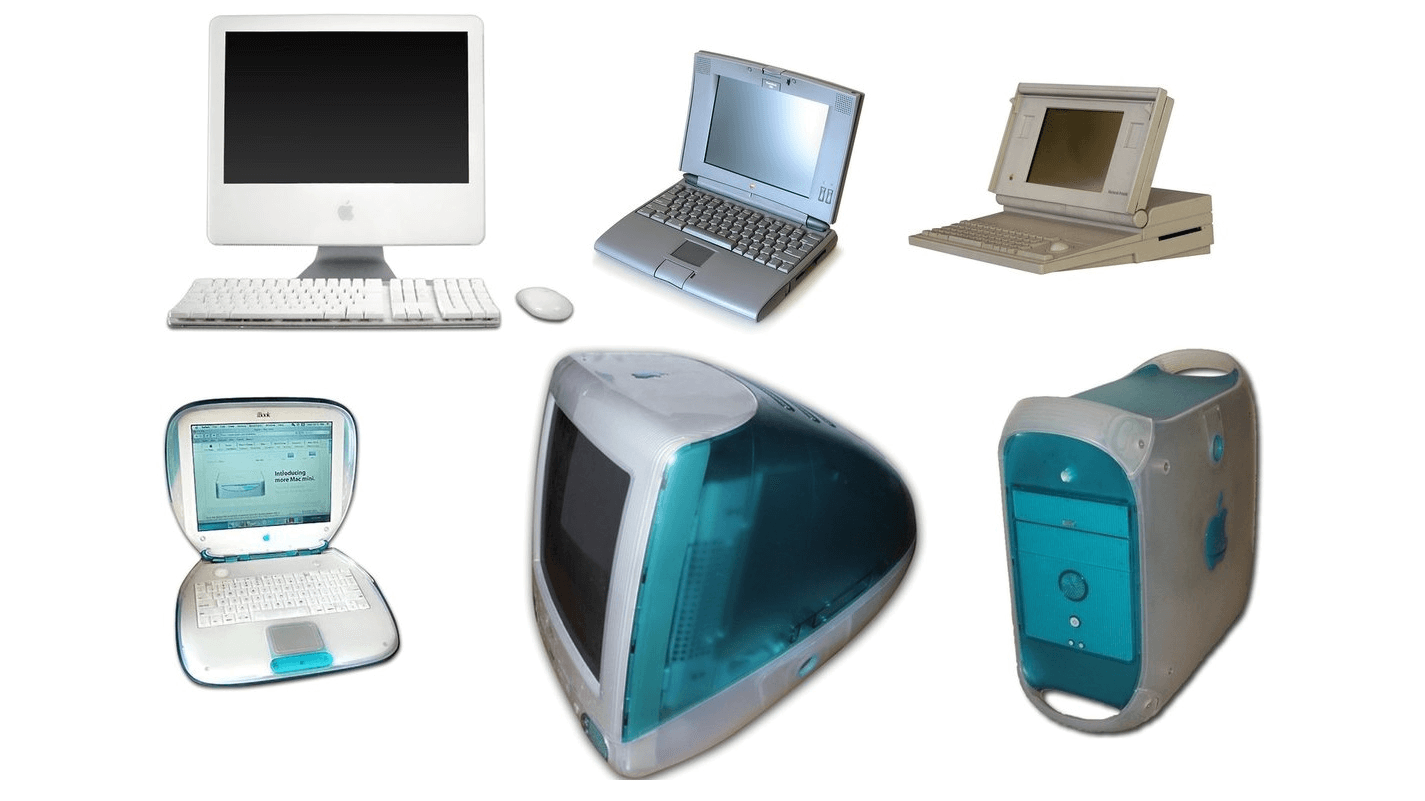
    Apple computers have traditionally been more expensive than PCs, but the upside is that they last longer and tend to maintain their value fairly well. We still get requests from people trying to fix their 10+ year old Macs and despite the age, they perform very well after some upgrades! However, most of them can only run older versions of MacOS…

    Read More So Your Mac Isn’t Getting macOS Updates, Now What?Continue

  • DIY Computer repair - don't do it!

    DIY Computer Repair: Don’t Do It

    September 9, 2021June 15, 2024

    The Do-it-Yourself is a very common attitude in Australia. But, it can be problematic when you try to fix your own computers or phones. This article shares five risks and why it’s safer to go to a computer repair shop.

    Read More DIY Computer Repair: Don’t Do ItContinue

  • How to clean your filthy laptop

    How to Safely Clean Your Filthy Laptop

    August 12, 2021June 15, 2024

    According to a few articles online, your computer keyboard is several times dirtier than an average public bathroom seat. Yikes! When was the last time you cleaned yours? In this article, we’ll tell you how to do it in a safe way.

    Read More How to Safely Clean Your Filthy LaptopContinue

  • Blog - Refurbished computers save money

    Buying a Refurbished Computer? 7 Things You Need to Know

    August 2, 2021June 15, 2024

    If you want a decent computer but don’t want to spend close to $2000 to buy a new one, a refurbished model is worth considering. But there are a few points you need to keep in mind before you part with your cash. Keep reading to learn more.

    Read More Buying a Refurbished Computer? 7 Things You Need to KnowContinue

Page navigation

Previous PagePrevious 1 … 15 16 17 18 19 … 33 Next PageNext
Fix-My-Laptop-Logo-Ftr

service@fixmylaptop.com.au

(07) 3857 6875

0403 100 701

2/890 Sandgate Road, Clayfield QLD 4011

Book Repair Online

BUSINESS HOURS

Monday10:00 AM — 6:00 PM
Tuesday8:00 AM — 4:00 PM
Wednesday10:00 AM — 6:00 PM
Thursday8:00 AM — 4:00 PM
Friday10:00 AM — 2:00 PM
Saturday10:00 AM — 2:00 PM
SundayClosed

Updated hours are always available on Google Maps
We reserve the right to open later and close earlier

JOIN OUR NEWSLETTER

Be the first one to know of our Tech Savvy tips and exclusive offers!

© 2026 Fix My Laptop Brisbane

Terms and Conditions

Privacy Policy

Facebook X Linkedin
Scroll to top
  • Laptop Repair
    • Screen Replacement
    • Battery Replacement
    • Charging Port Repair
    • Keyboard Replacement
    • Laptop Hinges Repair
    • Liquid Damage Repair
  • MacBook Repair
    • Screen Repair
    • Battery Replacement
  • Computer Repair
    • Hardware Repair
    • Windows Repair
    • Virus & Malware Removal
  • Refurbished & Accessories
    • Refurbished Computers
    • Laptop Chargers
    • Storage Devices
  • Upgrades
    • SSD Upgrade
    • RAM Upgrade
    • Mesh Wi-Fi Systems
  • Data & Backup
    • Data Recovery
    • Backup Solutions
    • Cloud Backup
    • Data Transfer & Setup
  • IT Solutions
    • Microsoft 365 Solutions
    • Business IT Support
    • On-site Support
    • Remote Support
    • Emergency Support
  • Tech Tips
  • Request a Quote