
Laptop & Computer Data Recovery in Brisbane
Lost files, failed drives, or corrupted systems? We recover data safely with clear advice and realistic expectations.
Data loss can happen suddenly due to hardware failure, system errors, or accidental deletion. However, not all data is lost permanently. At Fix My Laptop, we assess the situation first, then recover data using the safest method available. As a result, you avoid further damage and improve recovery success.

When You Need Data Recovery
Common situations where files become inaccessible or completely lost.
Accidental File Deletion
Important files were deleted and are no longer in the recycle bin. We recover data using safe methods that avoid overwriting and further loss.
Drive Not Detected
Your hard drive or SSD is not showing up on the system at all. We check the hardware and attempt recovery without causing additional damage.
Corrupted Files or System
Files open incorrectly or the system fails to load properly. We extract usable data before attempting any major repairs or reinstalls.
Failed or Damaged Storage
The drive shows errors, makes noise, or stops working entirely. We assess whether recovery is possible and use controlled methods to retrieve data.
Proper Diagnosis Before Recovery
The recovery method depends on the type of failure and device condition.
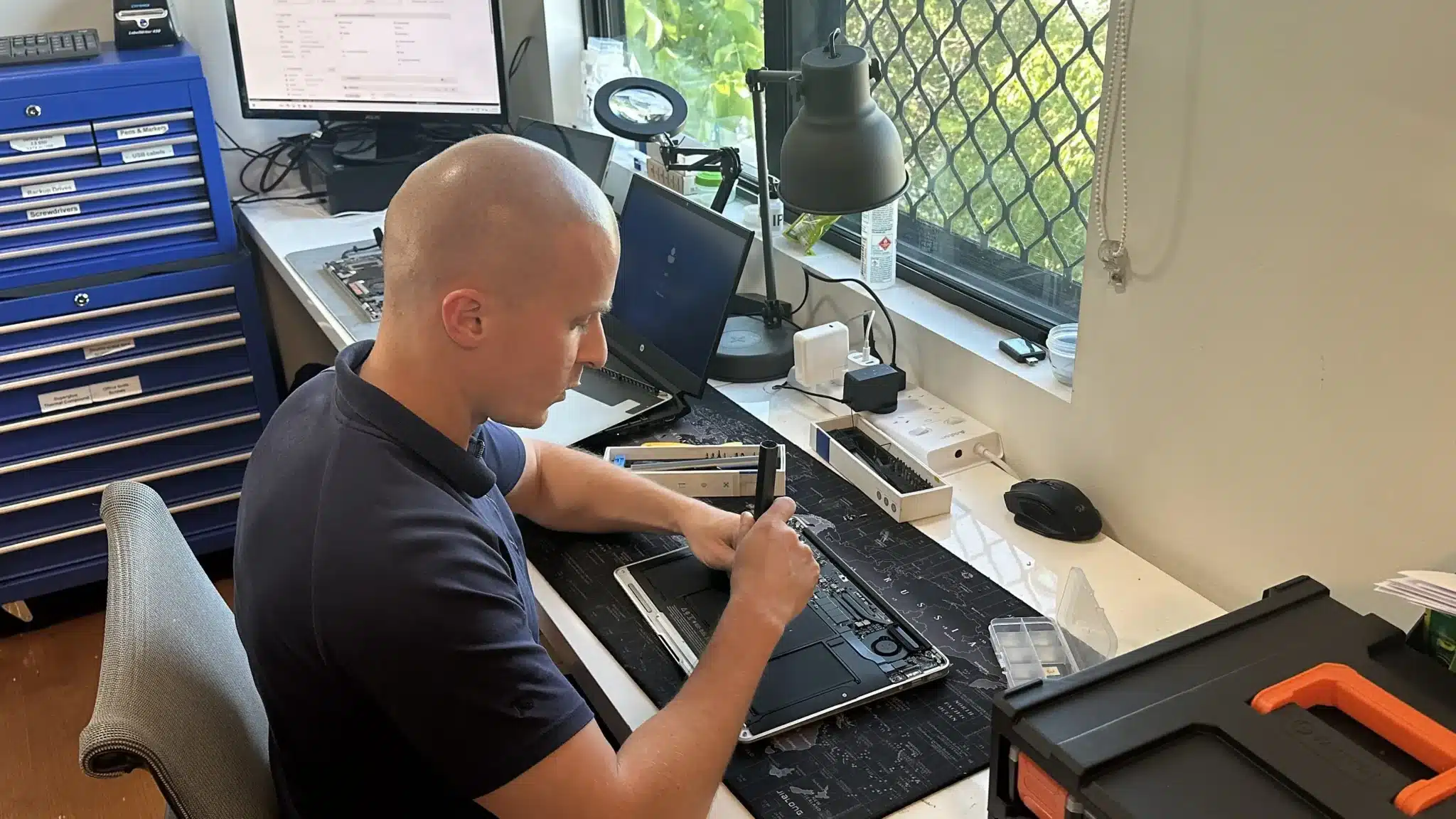
Data recovery is not a one size process. First, we identify whether the issue is logical, physical, or system related. Then, we decide the safest way to access the data.
In some cases, the drive is still healthy but the system is blocking access. In other cases, the hardware itself is failing and requires careful handling. Because of this, rushing recovery attempts can make things worse.
Professional Data Recovery Service
Safe data extraction from damaged, corrupted, or inaccessible storage devices.
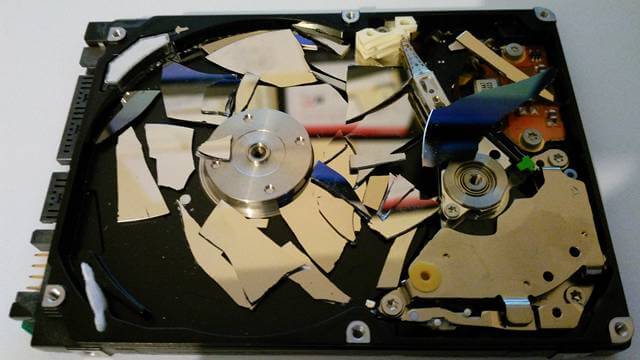
We recover data from laptops, desktops, external drives, and solid state storage. The process includes safe access, data extraction, and transfer to a working device or new storage.
Where possible, we recover files without altering the original drive condition. However, if the drive is unstable, we take additional steps to prevent further damage during recovery.
Why Choose Fix My Laptop
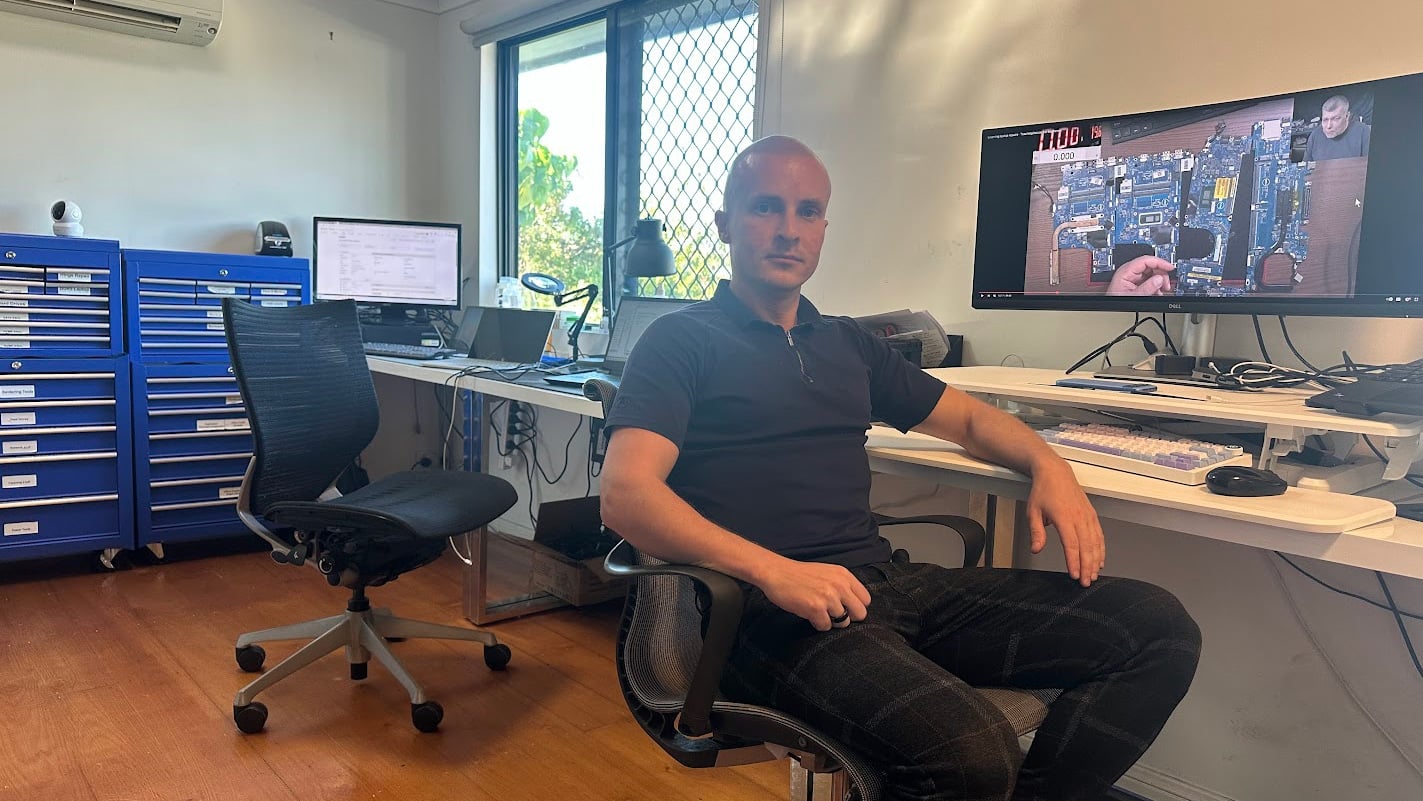
Data recovery requires patience, precision, and the right process. Many failures happen because incorrect recovery attempts were made too early. We focus on protecting the data first, then recovering it using controlled methods that match the situation.

Flexible Recovery Options
Choose how you want your data assessed and recovered.
Workshop Repair
Bring your device or drive to our workshop for full assessment. Best for failed drives, corrupted systems, and complex recovery cases.
On-site Service
We visit your home or office to check systems and attempt initial recovery. Ideal for business setups or multiple affected devices.
Remote Support
For minor data issues, we guide or perform recovery remotely. Suitable for accessible drives and basic recovery situations.
Emergency
Urgent cases are prioritised for faster turnaround where possible. This helps when critical data is needed quickly for work or business.
Data Recovery Costs
Pricing depends on device condition, failure type, and recovery complexity.
Recovery costs vary depending on how accessible the data is and whether the hardware is stable. Simple recoveries are more affordable, while damaged or failing drives increase the complexity.
Because each case is different, we assess the device before confirming any pricing. This avoids incorrect expectations and unnecessary work.
Bring your device in or contact us for an exact quote after assessment.
Typical Cost
|
Service |
Cost |
|
Diagnostics and evaluation (waived if recovery proceeds) |
$100 |
|
Data backup from a working computer |
$150 – $200 |
|
Corrupted USB stick or SD card |
$150+ |
|
Backup from broken computer |
$250+ |
|
Recovery from broken computer with failing hard drive or SSD |
$500+ |
Our Recovery Partner

- Contact Number: 1800 316 674
- Website: ontrack.com
- Address: Suite 9, 28 Donkin Street, West End Brisbane QLD 4101, Australia
GET 10% OFF with CODE S-36052
On services over $1,000 from our trusted partner
Simple 3 Step Recovery Process
Clear steps from assessment to secure data return.
STEP 1
Bring or Send Device
Bring your computer or storage device to our workshop for inspection. We assess the issue and confirm the recovery approach.
STEP 2
Safe Data Recovery
We recover data using methods suited to the failure type. Each step focuses on protecting the remaining data during extraction.
STEP 3
Transfer & Confirm
Recovered files are transferred to a working device or new storage. We confirm access so you can safely use your data again.
Related Services and Support
Additional services that protect data and improve system reliability.
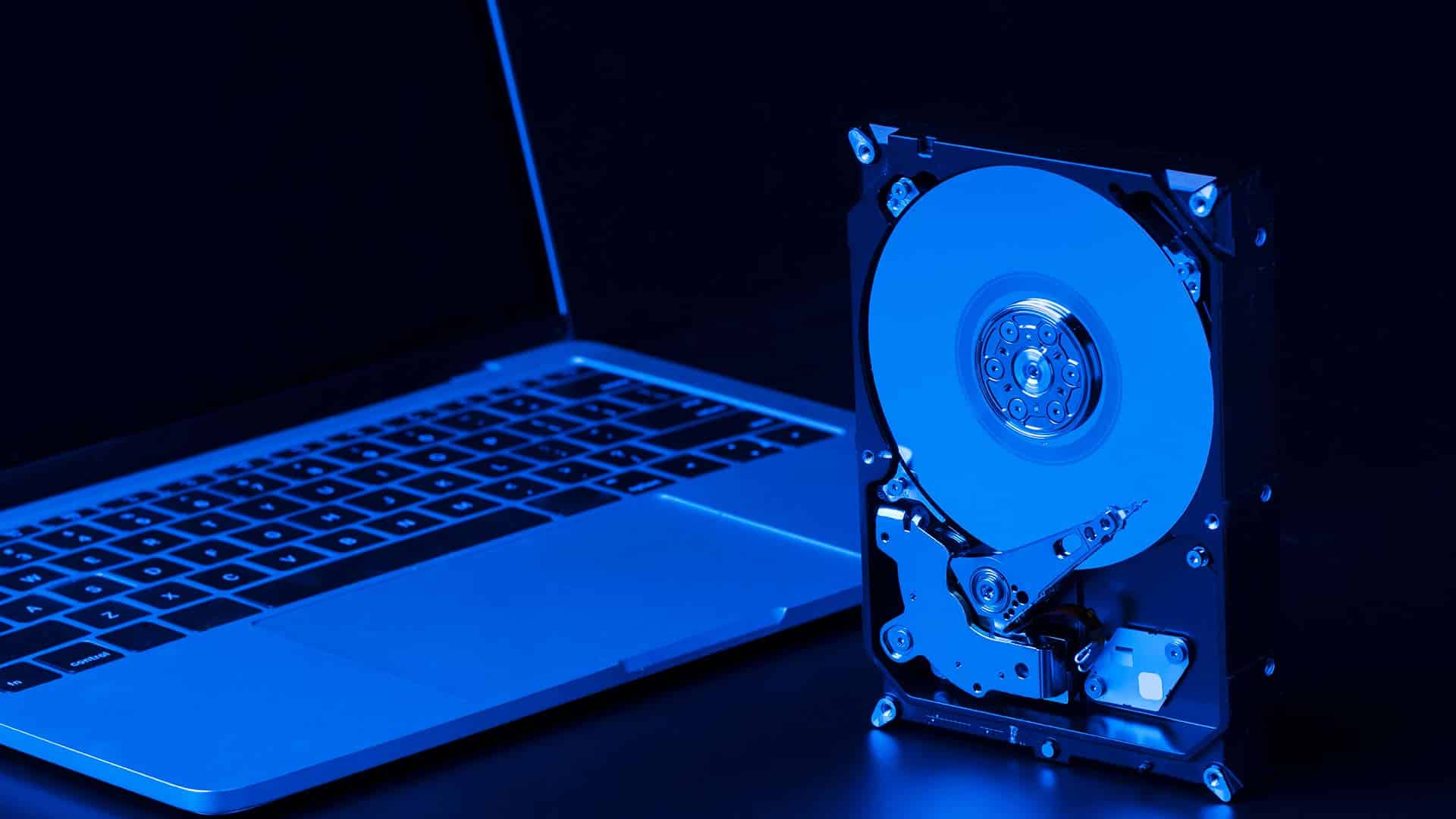
SSD Upgrade or Replacement
Upgrade to reliable storage to reduce future data loss risks. In addition, newer drives improve speed and overall system stability.

RAM Upgrade or Replacement
Improve system responsiveness for smoother performance during daily use. Moreover, better memory helps prevent crashes and data loss.

Laptop Repair Services
Fix underlying hardware or software faults affecting system stability. Therefore, this helps prevent repeat data loss issues after recovery.
Data Backup & Transfer
Set up proper backups to protect your files going forward. Also, this ensures your data stays safe even if another failure occurs.
Data Recovery in Brisbane Northside
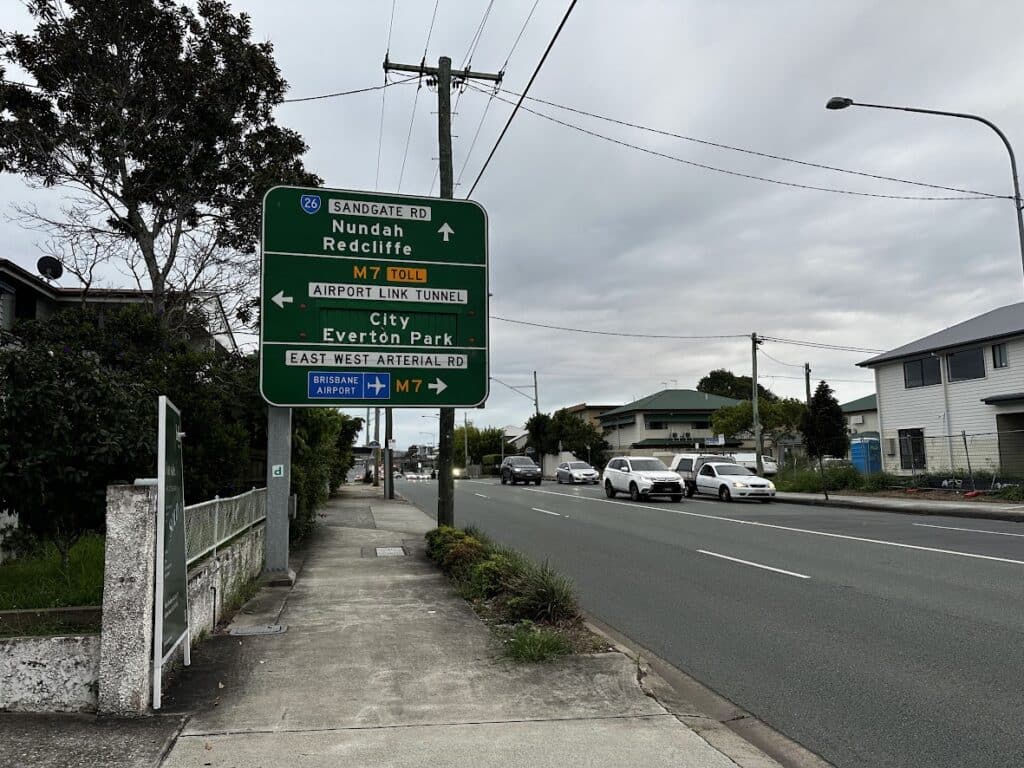
We provide data recovery services across Brisbane Northside, including Clayfield, Ascot, Hendra, Albion, Nundah, Kedron, Chermside, Wooloowin, Hamilton, and surrounding suburbs. Because we are locally based, you can bring your device directly to our workshop without delays.
Visit Us Today: 2/890 Sandgate Road, Clayfield, QLD 4011
Open Monday to Saturday. See our updated hours on Google Maps before visiting.
Frequently Asked Questions
