What Exactly Is an “AI PC”?
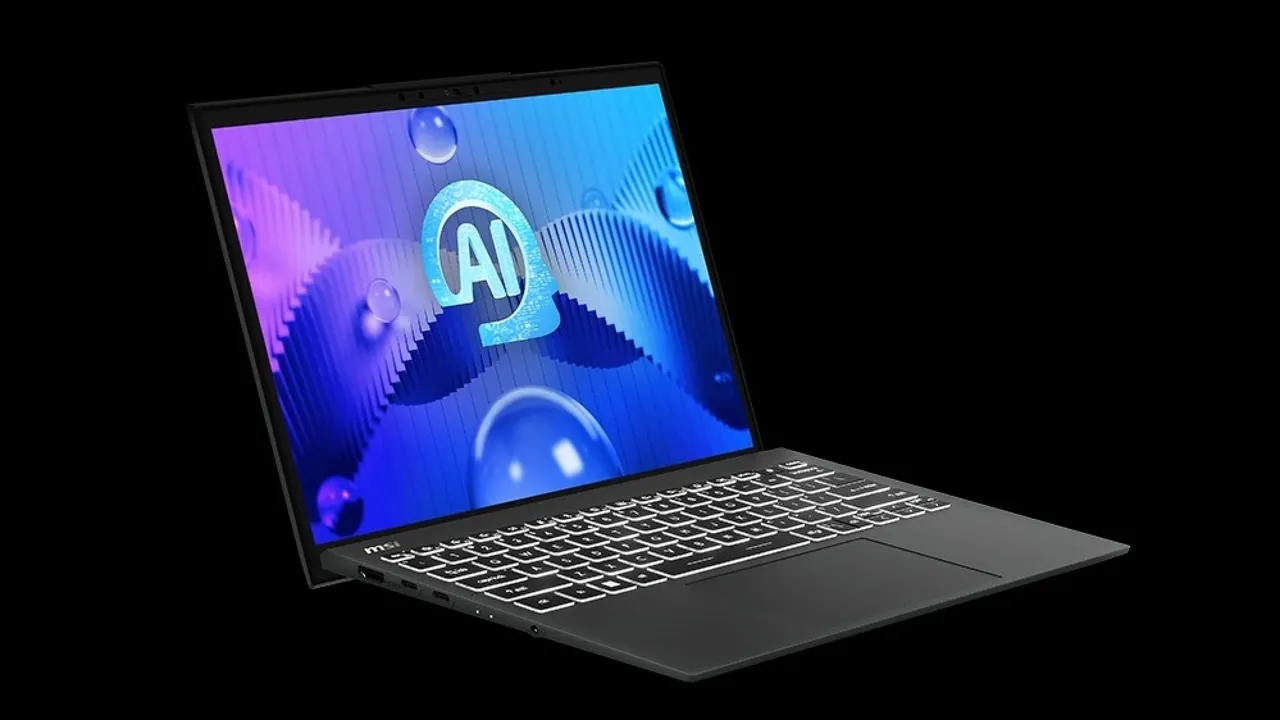
It’s mostly a marketing term – but it does mean something. AI laptops come with Intel Core Ultra or AMD Ryzen AI chips that include a dedicated NPU (neural processing unit). This means the laptop can run certain AI tasks locally – things like background blur in video calls, smarter photo edits, or Copilot features like text summaries and creative suggestions.
But here’s the twist: most of this “AI” is Microsoft Copilot, and Copilot isn’t some helpful assistant working silently in the background. It’s tightly integrated into Windows 11 and increasingly baked into core features like file search, screenshots, system settings, and even browser activity.
Microsoft Copilot Is Always Watching
While Microsoft pitches it as helpful, many of us see it for what it really is: a gateway for deeper data collection. Here’s what concerns us:
- Copilot Recall takes automatic screenshots every few seconds to “help you remember what you saw.” What else is being stored?
- It requires BitLocker and TPM – which link your encryption keys and device identity to the cloud.
- You must log in with a Microsoft account – tying everything to your email, browsing, OneDrive, and search history.
- You can’t turn most of this off without breaking functionality.
- Microsoft has made it clear: Copilot isn’t optional going forward.
It’s one thing to have AI help you generate emails or sharpen your photos. It’s another to have your entire desktop watched, indexed, and potentially retrievable by Microsoft’s servers – or others, should your account be compromised.
The Hardware is Great – That’s Not in Question
Let’s be fair. The hardware in most of those new laptops is solid. You’re getting:
- Excellent screens (especially on Dell XPS, Microsoft Surface and ASUS ZenBook models)
- Tough builds with long-term durability
- Decent performance thanks to modern chips with great battery life
- Premium look and feel, unlike the cheap sub $1000 laptops
And with Windows 10 support ended in October 2025, many older devices simply won’t qualify for Windows 11 upgrades (especially without TPM). If your machine is sluggish, or you’re locked out of updates, a new laptop might be unavoidable. So, if you’re going to buy – especially for photo/video work or modern productivity – AI laptops are worth considering.
Other Options: Linux, Refurbs, and Privacy-First Setups
You don’t have to accept this privacy tradeoff.
- Linux and ChromeOS can run quite well even on 10-year-old laptops, and we’ve helped dozens of clients ditch Windows completely.
- Refurbished business-grade laptops (ThinkPad, Dell Latitude, HP EliteBook) can be had for half the cost and still outlast most consumer-grade AI models.
- You can run ChatGPT in the browser or app and only give it access to the information that it actually needs, without anyone spying on your files and the screen
- We can even help you set up dual boot systems or run Windows 10 securely post-EOL with hardened firewall and virtual machine setups.
We’re not anti-AI. We’re anti-surveillance.