
Skip to content
Fix My Laptop Logo
Request a Quote Visit Workshop
Call Technician
  • Laptop RepairExpand
    • Screen Replacement
    • Battery Replacement
    • Charging Port Repair
    • Keyboard Replacement
    • Laptop Hinges Repair
    • Liquid Damage Repair
  • Computer RepairExpand
    • Hardware Repair
    • Windows Repair
    • Virus & Malware Removal
  • Computers & AccessoriesExpand
    • Refurbished Computers
    • Laptop Chargers
    • Storage Devices
  • Computer UpgradesExpand
    • SSD Upgrade
    • RAM Upgrade
    • Mesh Wi-Fi Systems
  • Data & BackupExpand
    • Data Recovery
    • Backup Solutions
    • Cloud Backup
    • Data Transfer & Setup
  • Business SolutionsExpand
    • IT SupportExpand
      • In-shop Support
      • On-Site Support
      • Remote Support
    • Microsoft 365
    • Website Design & SEO
    • Emergency Support
  • Blog
Fix My Laptop Logo
Visit Workshop
Call Technician

Professional Data Transfer and New Computer Setup

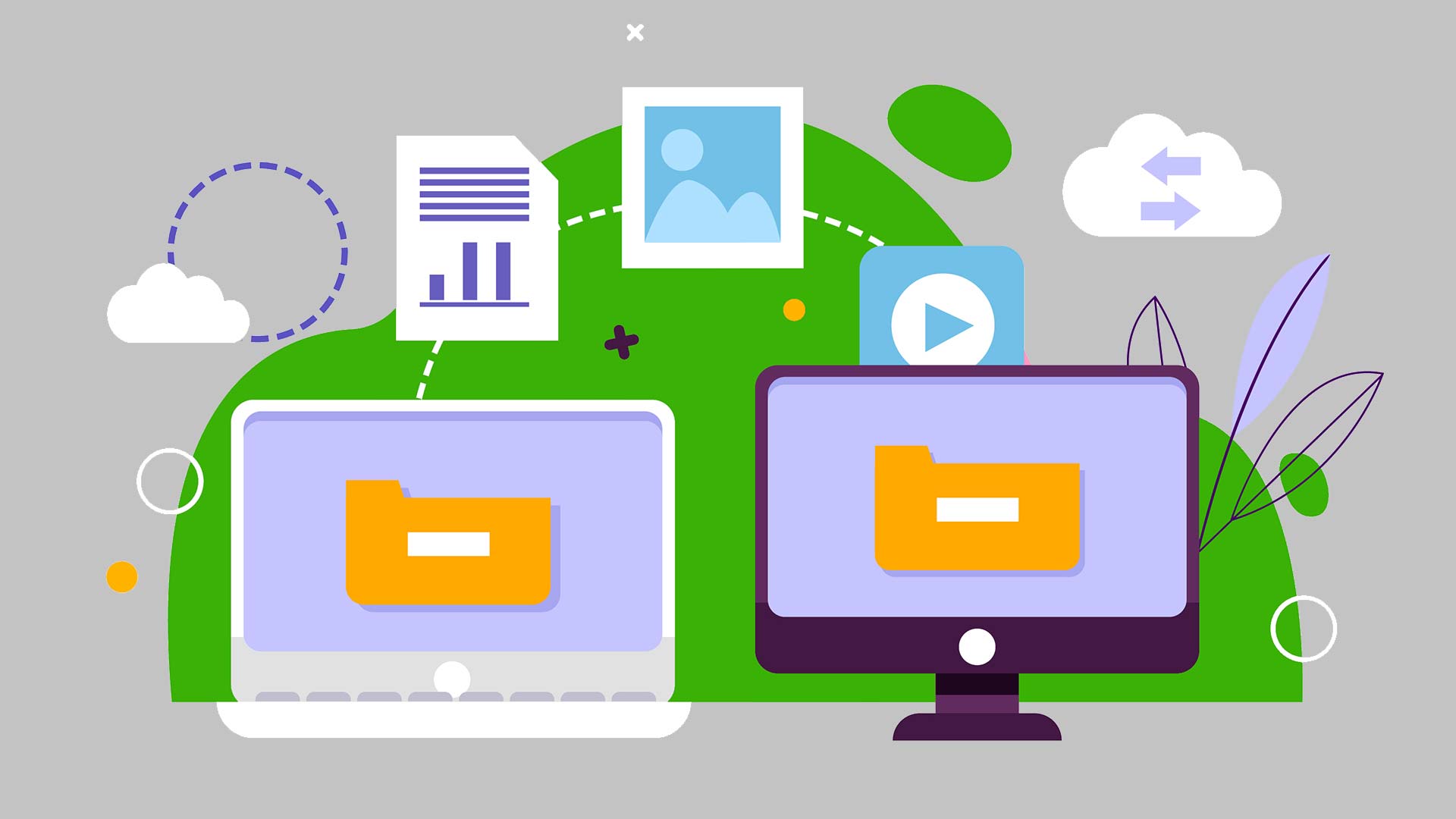
Buying a new computer is exciting, but moving your digital life shouldn’t be a chore. Specifically, Sergey handles the entire migration process in our Clayfield workshop, ensuring your documents, photos, and personalized settings move safely to your new machine.
Visit Workshop
Call Technician
File transfer and setup

Expert Migration and Personal Configuration

Many retailers offer a basic “data dump,” they often miss the specific settings and application data that make your computer usable. Sergey personally manages the migration to ensure your user environment is replicated exactly as you remember it.

With over 10 years of experience, he optimizes your new operating system to remove “bloatware” and improve boot times. Ultimately, we provide a professional service in our Clayfield workshop that saves you hours of setup frustration and guarantees your data is safe.

Sergey, lead technician at Fix My Laptop Clayfield workshop, Brisbane.
Computer on-site support

Benefits of Professional Migration

  • Ensure every data moves to your new drive properly
  • Migrate your Outlook profiles and archives
  • Reinstall and configure your essential applications

If your new machine feels slow, it may need Computer Upgrades to reach its full potential.

Signs You Need Expert Setup Support

  • Incomplete transfers
  • Profile errors
  • Missing data
  • Slow migration

If you want to avoid the frustration of a broken setup, let Sergey manage the transition.

How to transfer software to a new computer

Our Data Transfer Process

A straightforward process, explained upfront.

STEP 1
Bring It In

Visit our Clayfield workshop and bring both your old and new devices to our workshop for a full data audit. Sergey identifies your user profiles, hidden library files, and critical software licenses.

STEP 2
Configuration

We perform a high-speed wired migration to move your data securely and efficiently. Because privacy is vital, Sergey ensures your login credentials and sensitive files remain strictly confidential.

STEP 3
Verification

We verify that your desktop layout, printers, and applications are all functioning correctly. Sergey walks you through the new system to ensure you are comfortable and ready to get back to work.

Note on Same-Day Service: We offer priority repairs based on current workload and parts. If you need it done today, please mention it when you arrive so we can check if same-day service is realistic for your specific device.

Prefer an Online Quote?

For simple laptop repairs, we can provide a clear quote based on the details you submit.

For more complex problems or personalised laptop support, it’s best to bring your device in.

2/890 Sandgate Road, Clayfield

07 3857 6875

0403 100 701

service@fixmylaptop.com.au

Fix-My-Laptop-Logo-Ftr

service@fixmylaptop.com.au

(07) 3857 6875

0403 100 701

2/890 Sandgate Road, Clayfield

BUSINESS HOURS

Monday10:00 AM — 6:00 PM
Tuesday8:00 AM — 4:00 PM
Wednesday10:00 AM — 6:00 PM
Thursday8:00 AM — 4:00 PM
Friday10:00 AM — 2:00 PM
Saturday10:00 AM — 2:00 PM
SundayClosed

Updated hours are always available on Google Maps
We reserve the right to open later and close earlier

JOIN OUR NEWSLETTER

Be the first one to know of our Tech Savvy tips and exclusive offers!

© 2026 Fix My Laptop Brisbane

Terms and Conditions

Privacy Policy

Facebook X Linkedin
Scroll to top
  • Laptop Repair
    • Screen Replacement
    • Battery Replacement
    • Charging Port Repair
    • Keyboard Replacement
    • Laptop Hinges Repair
    • Liquid Damage Repair
  • Computer Repair
    • Hardware Repair
    • Windows Repair
    • Virus & Malware Removal
  • Computers & Accessories
    • Refurbished Computers
    • Laptop Chargers
    • Storage Devices
  • Computer Upgrades
    • SSD Upgrade
    • RAM Upgrade
    • Mesh Wi-Fi Systems
  • Data & Backup
    • Data Recovery
    • Backup Solutions
    • Cloud Backup
    • Data Transfer & Setup
  • Business Solutions
    • IT Support Pricing
      • In-shop Support
      • On-site Support
      • Remote Support
      • Emergency Support
    • Microsoft 365
    • Website Design & SEO
  • Blog
  • Request a Quote