
Cloud Backup

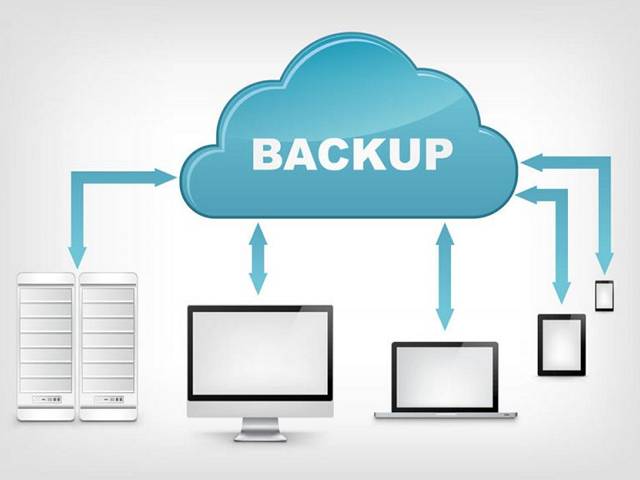
Backing up your computer is important, yet it often feels inconvenient. If you value your data and want peace of mind, cloud backups are the perfect choice. With Fix My Laptop Brisbane, your files are automatically protected and securely stored off-site. You don’t have to think about it because it just works. It’s a simple “set and forget” solution that keeps your business data safe every day.

3-2-1 Backup Strategy
You need to keep 3 copies of your data.
Your first copy is your working data, the files stored on your computer, hard drives, or USB sticks.
The second copy is your local backup, kept separate from your working files on another device. Local backups make restoring data quick and simple. Most people use external hard drives or USB sticks, while businesses and tech enthusiasts often prefer servers or Network Attached Storage (NAS).
The third copy is stored off-site and protects your data if the local backup fails. Disasters such as fire, flood, theft, or even a damaged drive can happen unexpectedly. Having an off-site copy ensures your information stays safe no matter what.
Benefits of Cloud Backups
Cloud backup offers a simple, set-and-forget way to keep your files safe and always protected.
Cloud backup is the easiest way to keep your data safely off-site. It saves you from juggling multiple hard drives or wondering where you left them.
It’s affordable too. If you only need to back up a few documents and photos, you can start with a free account. Even with larger backups, most plans cost less than $150 per year.
It’s also convenient. You can set a daily backup schedule and let it run automatically. If your computer is turned off, the system simply backs up the next time it’s on.
Cloud backups are generally immune to viruses. Since multiple copies of your files are stored securely, you can choose which version to restore whenever needed.
You can even access your backed-up files from anywhere. If your computer fails and you need something urgently, just log in to your cloud backup account and restore it to another device.

But Wait… I Already Have Dropbox!
There is a common misconception that services like Dropbox, Google Drive, OneDrive and iCloud can replace backups
Having a cloud storage account is like carrying a portable drive that’s always connected to your computer. It makes sharing files simple and allows you to work from anywhere. For flexibility and convenience, it’s the ideal solution.
Cloud storage keeps your files constantly in sync with their cloud copy. But consider what happens when a file is deleted or accidentally changed and you need to restore it. If your data becomes corrupted, infected, or encrypted by ransomware, that same problem can be synced to your cloud account too.
Drawbacks of Cloud Backups
Cloud Backups became popular only in the last five years due to a number of reasons…
Backing up to the cloud works best with a reliable, high-speed Internet connection. If you’re still using a wireless or ADSL connection, your upload speeds may be too slow for large backups.
Cloud backups depend on bandwidth. Most homes and businesses now use unlimited data plans, so this is rarely a problem. When you travel or use a plan with data limits, uploading large amounts of data can become expensive.
Restoring from cloud backups can also take time, depending on your download speed and the size of your files. For this reason, it’s a good idea to keep a local copy of your data as well.
Your information is stored on secure third-party servers with strong encryption. The data is well-protected, but your password is the key. If someone guesses it, they could still access your cloud backup, so choosing a strong password is essential.
