Let’s unpack what’s happening — and why switching to Linux might be your best move yet.
No TPM, No Windows 11: Microsoft Locks Out Older PCs
One of the biggest roadblocks to upgrading is Microsoft’s hardware mandate: Windows 11 requires a TPM chip (Trusted Platform Module). Think of it like a digital fingerprint tied to your device – and your Microsoft account.
- Can’t boot without it.
- Can’t encrypt without it.
- Can’t install Windows 11 without it.
For many PCs even just a few years old, there’s no TPM – or it’s disabled. That leaves you with two choices:
- Buy a new PC, even if yours works perfectly.
- Find a better alternative.
Guess which one Microsoft wants you to pick?
BitLocker, Secure Boot & Cloud-Based Recovery Keys
If you do make it into Windows 11, the control doesn’t end there. Microsoft now enables BitLocker (drive encryption) by default on many new systems. Sounds good, right? Protects your data? Sort of. Here’s the catch:
- Your BitLocker recovery key is uploaded to Microsoft’s servers, tied to your Microsoft ID.
- Lose access to your Microsoft account? You may also lose access to your data.
- Thanks to “Secure Boot”, only Microsoft-approved operating systems get to load. So much for running your own system.
And the scariest part? TPM + Microsoft account make the encryption seamless and doesn’t require you to have a password. Very convenient for the corporations, the government and law enforcement agencies should they get interested in your life!
Welcome to the Age of Copilot: AI That Watches Everything
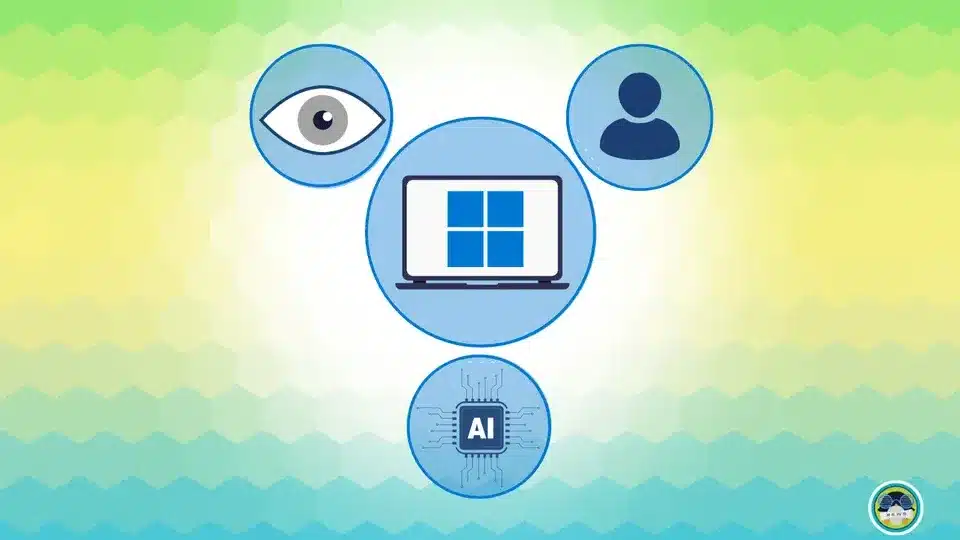
As if that’s not enough, Windows 11 introduces Microsoft Copilot, a so-called “AI companion” that “lives alongside you.” Translation? It watches everything you do – literally. It reads your screen, remembers what you copy-paste, and keeps a log of your activity. This isn’t tinfoil-hat stuff – it’s part of Microsoft’s own marketing.
You want to use your computer without feeling watched? Copilot makes that almost impossible. Even worse – Microsoft is pitching this as the future of computing. Which means more AI, more surveillance, and less control for the actual user.
Who Owns Your Computer… and Soon, Your Identity?
The push for TPM-based identity, Microsoft logins, mandatory cloud accounts, AI screen monitoring, and centralised encryption keys is more than just “convenience.” It’s the foundation for a digital identity system – one that links:
- Your device
- Your cloud accounts
- Your files
- Your browsing and search history
- Your payment preferences
- And soon… your wallet.
We’re already seeing signs of this globally. The rollout of Digital ID frameworks is no longer theoretical – it’s active. In Australia, there’s been strong political momentum behind a national Digital ID system that links your driver’s license, Medicare, passport, and even financial transactions into one centralised identity.
It sounds convenient – until someone decides to restrict purchases, flag “suspicious” behavior, or freeze access. All it takes is a policy update, a data match, or an “unapproved” opinion on social media to lock you out of not just your PC, but your entire digital life.
Want Out? Linux Is Still the Clean Escape Route
Let’s be clear: Linux isn’t just for nerds anymore. Modern Linux – especially user-friendly versions like Ubuntu or Linux Mint – are fast, smooth, and surprisingly familiar. You get:
- A Windows-like desktop with customisation options.
- No forced logins. No data harvesting.
- No Copilot. No TPM needed.
- Your computer actually respects your decisions again.
It runs beautifully on older hardware, and you don’t have to buy anything new. You don’t even have to remove Windows to try it – just boot it from a USB and see what it’s like.
Want help setting it up? We’ve got affordable refurbished laptops with Linux pre-installed – or we can convert your existing one.