
Laptop Chargers & AC Adapters Replacement in Brisbane
It is incredibly frustrating when your laptop refuses to charge or the power cord becomes frayed and dangerous. Consequently, using a poor-quality or damaged charger can lead to permanent motherboard damage or even fire risks. Sergey provides reliable, high-quality power solutions in our Clayfield workshop to ensure your device stays charged and protected.
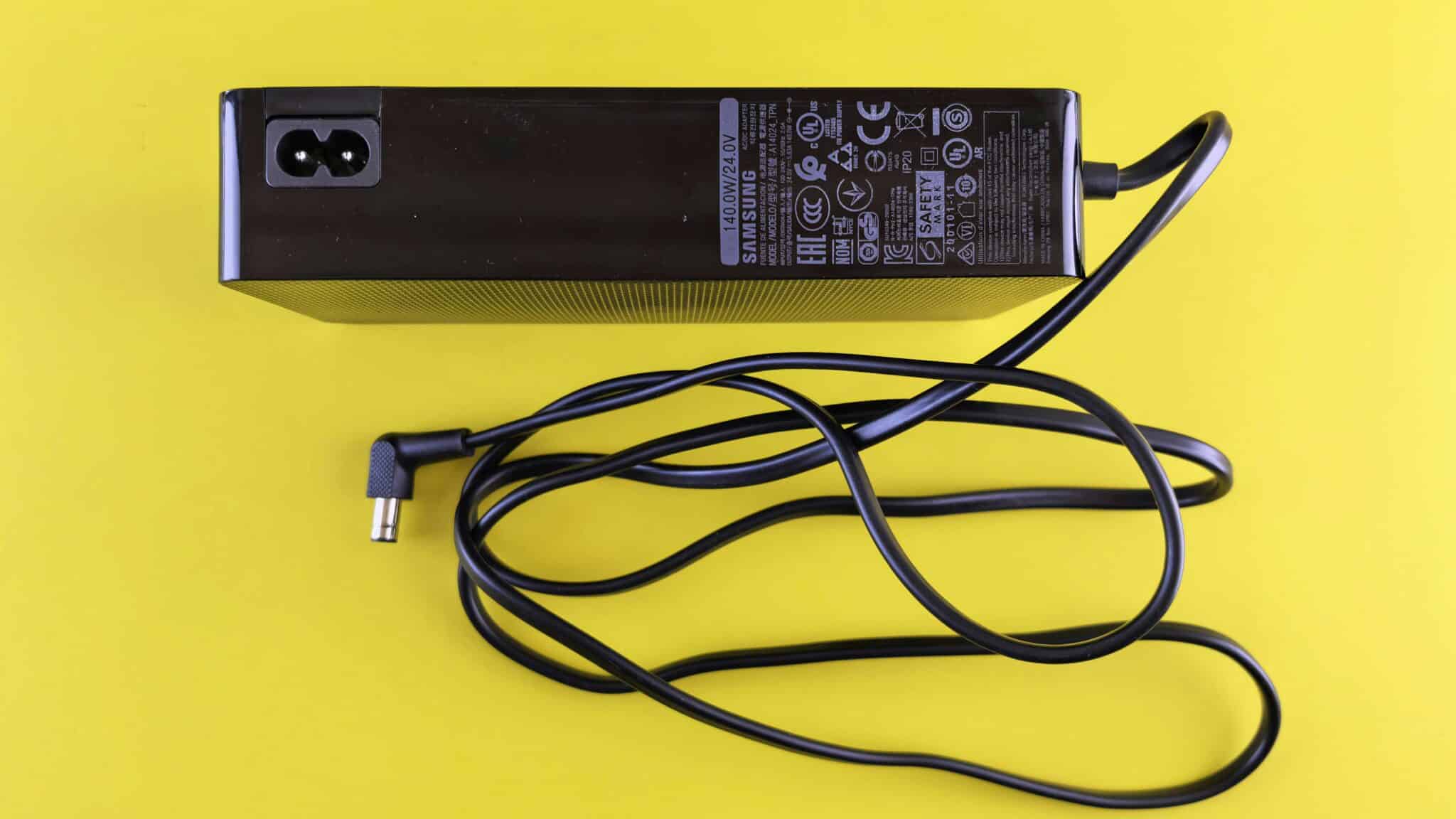
Professional Power Solutions and Expert Advice
Although cheap universal chargers are available online, they often lack the critical safety circuits required to protect your motherboard from surges. Specifically, Sergey personally selects and tests all power adapters to ensure they provide a stable and clean voltage to your device. With over 10 years of experience, he helps you avoid low-quality hardware that could cause expensive long-term damage. Moreover, we keep a wide range of chargers for MacBooks and all major Windows brands in stock at our Clayfield workshop for immediate collection.


Common Signs of a Faulty Charger
If your issue isn’t charger-related, see our full range of laptop repair services.
Replacement Adapters for All Major Brands
Using the wrong voltage can destroy your laptop, we stock a wide variety of brand-specific chargers. Specifically, we provide high-quality replacements for MacBook, Dell, HP, Lenovo, and ASUS models at our Clayfield workshop. Furthermore, every adapter is pre-tested to ensure it matches the exact power profile and safety requirements of your specific machine.
Screen availability and repair time depend on the laptop model. We confirm this before starting.

Our Simple Power Replacement Process
A straightforward process, explained upfront.
STEP 1
Bring It In
Bring your laptop and your current charger to our Clayfield workshop for a quick assessment. Sergey tests both the adapter and the charging port on the laptop to identify the exact cause of the power failure.
STEP 2
Safety Matching
We match your device with a high-quality replacement from our local stock. Because we prioritize your hardware safety, we only supply adapters that meet the strict voltage and amperage requirements of your specific model.
STEP 3
Final Load Test
Sergey performs a final load test to confirm the new charger is working perfectly before you take it home. Ultimately, this ensures your battery charges correctly and your system remains perfectly stable.
Frequently Asked Questions

Can I use a higher-wattage charger with my laptop?
Generally, you can use a higher-wattage charger as long as the voltage matches exactly. However, using the wrong voltage can destroy your laptop, so Sergey always pre-tests adapters to ensure they match your exact power profile.
Do you have chargers for older laptop models in stock?
Yes, we carry a wide variety of brand-specific chargers for Dell, HP, Lenovo, and ASUS. Since we stock these locally in Clayfield, you can often pick up a replacement on the same day.
What if the problem is my charging port and not the charger?
During our initial assessment, Sergey tests the laptop's charging port. If the port is loose or broken, we can provide a professional Charging Port Repair instead of selling you a new charger.
Do you offer same-day repairs?
Yes! We offer priority same-day service based on our current workload and parts availability. If you need your device back urgently, please mention it when you arrive so we can check if a same-day turnaround is realistic for your specific repair.