
Skip to content
Fix My Laptop Logo
Request a Quote Visit Workshop
Call Technician
  • Laptop RepairExpand
    • Screen Replacement
    • Battery Replacement
    • Charging Port Repair
    • Keyboard Replacement
    • Laptop Hinges Repair
    • Liquid Damage Repair
  • Computer RepairExpand
    • Hardware Repair
    • Windows Repair
    • Virus & Malware Removal
  • Computers & AccessoriesExpand
    • Refurbished Computers
    • Laptop Chargers
    • Storage Devices
  • Computer UpgradesExpand
    • SSD Upgrade
    • RAM Upgrade
    • Mesh Wi-Fi Systems
  • Data & BackupExpand
    • Data Recovery
    • Backup Solutions
    • Cloud Backup
    • Data Transfer & Setup
  • Business IT SolutionsExpand
    • Manage IT Support
    • On-Site IT Support
    • Remote IT Support
    • Emergency IT Support
  • Blog
Fix My Laptop Logo
Visit Workshop
Call Technician

No More Wiggling the Cable to Charge

It is incredibly frustrating when your laptop only charges at a certain angle or cuts out with the slightest movement. A faulty power jack can stop your work in its tracks and leave you with a dead device. Sergey provides professional charging port repairs in our Clayfield workshop to ensure your laptop powers up reliably every time you plug it in.

Visit Workshop
Call Technician
battery not charging, battery drains fast

Component-Level Repairs, Not Just Part Swaps

A broken port does not always require an expensive motherboard replacement. Sergey personally assesses the damage to determine if a component level repair is possible, which can save you hundreds of dollars.

With over 10 years of experience, he specializes in both soldered DC jacks and modern USB-C ports. We perform all repairs in-house at our Clayfield workshop, offering a 1 to 3 day turnaround to get your power issues resolved quickly.

Sergey, lead technician at Fix My Laptop Clayfield workshop, Brisbane.
Broken laptop charging port

Signs of a Faulty Charging Port

  • Loose or “Wobbly” Connection
  • Charging cuts in and out
  • No Power at All
  • Burnt smell or visible sparks
  • Random shutdowns can sometimes relate to overheating rather than charging faults.

If your issue isn’t charging port-related, see our full range of laptop repair services.

How Charging Port Repair Works

Sergey performs a detailed inspection of the power input housing and the motherboard connections. He disassembles the device to check for cracked solder joints or physical pin damage. By reinforcing the connection or installing a new DC jack, he ensures stable power flow under full load before returning the laptop.

Repair time and cost depend on the laptop model and the type of charging port. We confirm this before starting any work.
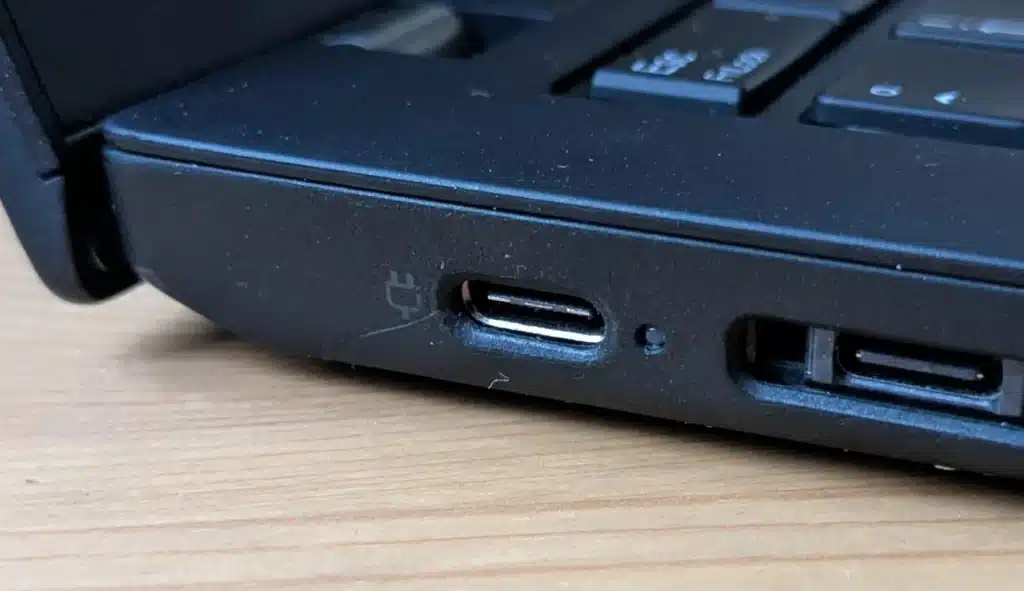
Loose charging port
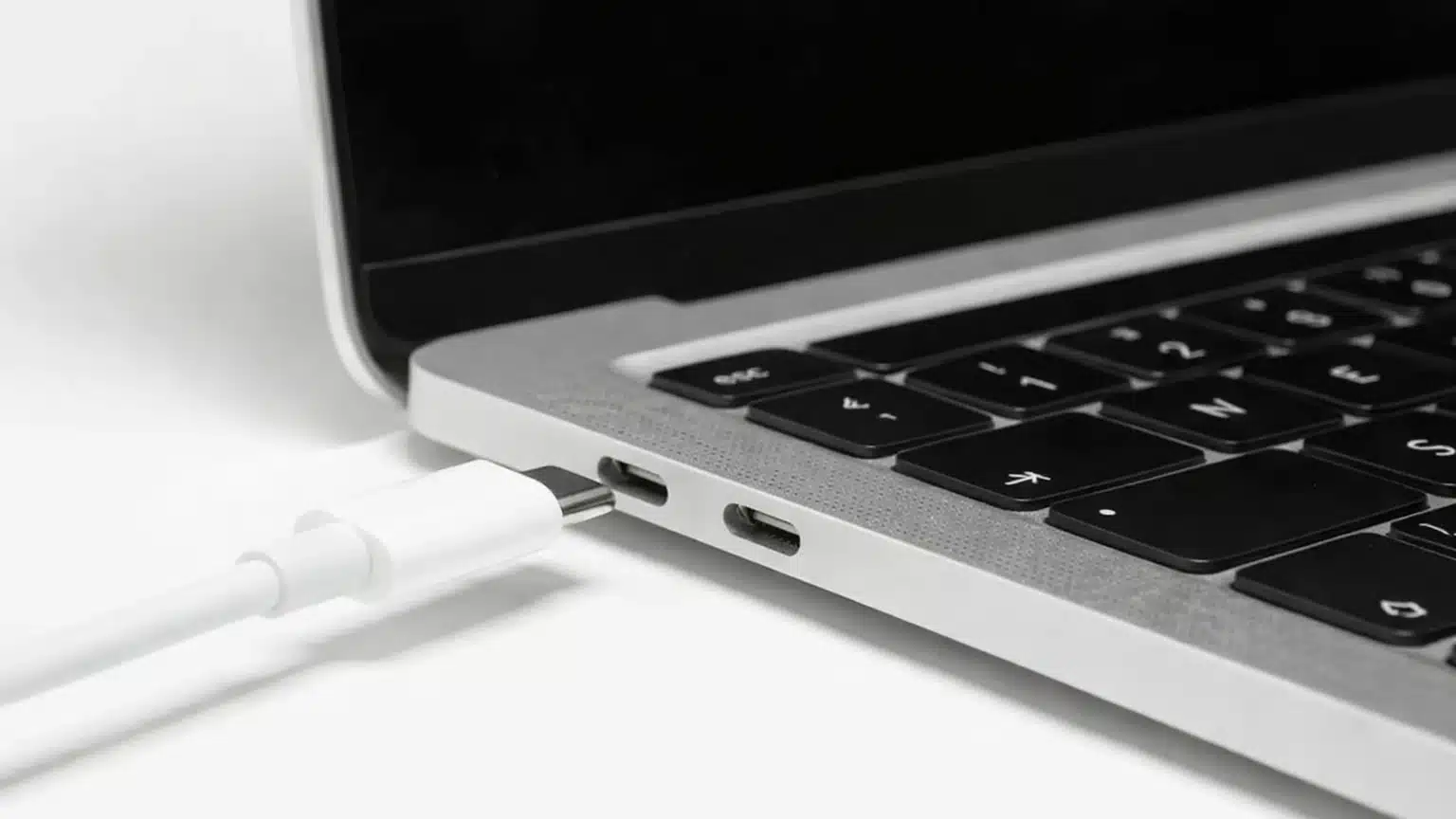
Macbook type c charger

MacBook Charging Port Repair

MacBooks can develop charging issues due to worn USB-C or MagSafe ports, internal cable strain, or power-related faults. We diagnose MacBook charging problems carefully to determine whether a port repair or another repair is required.

When a Charging Port Repair May Not Fix the Issue

  • Battery degradation or failure
  • Internal power or logic board faults
  • Liquid damage affecting power circuits
  • If the laptop won’t power on at all, the issue may extend beyond charging. Visit our laptop not starting repair page.

We’ll explain what we find before recommending any repair.
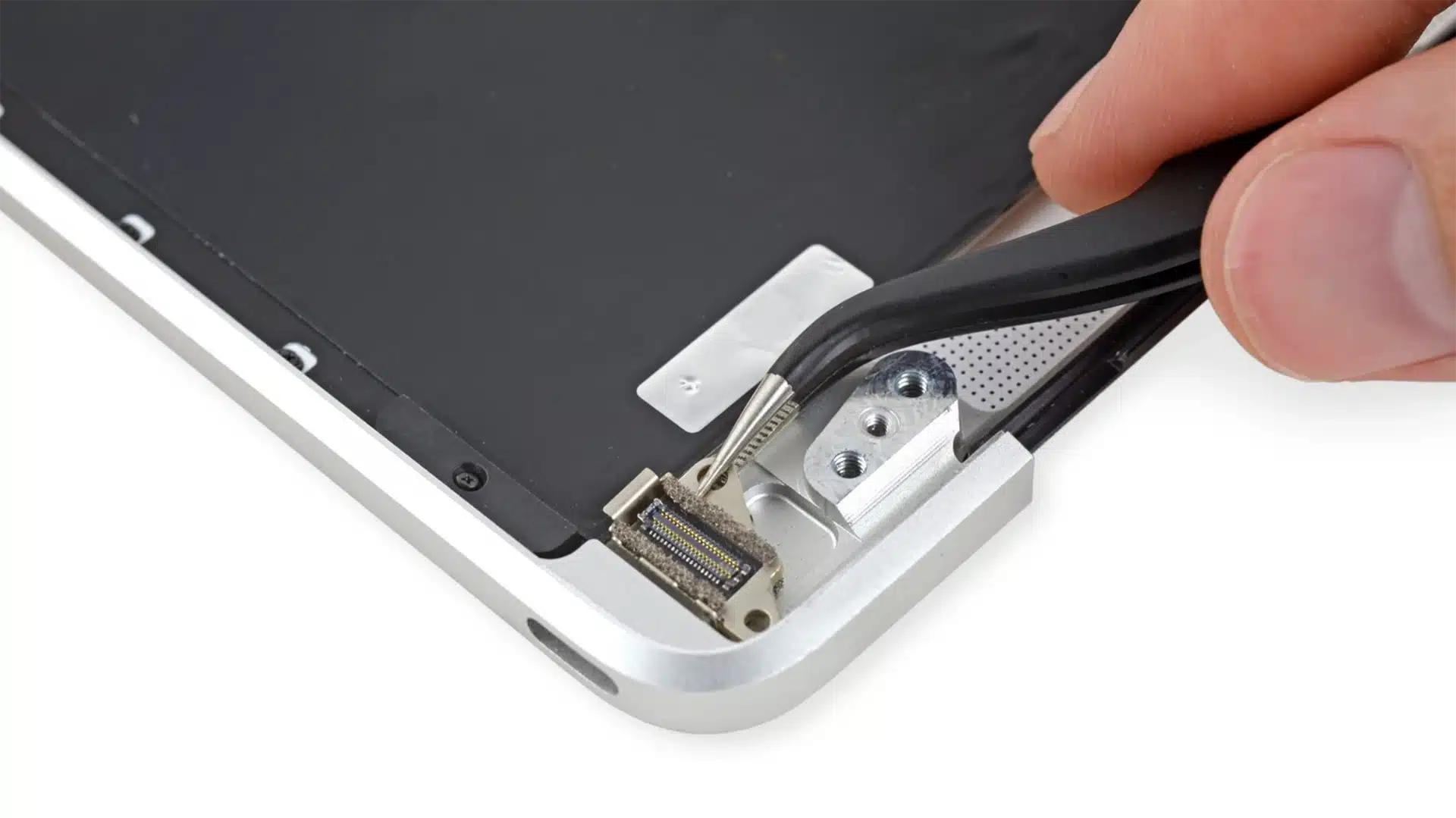
Faulty laptop charging port

How Our Laptop Repair Works

A straightforward process, explained upfront.

STEP 1
Bring It In or Call Us

Visit our Clayfield workshop or call us to discuss the issue. We’ll perform a quick initial assessment, ask a few questions, and check your device in for a professional diagnosis.

STEP 2
Diagnosis & Approval

Our technician pinpoints the exact issue and explain the repair options and costs clearly. If specific parts are required, we source them immediately. No work starts, and no costs are incurred, until you approve the quote and timeframe.

STEP 3
Repair & Collection

Once approved, we complete the repair with precision. If parts were ordered, we typically finish the job the same or next day they arrive. Every laptop is stress-tested for quality before we notify you it’s ready for pickup.

Note on Same-Day Service: We offer priority repairs based on current workload and parts. If you need it done today, please mention it when you arrive so we can check if same-day service is realistic for your specific device.

Prefer an Online Quote?

For simple laptop repairs, we can provide a clear quote based on the details you submit.

For more complex problems or personalised laptop support, it’s best to bring your device in.

2/890 Sandgate Road, Clayfield

07 3857 6875

0403 100 701

service@fixmylaptop.com.au

Fix-My-Laptop-Logo-Ftr

service@fixmylaptop.com.au

(07) 3857 6875

0403 100 701

2/890 Sandgate Road, Clayfield

BUSINESS HOURS

Monday10:00 AM — 6:00 PM
Tuesday8:00 AM — 4:00 PM
Wednesday10:00 AM — 6:00 PM
Thursday8:00 AM — 4:00 PM
Friday10:00 AM — 2:00 PM
Saturday10:00 AM — 2:00 PM
SundayClosed

Updated hours are always available on Google Maps
We reserve the right to open later and close earlier

JOIN OUR NEWSLETTER

Be the first one to know of our Tech Savvy tips and exclusive offers!

© 2026 Fix My Laptop Brisbane

Terms and Conditions

Privacy Policy

Facebook X Linkedin
Scroll to top
  • Laptop Repair
    • Screen Replacement
    • Battery Replacement
    • Charging Port Repair
    • Keyboard Replacement
    • Laptop Hinges Repair
    • Liquid Damage Repair
  • Computer Repair
    • Hardware Repair
    • Windows Repair
    • Virus & Malware Removal
  • Computers & Accessories
    • Refurbished Computers
    • Laptop Chargers
    • Storage Devices
  • Computer Upgrades
    • SSD Upgrade
    • RAM Upgrade
    • Mesh Wi-Fi Systems
  • Data & Backup
    • Backup Solutions
    • Data Recovery Brisbane
    • Cloud Backup
    • Data Transfer & Setup
  • Business IT Solutions
    • Manage IT Support
    • On-site Support
    • Remote Support
    • Emergency Support
  • Blog
  • Request a Quote