
Skip to content
Fix My Laptop Logo
Request a Quote Visit Workshop
Call Technician
  • Laptop RepairExpand
    • Screen Replacement
    • Battery Replacement
    • Charging Port Repair
    • Keyboard Replacement
    • Laptop Hinges Repair
    • Liquid Damage Repair
  • Computer RepairExpand
    • Hardware Repair
    • Windows Repair
    • Virus & Malware Removal
  • Computers & AccessoriesExpand
    • Refurbished Computers
    • Laptop Chargers
    • Storage Devices
  • Computer UpgradesExpand
    • SSD Upgrade
    • RAM Upgrade
    • Mesh Wi-Fi Systems
  • Data & BackupExpand
    • Data Recovery
    • Backup Solutions
    • Cloud Backup
    • Data Transfer & Setup
  • Business IT SolutionsExpand
    • Manage IT Support
    • On-Site IT Support
    • Remote IT Support
    • Emergency IT Support
  • Blog
Fix My Laptop Logo
Visit Workshop
Call Technician

Seamless Multitasking and Improved System Speed

It is incredibly annoying when your computer freezes or stutters every time you open a new browser tab or application. Specifically, insufficient memory is often the primary reason your system feels sluggish during your daily work. Sergey provides professional RAM upgrades in our Clayfield workshop to ensure your laptop or desktop can handle your workload with ease.

Visit Workshop
Call Technician
RAM Upgrade for desktops and laptops

Expert Screen Repairs Without the Long Wait

Many people try to install RAM themselves, using mismatched speeds or voltages can lead to frequent system crashes and blue screen errors. Specifically, Sergey personally selects and tests every memory module to ensure it is perfectly compatible with your existing hardware.

With over 10 years of experience, he identifies the most cost-effective memory configuration for your specific needs. Ultimately, we provide a professional service in our Clayfield workshop that guarantees a stable and high-performance result for your laptop or desktop.

Sergey, lead technician at Fix My Laptop Clayfield workshop, Brisbane.
Blog - Windows loading slowly

How to Tell if You Need More RAM

  • Slow Multitasking
  • Delayed Typing
  • Frequent Freezing
  • Blue Screen Errors

Ultimately, if your computer slows down as your workday progresses, a RAM upgrade is likely the best solution.

Benefits of Upgrading Your RAM

  • Faster switching between multiple open applications
  • Improved stability when running memory-heavy programs
  • Smoother web browsing with many active tabs
  • Enhanced performance for creative tasks and light gaming

We provide expert Data Transfer and Setup to move your files safely from your old machine.
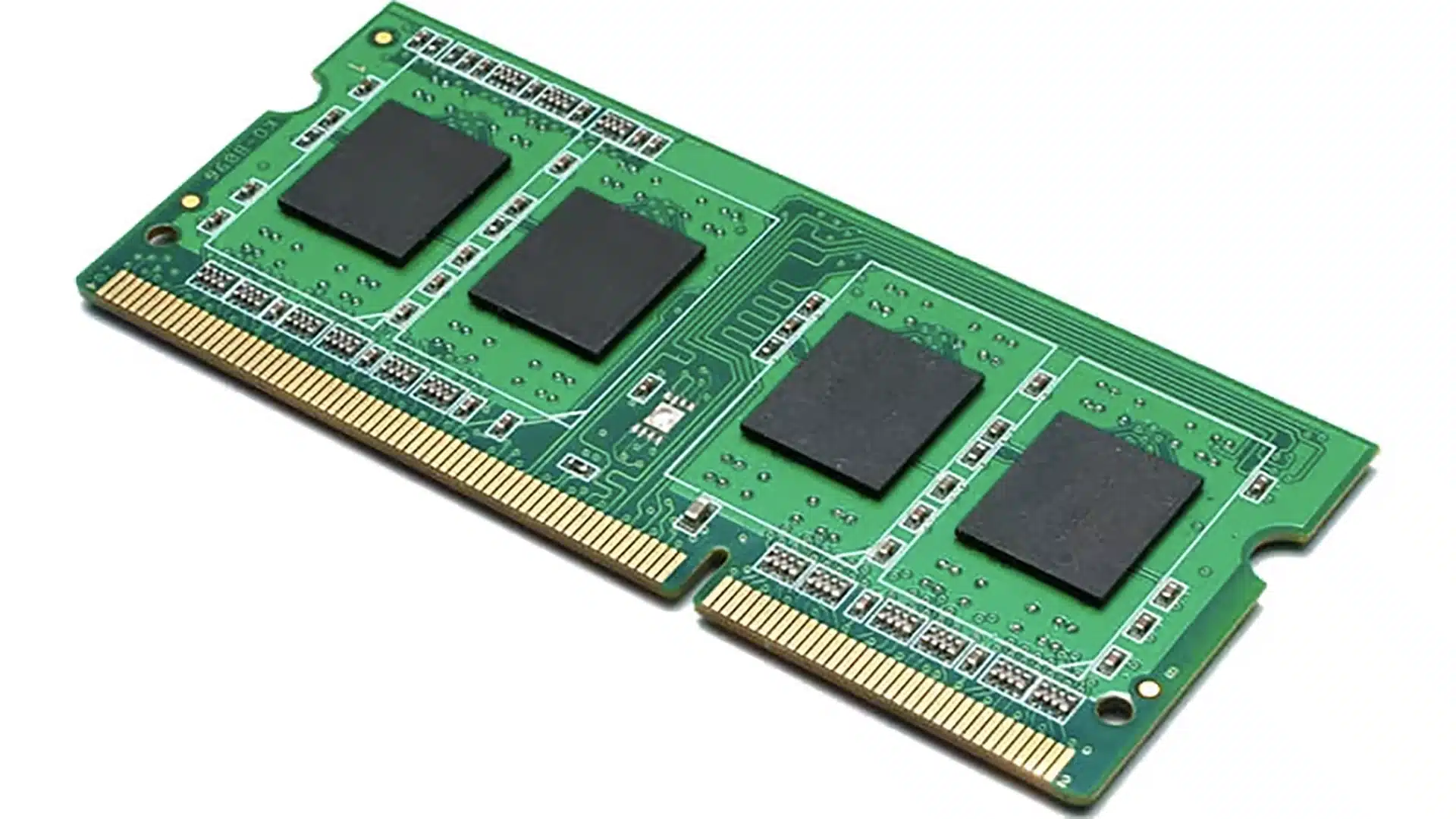
Computer RAM

Our Professional RAM Upgrade Process

A straightforward process, explained upfront.

STEP 1
Bring It In or Call Us

Visit our Clayfield workshop or call us to discuss your performance issues. Sergey performs a quick initial assessment to check your current memory usage and determine the maximum capacity your specific motherboard can support.

STEP 2
Diagnosis & Approval

We identify the exact type of RAM required for your machine and explain the costs clearly. Because we prioritize compatibility, no work starts and no costs are incurred until you approve the quote and the specific hardware selected for the upgrade.

STEP 3
Repair & Collection

Sergey installs the new memory modules and performs a comprehensive hardware stress test to ensure total stability. We verify the performance gains before we notify you it is ready for pickup, giving you a significantly more responsive computer.

Note on Same-Day Service: We offer priority repairs based on current workload and parts. If you need it done today, please mention it when you arrive so we can check if same-day service is realistic for your specific device.

Prefer an Online Quote?

For simple laptop repairs, we can provide a clear quote based on the details you submit.

For more complex problems or personalised laptop support, it’s best to bring your device in.

2/890 Sandgate Road, Clayfield

07 3857 6875

0403 100 701

service@fixmylaptop.com.au

Fix-My-Laptop-Logo-Ftr

service@fixmylaptop.com.au

(07) 3857 6875

0403 100 701

2/890 Sandgate Road, Clayfield

BUSINESS HOURS

Monday10:00 AM — 6:00 PM
Tuesday8:00 AM — 4:00 PM
Wednesday10:00 AM — 6:00 PM
Thursday8:00 AM — 4:00 PM
Friday10:00 AM — 2:00 PM
Saturday10:00 AM — 2:00 PM
SundayClosed

Updated hours are always available on Google Maps
We reserve the right to open later and close earlier

JOIN OUR NEWSLETTER

Be the first one to know of our Tech Savvy tips and exclusive offers!

© 2026 Fix My Laptop Brisbane

Terms and Conditions

Privacy Policy

Facebook X Linkedin
Scroll to top
  • Laptop Repair
    • Screen Replacement
    • Battery Replacement
    • Charging Port Repair
    • Keyboard Replacement
    • Laptop Hinges Repair
    • Liquid Damage Repair
  • Computer Repair
    • Hardware Repair
    • Windows Repair
    • Virus & Malware Removal
  • Computers & Accessories
    • Refurbished Computers
    • Laptop Chargers
    • Storage Devices
  • Computer Upgrades
    • SSD Upgrade
    • RAM Upgrade
    • Mesh Wi-Fi Systems
  • Data & Backup
    • Backup Solutions
    • Data Recovery Brisbane
    • Cloud Backup
    • Data Transfer & Setup
  • Business IT Solutions
    • Manage IT Support
    • On-site Support
    • Remote Support
    • Emergency Support
  • Blog
  • Request a Quote